
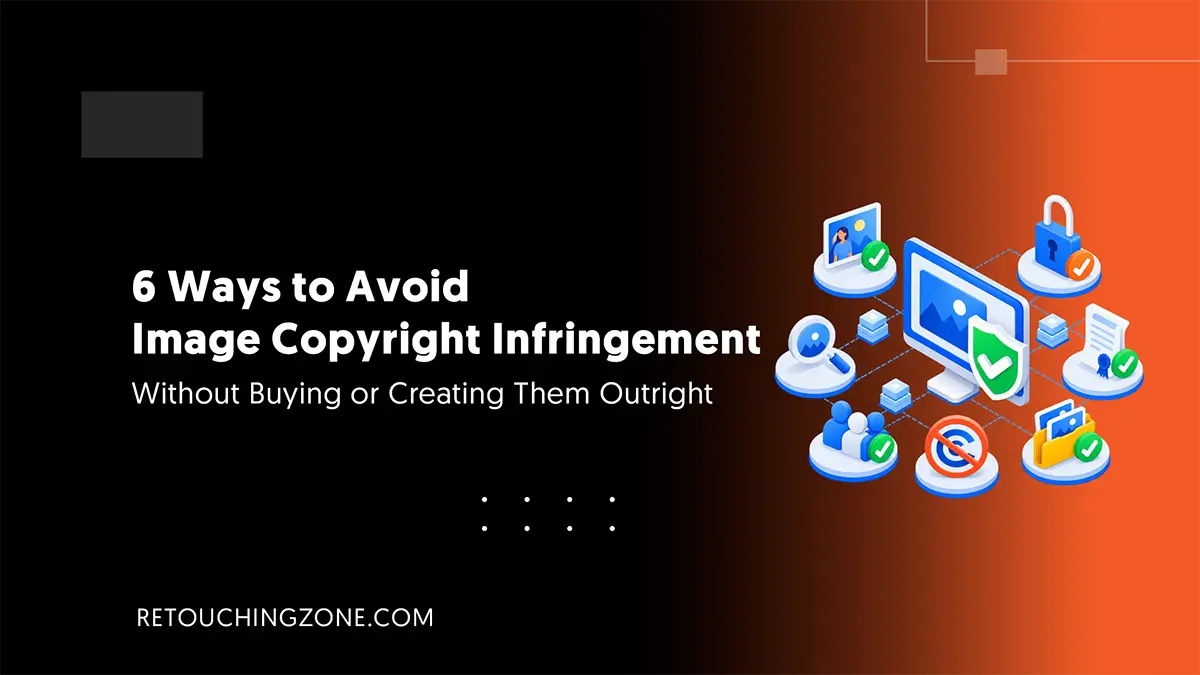
When you rely heavily on the internet for visuals to promote your products, there is often a concern that someone might make claims in the images. You desperately search for effective ways to avoid image copyright infringement for good.
It’s not a matter of a few photos; you can close the whole deal with just a few tens of dollars. This is a matter of a large volume of photo assets for your long-term marketing that’s not going to stop after a couple of years.
Plus, making them from scratch is not an easy task at all.
Stay in touch with this listicle of ours. It’s going to move forward by keeping your situation in check. We’ve brought together 6 proven ways to stay away from copyrighted images.
1. Do a Reverse Image Search with Google Lens
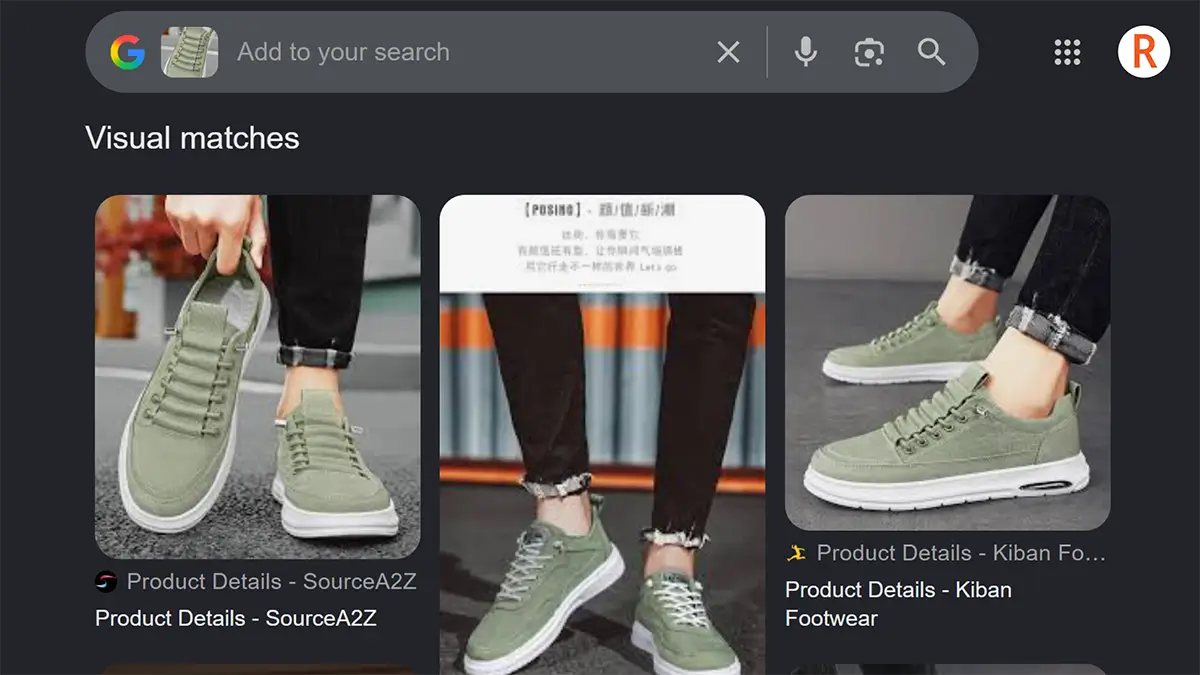
There is no other process as efficient as reverse-image search to find the original source and ownership of any image on the internet. There are several tools out there for you to try, but Google Lens is the most undisputed among them.
All you need to do is –
- Go to Google Images and click on the camera icon in the search bar
- Upload your image file (you can also paste the URL link of the image directly here)
And, from here, Google Lens does the rest. You’ll find all the details on how many places your photo has been used by whom in the list. From this, you can decide which ones to keep and which ones to leave behind.
Pro tip: If you want a dedicated reverse image search tool built specifically for tracking image origin and usage across the web, reversely.ai is another solid option to run alongside Google Lens.
2. Get the Images by Using Google’s Usage Rights Tools
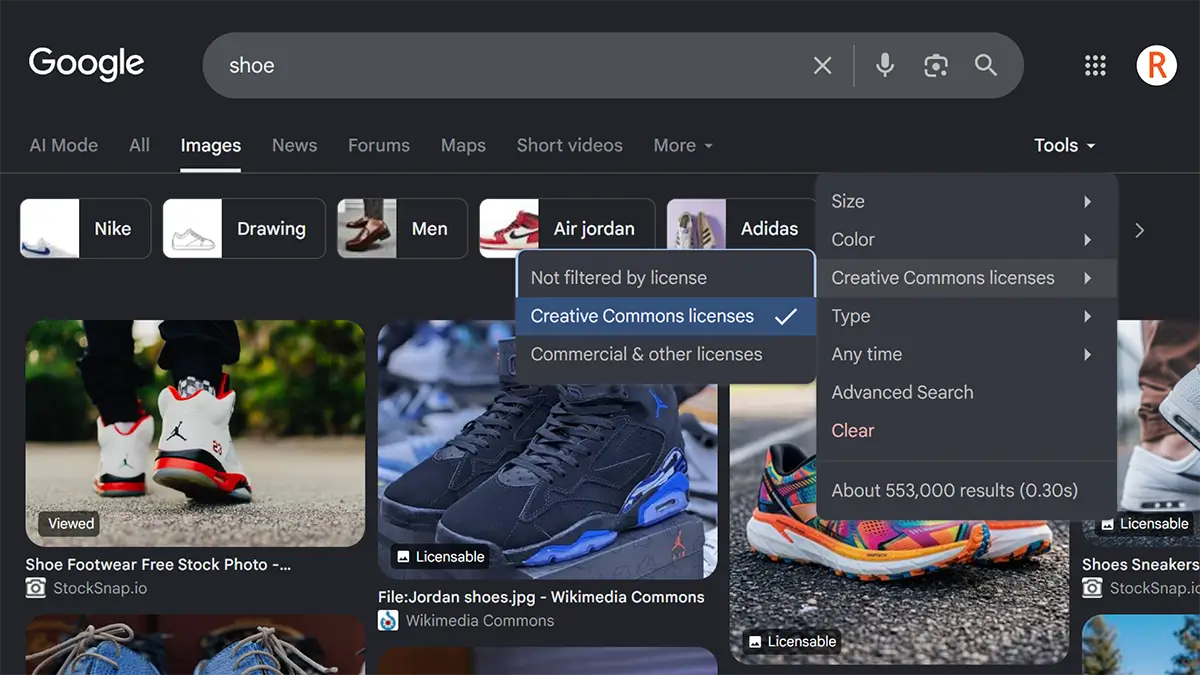
At the top right of the Google homepage, click on ‘Images’ next to ‘Gmail’, and then keep up with the following steps –
Type the relevant keywords for the image you want and tap Enter.
Click on ‘Tools’ from the menus below the search box.
From the options under it, go to ‘Usage Rights’, which will show you three types of license options –
- Not Filtered by License
- Creative Commons Licenses
- Commercial and other Licenses
You will initially see the tick mark beside ‘Not Filtered by Licenses’. Apart from this option, choose any of the other two. By doing this will get a large number of images among which you can download any and use it for your needs.
3. Prioritize Royalty-Free Images of Public Domain Sites
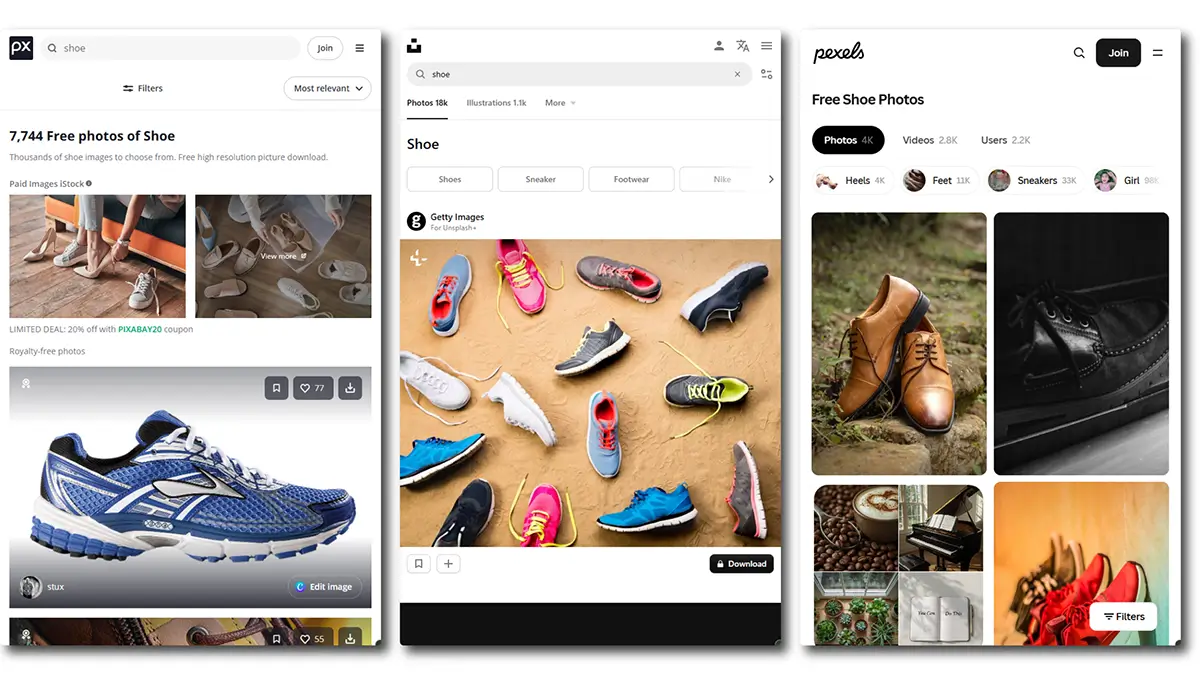
The best sources for collecting images for commercial use are these public domain websites. You must have heard of Pixabay, Unsplash, and Pixeles, which have premium categories as well as royalty-free.
They also contain some images that have restrictions on commercial use. How can you be sure about these types of images?
Click on the images to go to the image’s own page. There you will see some EXIF data next to the image. This EXIF data actually contains those terms about what you can do with the picture and what you can’t.
4. Take a Closer Look at the Terms of Public Domain Sites
You shouldn’t stop at checking out just EXIF data. Getting a Fair Use, Creative Commons Zero (CC0) label doesn’t mean the images are above all else. You can also go deeper by delving into the terms and conditions pages of the sites.
There you will see legal clauses that do not allow you to freely use all images with the Fair Use tag, except for a few. You have to take the hassle of going the extra mile if you want to avoid image copyright infringement.
5. Ask for Permission to Use the Image
If it’s a lifestyle photo, get permission from the photographer who took it, or if it’s an image that relies on graphic elements, from the company that designed it. In this case, they’d like to know how, for how long, and where you will use their image/s.
Here, the issue of using the image for a fixed fee will come up. Eventually, this will lead to a written agreement of sorts, which will save you from any future disputes.
Giving credit is a big part of the deal
Apart from the fee, another thing that plays a big role in granting this permission is appreciation or credit. In some cases, you can bypass the fee by mentioning the copyright holder of the image in the caption of the image in your content.
Many people want to handle crediting simply by mentioning the name or link without any written permission. But it is best to contact the copyright holder before using the image.
6. Give It Light Edits Instead of Direct Use
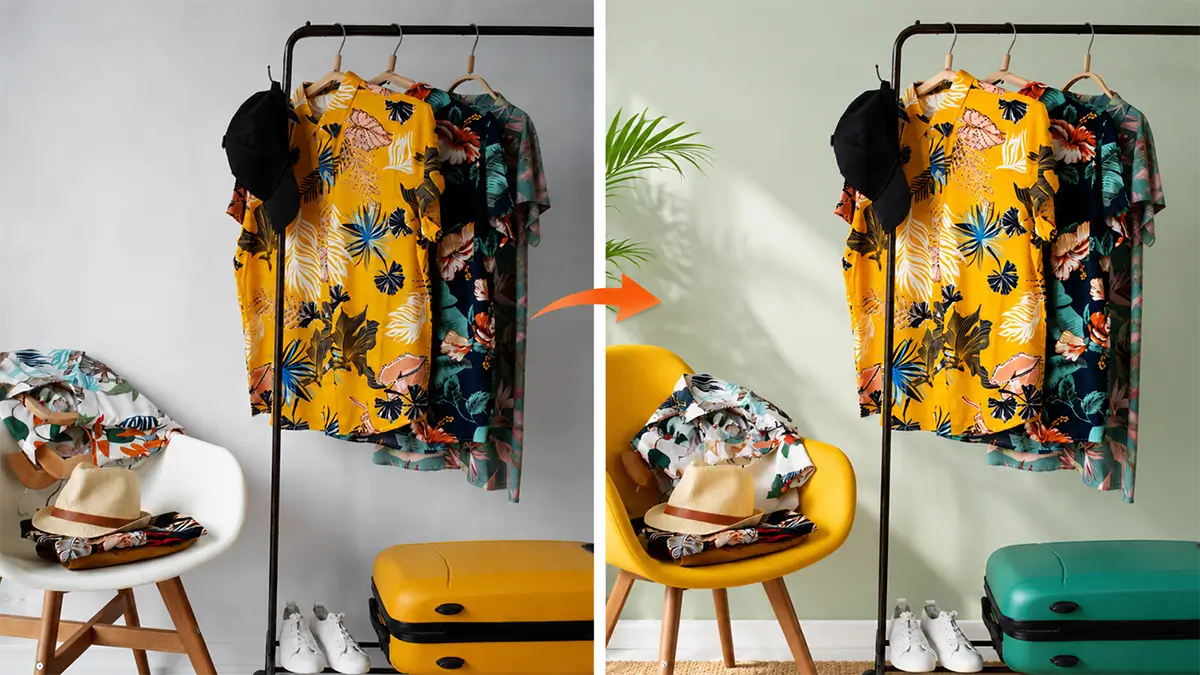
There is no need to overdo it with retouching. You can do some light editing by deleting a few graphic elements or adding a few new ones. The thing is – you don’t have to be an image editing expert to do this.
After all, when you have easy-to-use drag-and-drop tools like Canva or Pixlr at your fingertips.
Still, if you feel overwhelmed by going down this technical path, there are image editing professionals for you. This way, you can get fully upload-ready photos for your ecommerce site without having to worry about them being subject to copyright claims.
Frequently Asked Questions on Ways to Avoid Image Copyright Infringement
1. How do I know if an image is copyrighted or not?
Right-click on your image file and then go to Properties. Then, if you go to Details from the tabs above, you will see the copyright text in the list below. This is where you will find out who owns the original copyright of your image.
2. What does fair use of images mean?
Fair use of images is a policy where there are certain conditions for using an image, which are set by the creator of the image. For example, non-commercial use or use after modification.
3. Can I use Creative Commons Zero images for marketing?
Yes, by all means. Creative Commons Zero means that the creator of the image has given up all rights to the image and made it open to others for all types of use.
4. How to give credit to the original creator of the image?
You can follow these layouts to give credit –
- Courtesy of Christopher Smith
- Image by Christopher Smith [Image source link]
- via [Source link]
- Via [Source link]
5. Does publishing a photo flipped horizontally constitute copyright infringement?
Yes, of course. Publishing the image rotated at any angle, not just horizontally, would also be a copyright infringement. You need to make changes to the colors and graphic elements within the image to avoid copyright issues.
Closure
You need to be careful beforehand when using others’ images. The above ways to avoid image copyright infringement have been explored in every nook and cranny of that caution.
But the best of these is to provide light editing. Here, you don’t have to spend time figuring out which usage rights the image falls into or enter into any agreement with the creator.
And if you turn to professionals, you’ll save more time. The thing is, where will you find these expert image editors?
You are just right where you need to be. Yes, we, Retouching Zone, have been doing this photo editing work for more than a decade.
Do you want to see our quality work for yourself? This free trial is for you. Start your journey with us now and let all your worries of copyright claims end here.