
Showing a product photo from every angle is the most compelling way to keep the audience’s attention focused on it. Trying some of the best free 360 product photography software is what can pave the way for mastering this practice.
In 2026, when the entire eCommerce industry excels by leveraging 360-degree product views, gaining hands-on experience with this technique is of great importance.
That is why we have tested 5 of the best currently trending software for beginners- tools they can use with minimal effort. Keep up with us. You are about to learn some software that serves as the back-end for product spin images in eCommerce stores.
1. Webrotate 360
Software access: https://www.webrotate360.com/pricing.aspx
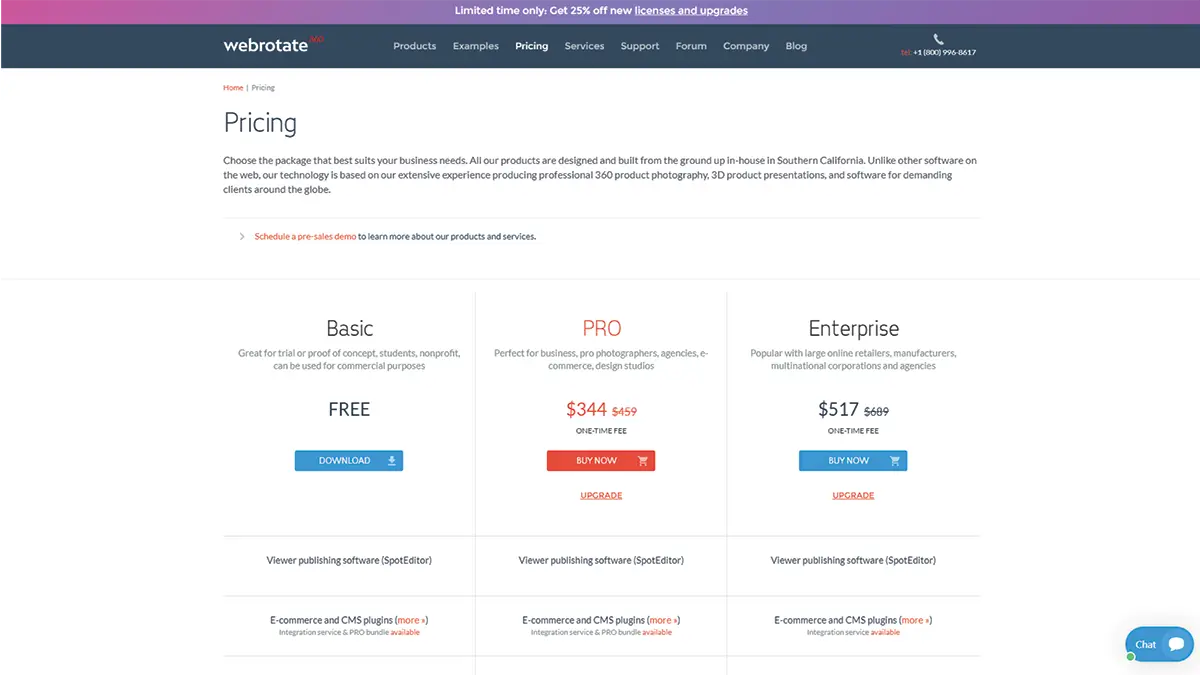
We have placed Webrotate 360 right at the top of our list, and why? You will get it as soon as you see the scope of its free version. Let’s take a look at what you’re getting here without spending a penny:
- Viewer publishing software (SpotEditor)
- Amazon ZIP publishing
- Animated GIF publishing
- Social Sharing
- CMS (Content Management System) + website builder coverage
- WordPress
- Joomla
- Weebly
- Wix
- Squarespace
- Handy CMS plugins
- E-commerce store attachment
- Shopify
- WooCommerce
- BigCommerce
- OpenCart
- Adobe Commerce
- PrestaShop
- Turntable Animator for Blender
- API (Application Programming Interface) connection through JavaScript
- No limit to the number of domains
- You can work on this by connecting up to four hotspots
2. Glo3D 360 Product Photography
Get the App: https://apps.apple.com/us/app/glo3d-360-product-photography/id1498304804?mt=12
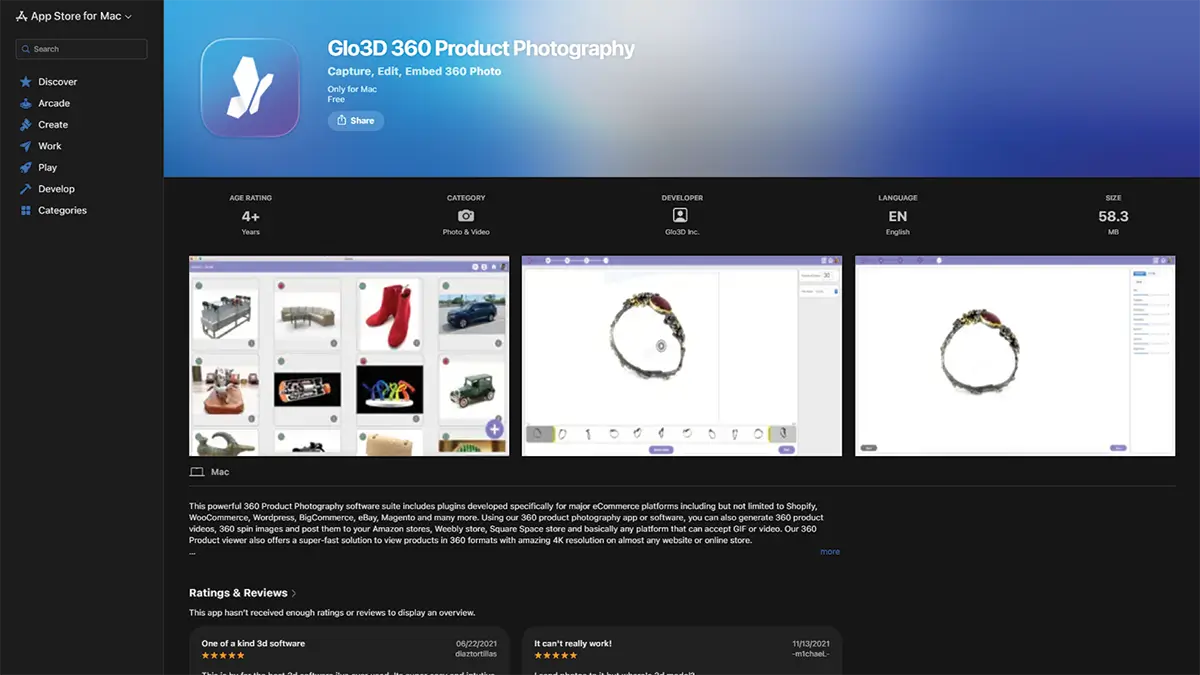
This Apple app from Glo3D, designed exclusively for Mac users, has already gained significant acceptance among eCommerce marketers. You need to keep in mind that it can run on macOS 10.13.2 and later versions.
This is an end-to-end solution with which you can take shots of any type of product, edit them, and finally, embed 360-degree spin images. Here is what you get after downloading:
- Plugins for major eCommerce platforms like Amazon, Shopify, WooCommerce, WordPress, BigCommerce, eBay, and Magento
- 360 product spin image and video generation
- 360 product visuals publishing to any platform that can support video or GIF
- 360 Product viewer in 360 formats with 4K resolution on any website or online store
3. Sirv 360
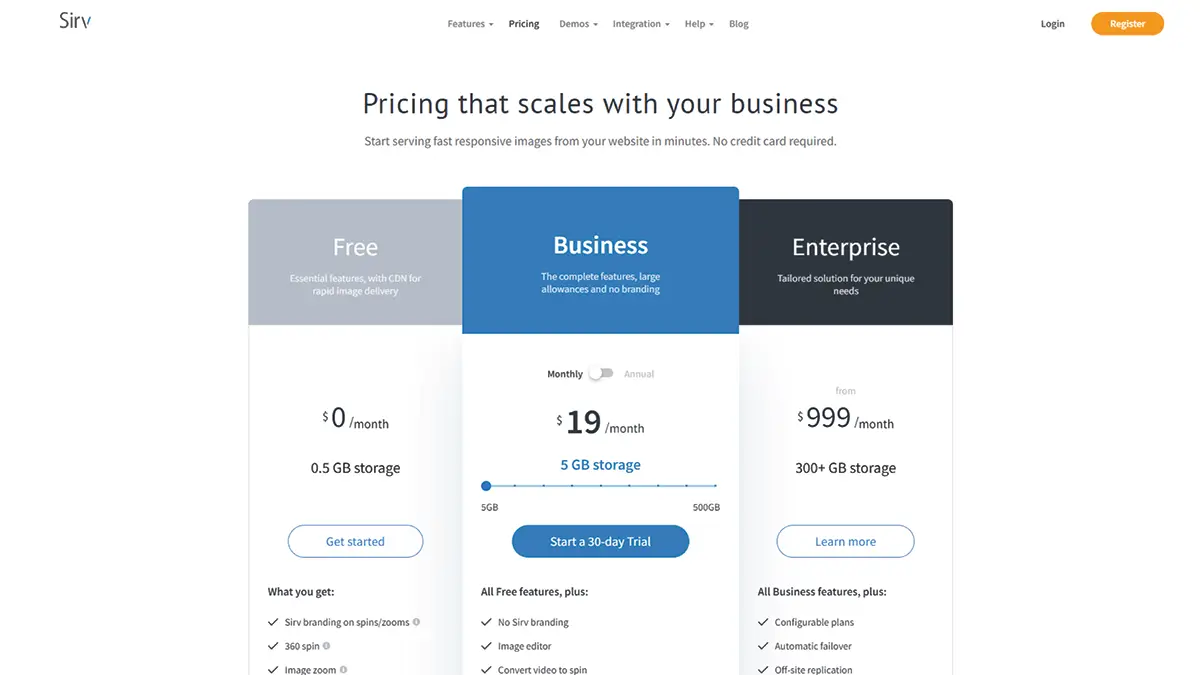
Software access: https://sirv.com/pricing/
We have included this premium tool in our list of free 360-degree product photography software due to its excellent free plan. More conveniently, Sirv 360 has a 30-day free trial for its business module as well, which is highly appealing to learners.
The features of its free and business modules are as follows:
| Free | Business |
|
|
4. RotaKit
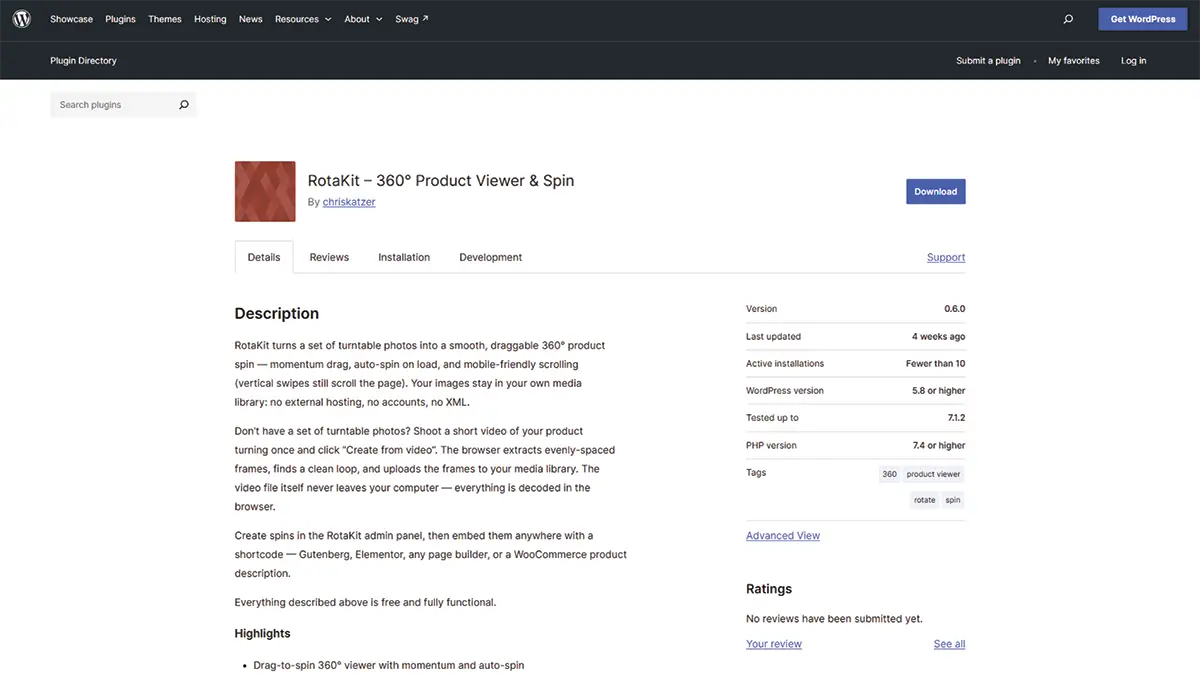
Get the plugin: https://wordpress.org/plugins/rotakit-360-product-viewer/
Essentially a WordPress plugin, RotaKit can give you 360-degree rotatable product images, whether you have turntable photos or not. In the absence of turntable photos, you need to shoot a video of the product where you circle around it once.
The browser extracts evenly spaced frames, identifies a clean loop, and thus creates a spinning image. The benefits you will get from using this free plugin are:
- 360° drag to rotation scope with momentum and auto-spin
- Change the direction of rotation with a single click
- Create a spin directly in the browser from a short turntable video
- The frames go directly to the media library; no need for separate hosting
- The large image size already present in WordPress is used for the spin
- Scrollable via vertical swipe and rotatable via horizontal drag
- Embeddable using easy shortcodes
5. 360 Photo Converter
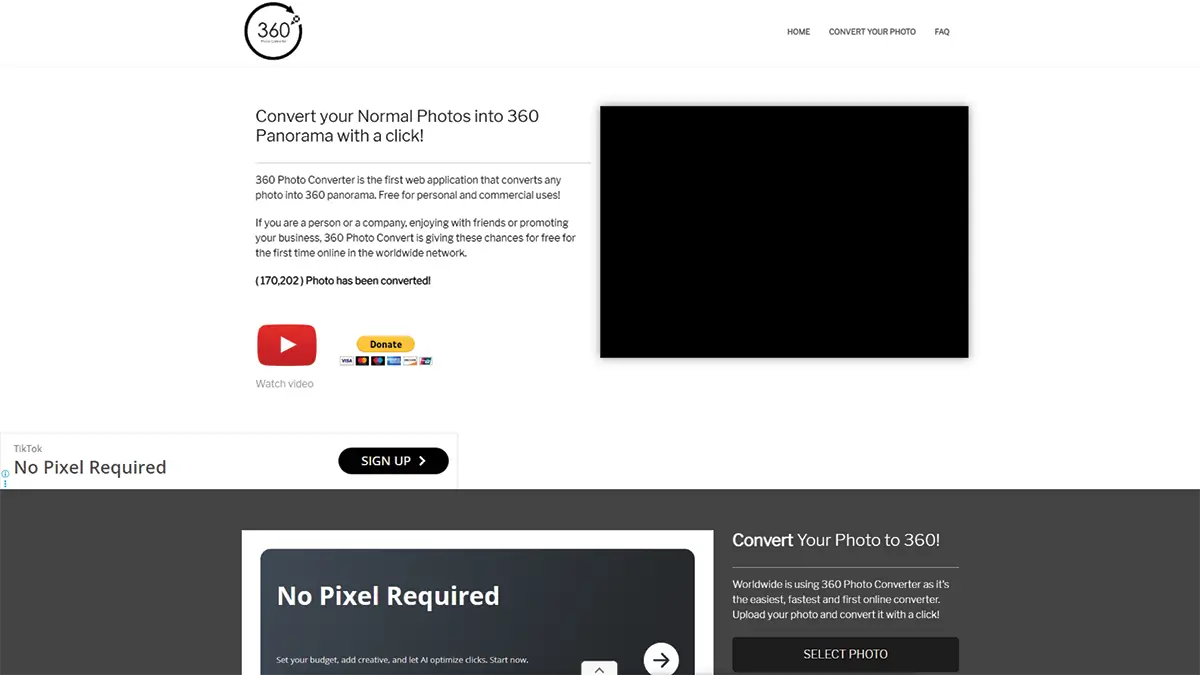
Web tool access: https://360photoconverter.com/
If you want lightweight online software that requires minimal learning, you should definitely turn to 360 Photo Converter. This is the first web application that can turn any image into a full 360-degree panorama with just a single click.
There is no easier way to experience a 360-degree photo spin from an ordinary image. There are no restrictions on the use of this free tool, even for commercial purposes.
Frequently Asked Questions About Free 360 Product Photography Software
1. In which file format does Webrotate 360 export 3600 product images?
After creating 3600 product images in Webrotate 360, you can export them as JPG or PNG files, which are suitable for publishing on any website.
2. What is the maximum resolution at which I can get 360-degree images using Glo3D?
On Glo3D, you get resolutions of up to 16K for 360-degree images.
3. How many locations worldwide does Sirv 360’s CDN use?
The Sirv 360 CDN uses a total of 20 locations worldwide to deliver images from the nearest point in the shortest possible time.
4. How many photos do I need to create a full-spin image with RotaKit?
At the very least, you’ll need two photos for rendering purposes. But since a full spin covers 360 degrees, providing 36 or more photos will result in a smoother rotation. Here, each frame covers 10 degrees.
5. Is there any size limit for uploading photos to 360 Photo Converter?
Yes, there is, and it is 12 MB. For better quality, the width of the photo should be twice its height. For example, if the height is 720 pixels, the width will be 1440 pixels.
Wrap Up
When your learning process is made easier, it establishes a milestone for advancing to a more advanced level. These free 360 product photography software tools lay a solid foundation for making exactly this possible.
You can start with 360 Photo Converter and then gradually move on to Webrotate 360, which will help you understand how these tools relate to eCommerce stores. Give RotaKit a try before moving up to the pro level.
Finally, go toward Glo3D via Sirv 360; you will be able to gain a solid grasp of the entire technique. But the thing is, throughout this entire journey, you’ll find yourself having to handle editing issues ranging from minor ones to deep, complex problems.
When your plan is business-oriented, these edits could create obstacles. In this situation, your best course of action is to turn to professionals.
Retouching Zone is home to those professionals who have been engaged in 360 product photo editing for over a decade. How can you get in touch with them? Grab this free trial and witness their full-spin image editing for yourself.