Knowing how to edit your photos to look like Wolfgang Tillmans’ ones is a way that you can follow what is in trend. Changing things like a peaceful atmosphere, daylight that looks natural, and photos that are not posed are usual traits in his work.
Maybe you already completed your photoshoot, and now you are just waiting for the editing phase, where you add details that carry the signature of your favorite photographer.
In this blog, you will learn the ways of editing, along with some apps plus some AI tools that help you recreate the photography style of Wolfgang Tillmans in your own images.
TL;DR:
- To use Wolfgang Tillmans’ style in your images, you need to avoid shine and smoothness, choose natural, calm lighting and colors, and bring candid feel to the picture.
- Tools that work better for getting Tillmans style photos are Photoshop, mobile apps- Lightroom Mobile and VSCO, and AI tools- Midjourney, Adobe Firefly, and Canva Magic Expand.
Overview: Photo Editing to Bring Out the Wolfgang Tillmans Style
| Things to Focus on When Photo Editing | No smoothness or artificial shine | |
| Plenty of natural light | ||
| Adjust framing and alignment to create a candid, spontaneous feel | ||
| Tools to Recreate the Style | Desktop App | Adobe Photoshop |
| Mobile Apps | VSCO Lightroom Mobile |
|
| AI Tools | Midjourney Adobe Firefly Canva Magic Expand |
|
Who is Wolfgang Tillmans
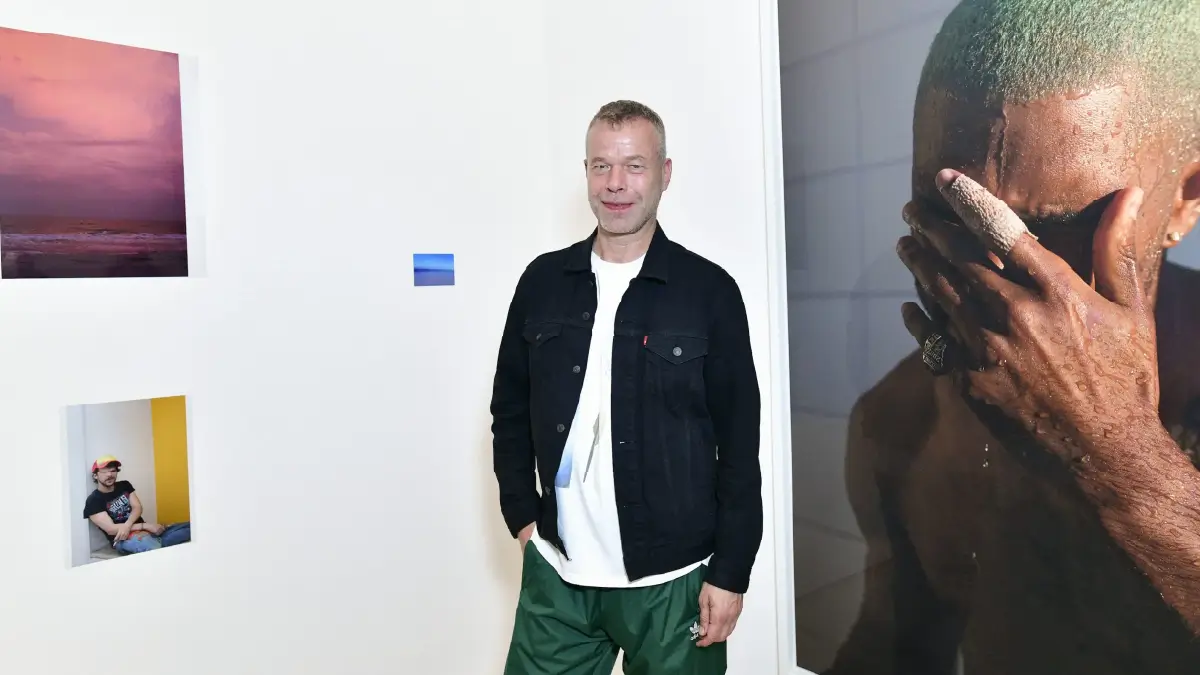
According to Time magazine, the most influential person in the world in 2023 was photographer Wolfgang Tillmans. The German visual artist was the first non-British person, as well as the first photographer, to win the Turner Prize.
Unlike so-called mainstream photography, his work is more focused on his surroundings, where he accurately captures the raw reality of life.
How to edit your photos to look like Wolfgang Tillmans photography
1. Avoid smoothness and shine
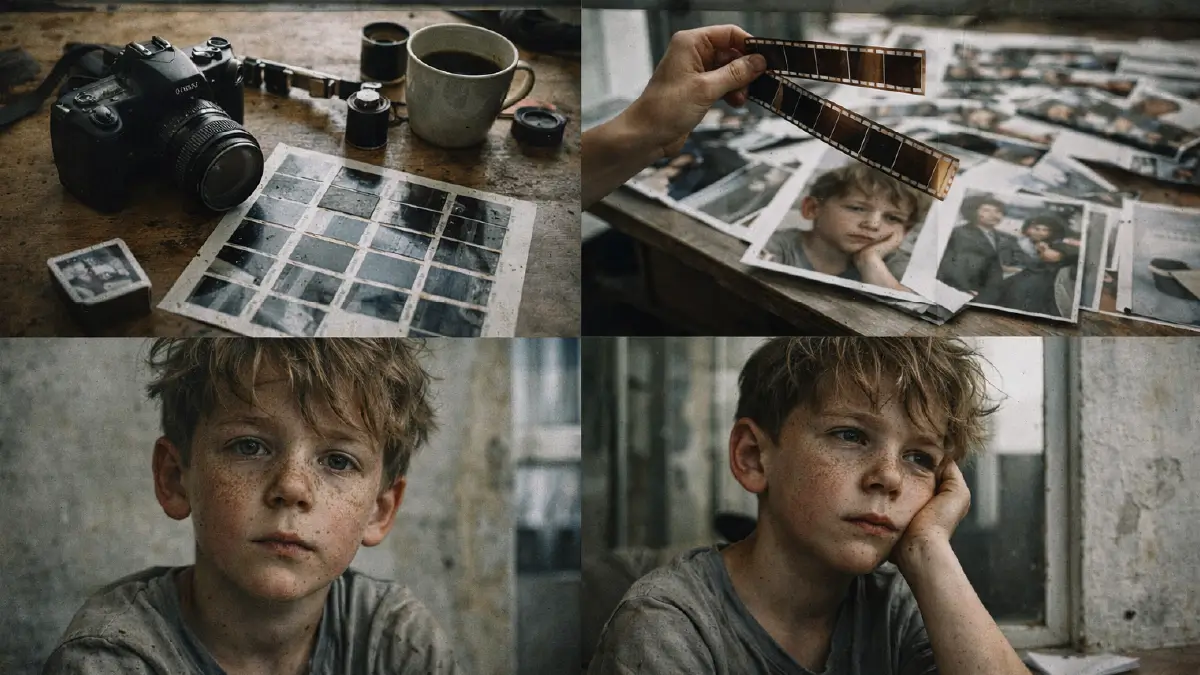
Unlike many other people, Tillmans is reluctant to make the skin of his subjects look smooth! He tries to take care of the small grains that are already there, like sand, which you often see on old celluloid.
Wolfgang’s photography favors authentic reality that is never perfectly shiny, but rather riddled with various flaws. This is easy to do, because you have to leave the things that are blurred as they are. If you have to do something, add a little noise.
2. Plenty of natural light (Give a soft glow at most)

You must have noticed that Tillmans’ pictures are not too busy and warm, they do not increase eye fatigue, they do not glare. They are not black-and-white at all, but you can look at the colorful pictures for a long time.
All this is thanks to the low saturation of the colors and the natural light. Do the same, and you will see some spontaneous glow that makes the whole picture soothing.
3. Modify content and frame alignment to achieve the candid feel

Tillmans fans know that he is quite unorthodox in his photography and editing. He can even go to the extent of defying the traditional grammar of photography to take candid shots.
The subject doesn’t necessarily have to be in the middle of the frame or perfectly straight against the background. You have to keep in mind that Wolfgang had another identity, and that was a documentary photographer.
Give the viewer a sense of wonder that this is a small moment in everyday life, where it’s not like you said – Ready, 3, 2, 1, action.
Tools That Make Your Photos Like Wolfgang Tillmans
Adobe Photoshop
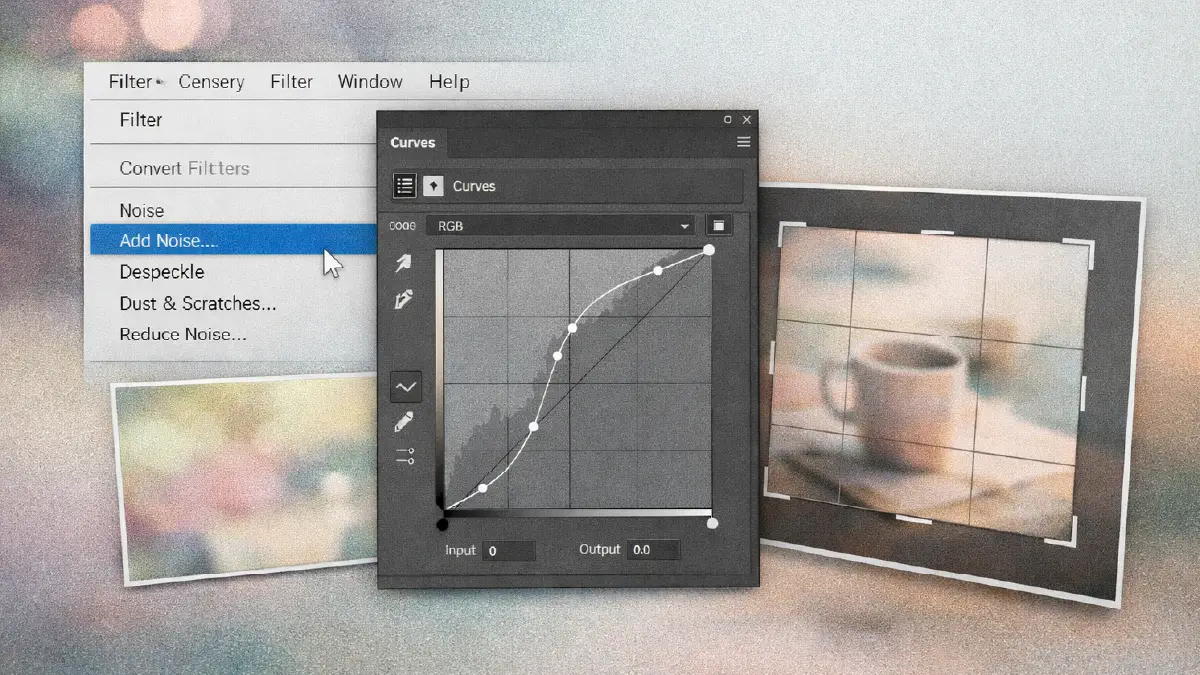
Here’s what you need to get Tillmans’ noisy look, and that’s the “noise” tool, located in the “filters” menu.
Thinking of low-saturation light colors? That’s what “curves” is for, which modulates bright colors into muted ones.
And don’t forget the “crop” tool, which helps you set your photo angle. It allows you to slightly push the content out of focus, which makes it appear as if the shot was taken without referring to it.
Mobile apps
VSCO: Few apps on the market can texture your photos quite like this one. Simply adjust the ‘Grain’ slider here.
Lightroom Mobile: And for ‘calm’ colors, you will immediately get the tool of ‘Saturation’, in this application, which, without losing his originality, reduces the boldness of the colors.
Additionally both apps have very intuitive UXs so you can with your finger add features like crop, rotate etc. to the image and all that in a documentary way.
AI tools
The names of AI photo generators to have artistic editing results are easy enough:
- Midjourney
- Adobe Firefly
- Canva Magic Expand
Input the same prompt as the one above and compare with other AI photo generators. If not as detailed, they usually yield better results.
But add the words “sunlight” and “35mm film grain” to your prompt. You will notice a lot of difference in quality. And if you give it the exact nature of the image’s grain and color, everything is as good as it can be.
This will add detail to the image and not have that classic shine and warmth of the AI created imagery.
Canva Magic Expand is especially great for this, as it takes any retro, candid or documentary look to the next level. This AI tool repositions the focal points in the photos, making you obsess with this comforting interface.
Frequently Asked Questions about Photo Editing Like Wolfgang Tillmans
1. How to use mobile apps to make your photos look more like Wolfgang Tillmans?
This can be done using Lightroom Mobile and VSCO; they’re so simple, you could even edit with your fingers. “Grain” slider on VSCO is good for adding a texture to an image, and “Saturation” lever within Lightroom Mobile will help you manage color.
Both do have their uses — especially for moving, rotating, or cropping various elements in an image relative to the frame.
2. What’s so special about the Wolfgang Tillmans photo?
Even though most of photography aims for utmost sharpness and shine, Wolfgang always favors a wide edge minus a glow. Whereas most commercial photographers will lean toward bright and warm colors, Wolfgang prefers muted natural light.
Where his style is trending is in his determination to capture candid shots. He defies all the rules of photography in order to capture spontaneity, which we don’t find these days.
3. Is there a way to put sand type grain on images using Photoshop?
If you are making this kind of edit, you must select the Filter menu and then click “Noise”. That gives a possibility for putting how much noise you think fits, offering your photo a sand like, grainy style.
4. Is it doable for me to make my images like Wolfgang Tillmans using AI from nothing?
The answer is yes. Still, what you want to do is be very careful with the prompt creation. Unlike one-word inputs, it will need proper language that tells how pale the colors will be, what will be texture and grain in the image. Also, try incorporating words like “sunlight” and “35mm film grain” to increase the results.
5. What do I need to do for making photo appear more candid after it is already taken?
The main way is by shifting where the main thing sits in the photo’s frame, which changes the feeling. This is done through using crop, rotate and move options that all photo editors have. If the major content is not in the centre or a bit blurry, it can make people feel the picture is more spontaneous.
Summing Up
To learn how to edit your photos to look like Wolfgang Tillmans, you should take after his top three special manners: not making the surface too smooth and shiny, applying natural lighting, and taking photos in more candid approaches.
Some advanced editing includes Photoshop, apps for mobile such as Lightroom Mobile or VSCO, and AI powered tools like Canva Magic Expand, Midjourney, and Adobe Firefly.
In case you are able to use these methods from above in the right way, you will reach nearly top-level picture results.