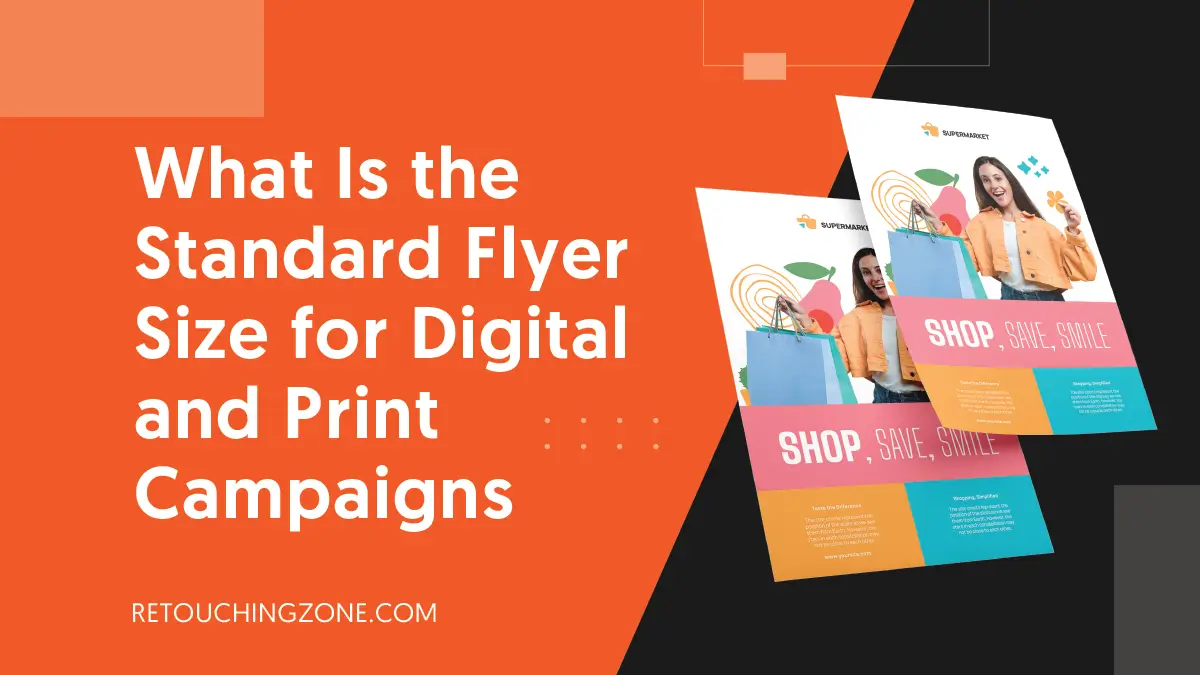
Speaking of the direct approach, there is no single standard flyer size that can rule both the print and screen arenas. Just because a flyer looks great digitally doesn’t mean it won’t fall victim to pixelation when printed; in fact, it does.
And so you have to pay attention to the resolution; certainly not in a careless way. On the other hand, a proper understanding of inches or millimetres sets the stage for you to stay on the right track.
So read on to know about:
- Standard flyer sizes for different situations
- Things to consider for picking the right one
- Importance of designed flyer files in printing
- Designing flyers within the right size
Why the Standard Flyer Size Matters
There are lots of bright sides to knowing a clear size up ahead, especially when you are going to make something from scratch. A standard size is something that you can carry with you as you become proficient.
In practical terms, this ideal quantity allows you to create a flyer template top-to-bottom immediately. Contrastingly, viewers can recognise what it’s kind as soon as they see it and understand how to hold or read it.
Like any other stationery, there are some parameters to set the standard for flyers as well, and here we are going to explore them now.
The Term ‘Standard’ Varies Across Borders
There are two main standards to follow universally:
- The USA or Canada standard
- The global standard for other countries outside of
US Standard
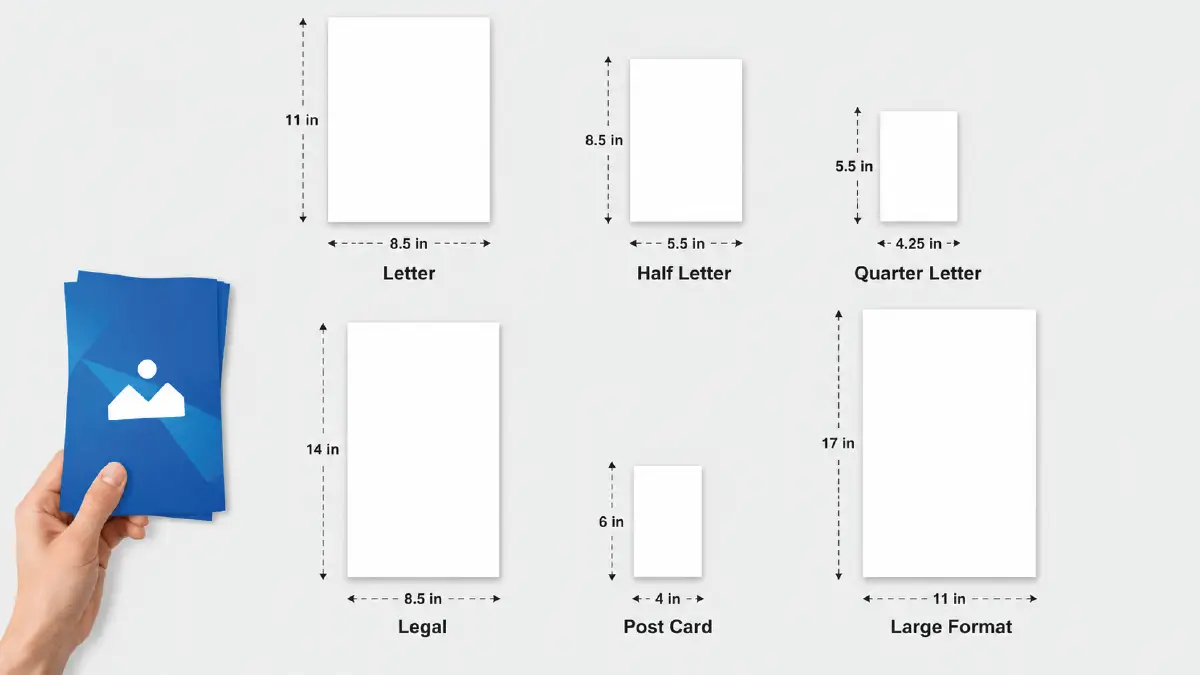
People in the USA and Canada measure flyers typically in inches. This is widely common for home or online printing and local or cross-state print shops. The table below will give you a quick and clear idea about the common usage of the standards:
| Size Title | Physical Dimension (inches) |
| Letter | 8.5 x 11 |
| Half Letter | 5.5 x 8.5 |
| Quarter Letter | 4.25 x 5.5 |
| Legal | 8.5 x 14 |
| Post Card | 4 x 6 |
| Large Format | 11 x 17 |
Global Standard
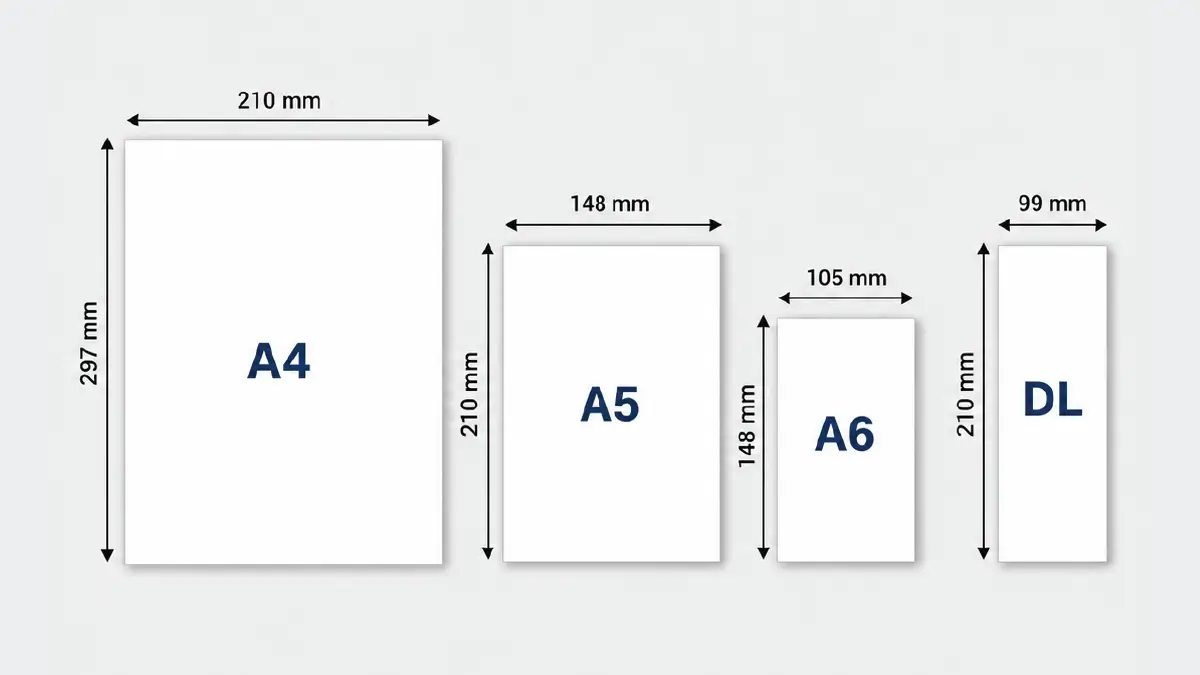
Most of the rest of the world outside Canada and the USA almost customarily use the mm unit for flyers. The following cases are common for citizens of the UK, the European Union, and even Asia:
| Size Title | Physical Dimension (mm) |
| A4 | 210 × 297 |
| A5 | 148 × 210 |
| A6 | 105 × 148 |
| DL | 99 × 210 |
Things to Consider When Choosing the Flyer Size for Print and Digital Media
Users see graphic content differently across devices and social media, and this also applies to online flyers. Similarly, the color, outlook, and text of paper flyers look different to you depending on what purpose they serve.
That’s why you need to choose proper sizes that work well for both, and to do that right, here are some crucial factors you need to take into account:
Which media are you going to post on?
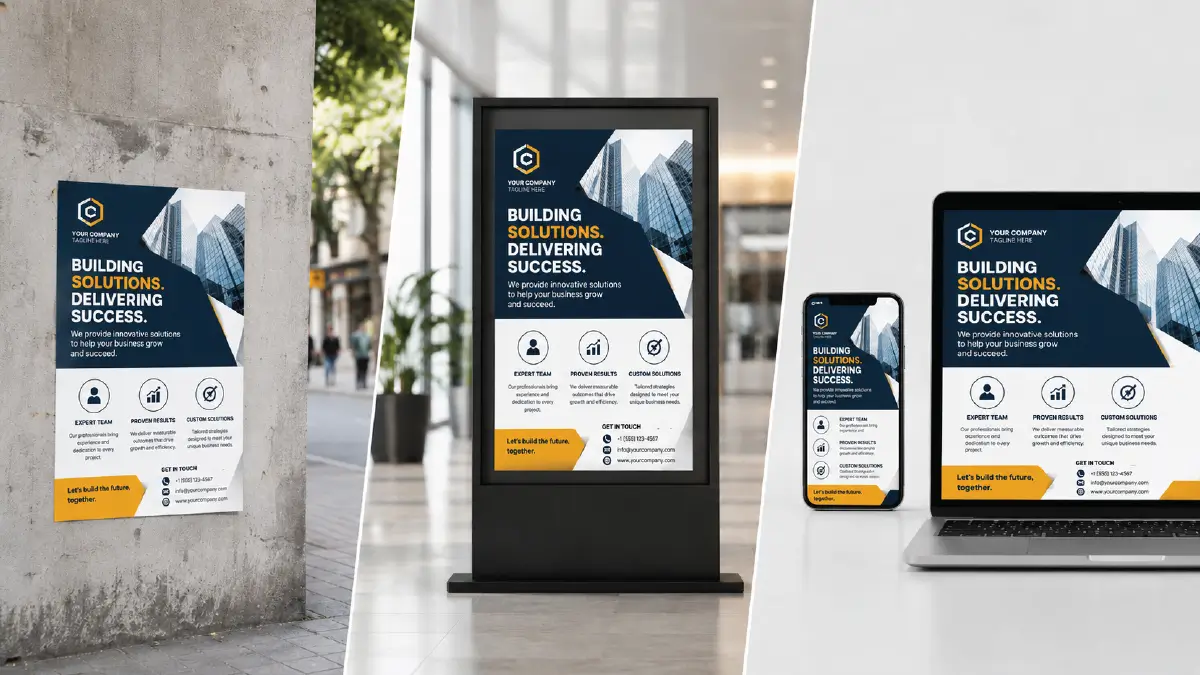
You have already noticed from the above tables that people use different flyers for different purposes. If you pick just one size, it will not look efficient on sidewalk walls and office lobby displays.
Also, you can’t run your direct mail or online campaign with a one-size-fits-all approach; surely it won’t fit. Needless to say, with online flyers you have to pay attention to keep it aligned on both mobile devices and desktops.
How much “quality” does resolution actually guarantee?
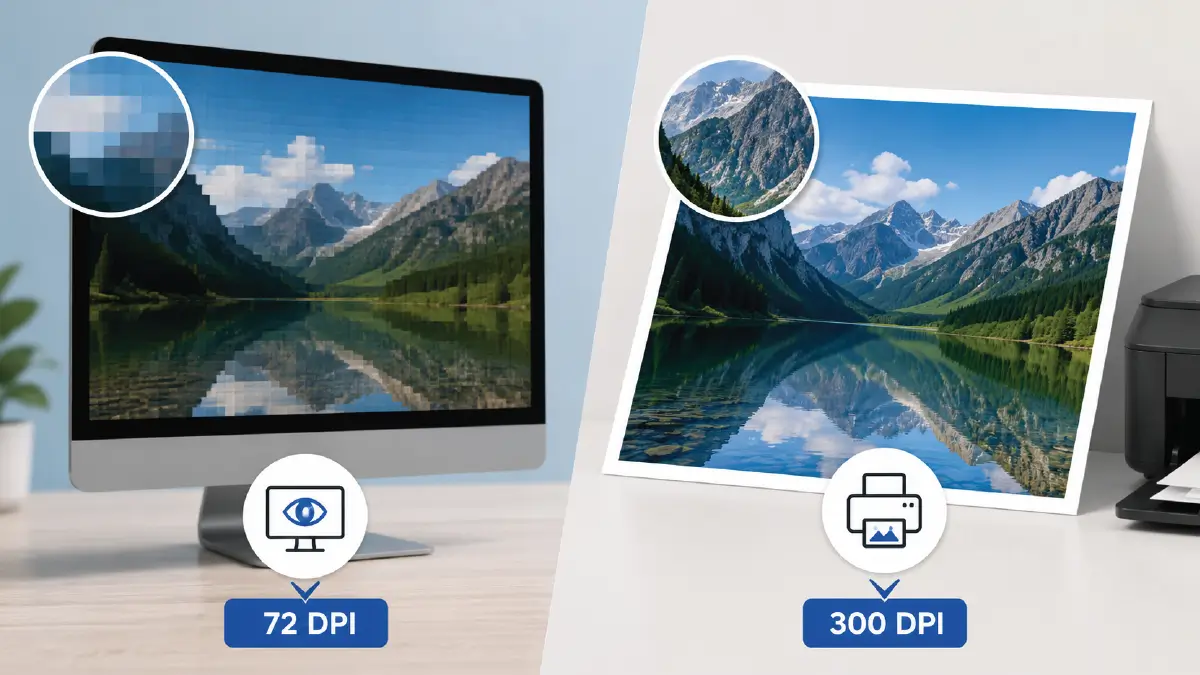
You should really pay attention to dots per inch (DPI); it has a big influence on how good both digital and print efforts look. If you don’t want that annoying pixelation on your flyers when you view them on screen, keep the resolution no less than 72 dpi.
And if you want to achieve the same goal in printing, then at least 300 dpi should be your chosen resolution. If your visitors have even the slightest difficulty understanding the content of your flyers, it can be a major reason for them to turn away immediately.
How big or small is the file size of the flyer image?
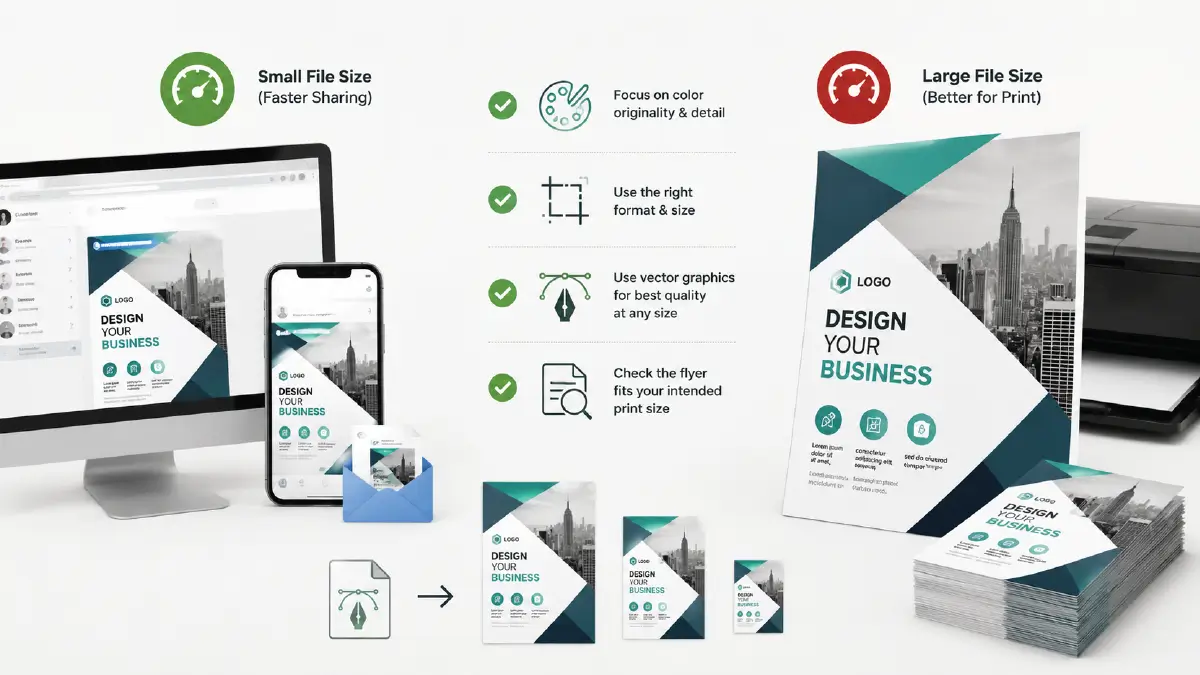
If you wish your flyers can be opened faster on sites, social media, or also through an email, it is always better that the file size remains smaller. Yet, do not forget about the quality because tinier files can sometimes lose image data that is kind of important.
When it comes to print media, you should not be stressed even when your file size goes more than a megabyte. However, you have to keep in mind that a large file does not always mean that the flyer will be perfect in every way and in the correct format.
Where do you need to focus more?
The answer is: The originality and detail of the colors and the format of the flyer.
Check up ahead whether the flyer goes well with the size of the physical document on which you want to post it.
Using vector graphics is an efficient way, as you will get much better quality in a small file size. This method works so well in the case of typography or logos that the text remains amazingly clear regardless of the size of the flyer.
Which kinds are most apt to catch your audience?
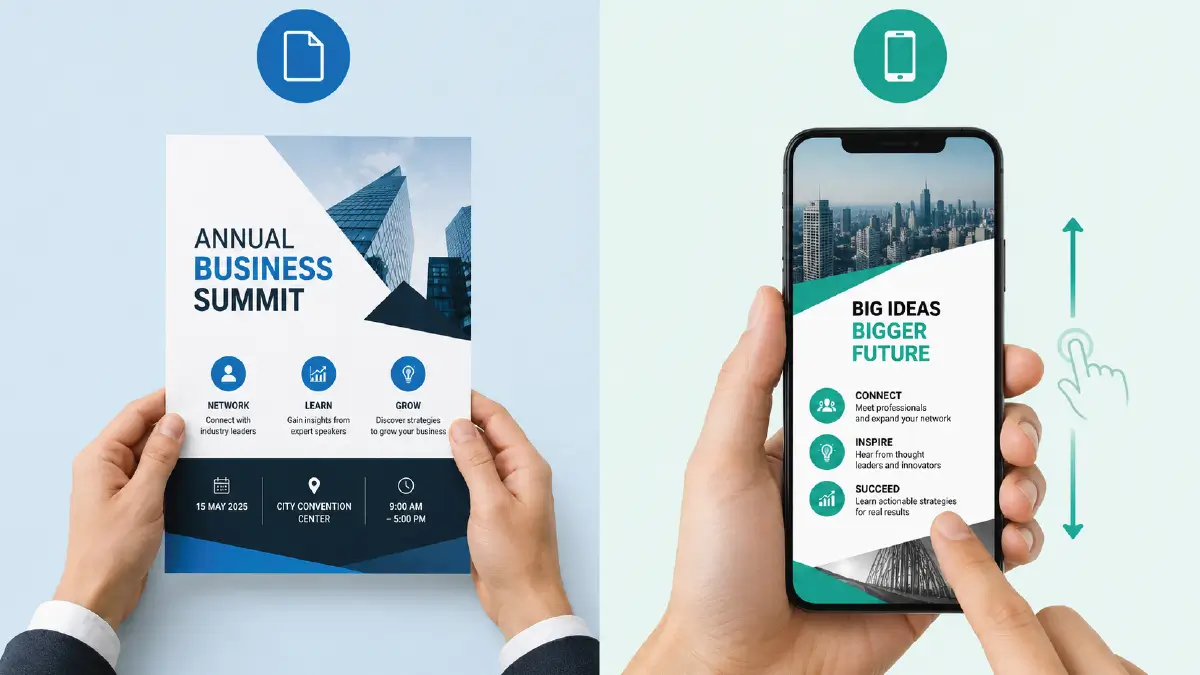
When people arrive or leave social or corporate events, A4 or letter flyers stay in their hands for a pretty long time. You will see the same behavior with shoppers in superstores.
In contrast, short and vertically long flyers work well in online media, as they are quickly scrollable by users. For good reason, here you need to tailor (optimize) your flyers for each digital platform.
How dense is the flyer content?
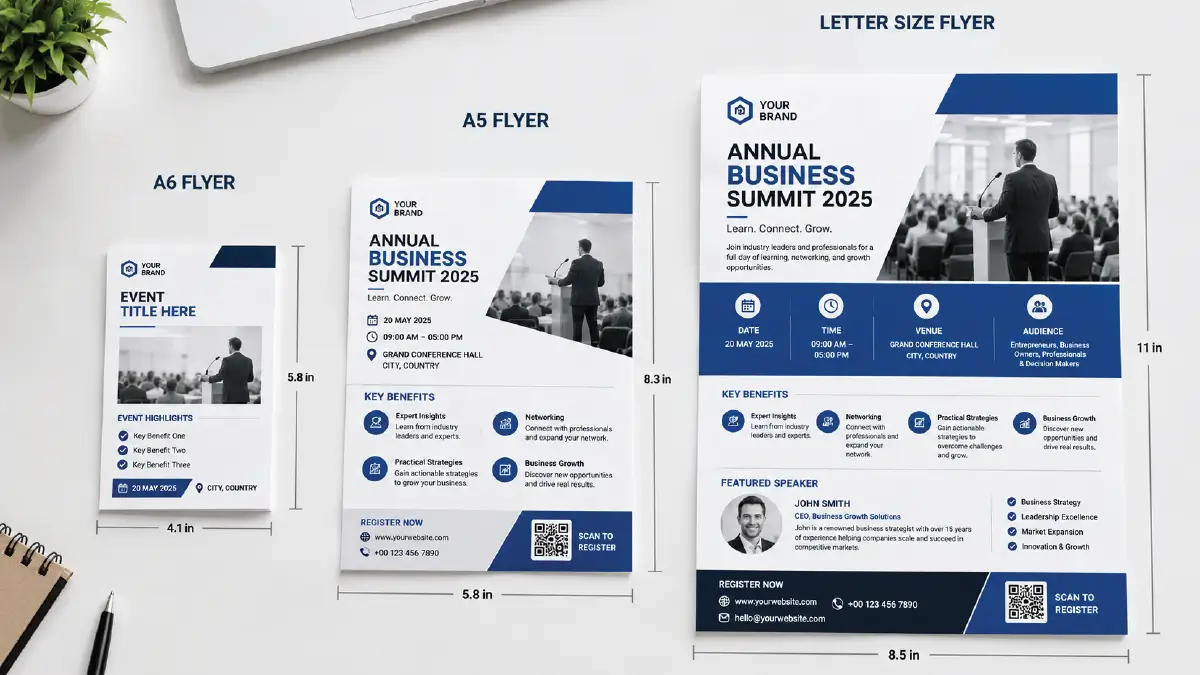
This is a crucial part of your planning, as in some cases you need to leave enough space for a brand logo, slogan, or specific message.
For example, on a flyer for a career-oriented event, the benefits and spokesperson sections can be a bit too much for branding elements.
Naturally, you wouldn’t go for half-letter size for these, right? Rather, a full-letter size flyer can easily qualify for all the text you wish to accommodate inside.
Expert Flyer Design Tips That Fit All Sizes
Cook up a clear structure in your brain and fuel it with the adage- simplicity really is always best. Here are some design tips that will help you, whatever flyer sizes you work on:
One CTA per flyer

Having 5-7 offers at once can be overwhelming as well as distracting for readers. To be honest, people don’t have time to go through every CTA (call to action) even once.
So the best practice is to have only one offer and one CTA for that. These will catch the eye of the audience at first glance and won’t take them long to read.
As few words as possible in big and bold font
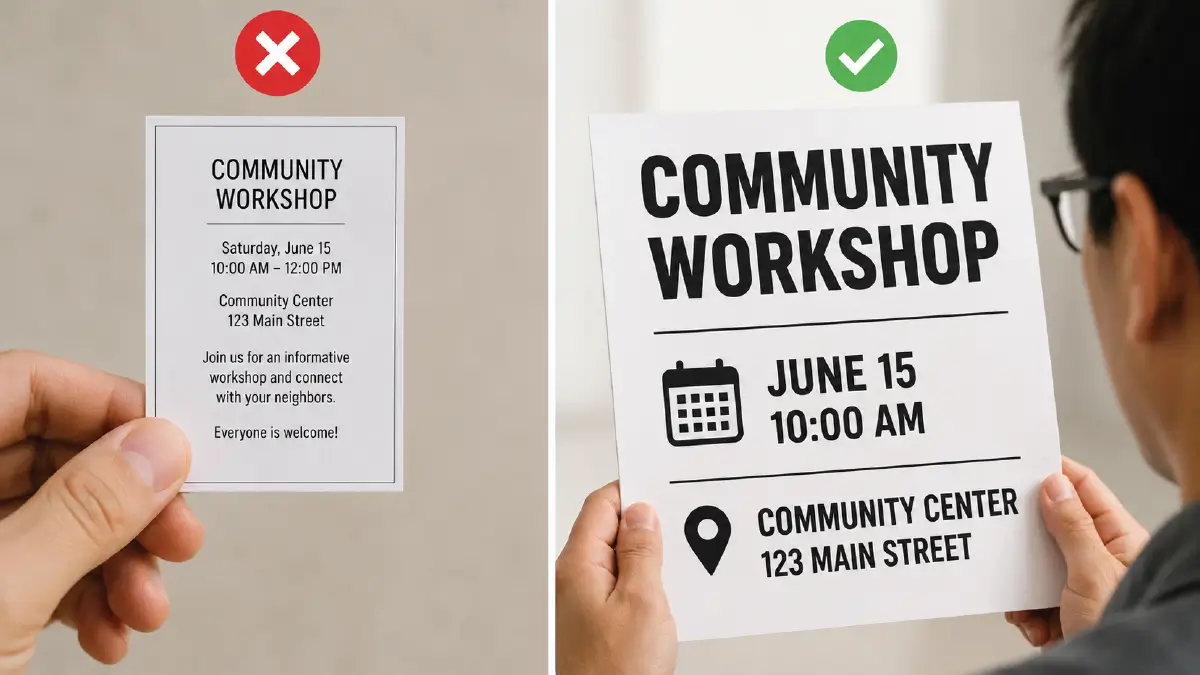
There is a way to magnify the text on the screen by zooming in. But this does not work with paper flyers; rather, even if people hold it very close to their eyes, the small font does not become larger.
So, finish the content in fewer words and keep the fonts of the text big and bold. Especially for A6 or quarter letter sizes, you should not avoid this to-do.
Don’t drown your brand in offers
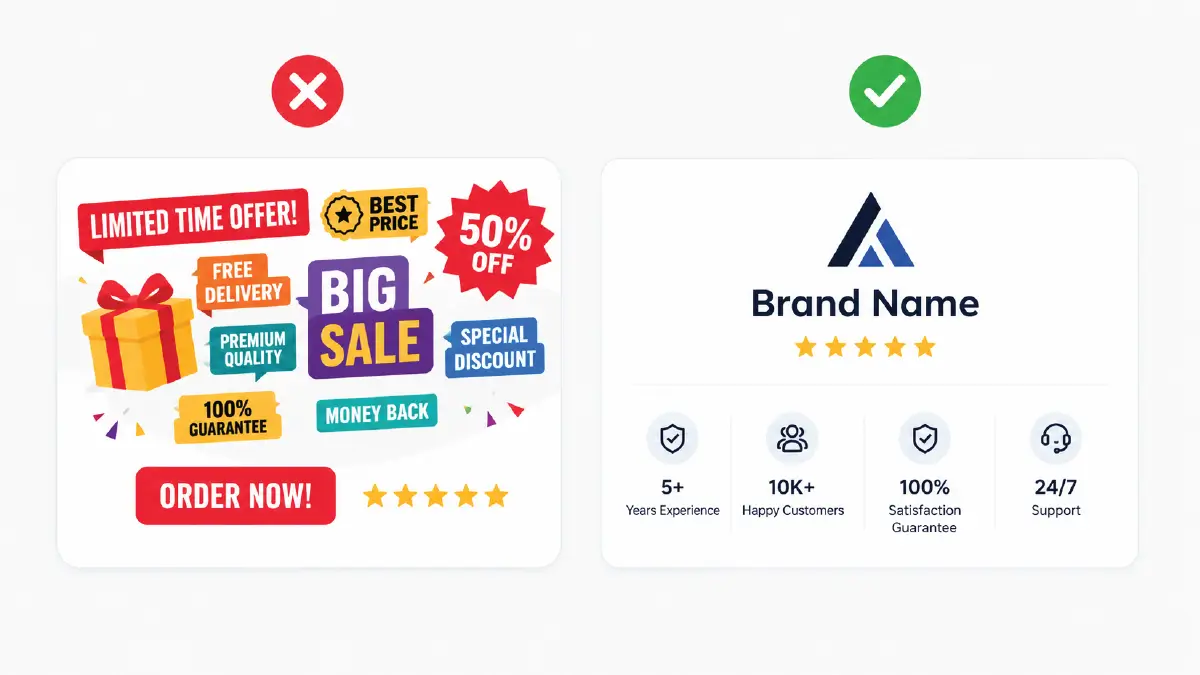
Don’t let the abundance of offers and benefits take away the space for your business logo, name, ratings, experience (years), number of customers, guarantees, etc. The faster people can get familiar, the faster they start to trust.
Internal elements in alignment
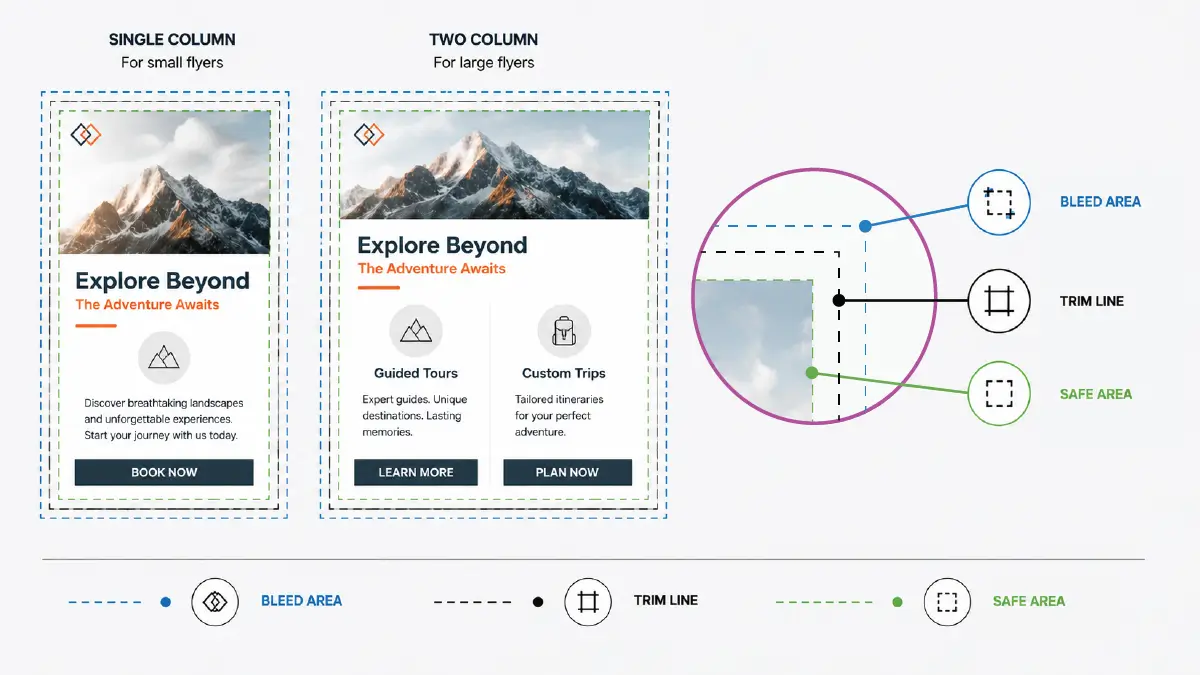
Even the most basic flyer looks premium when the alignment between the graphical elements is right. A very simple and easy-to-follow tip is to have one column for a small flyer, two for a large one.
Keep content away from the trim line: Keep all of your flyer content a safe distance from the trim line, or else important parts may be lost when cutting the flyer.
Draw a bleed area outside the edge: The extra space that extends beyond the trim line along the border of your original design appears white. To prevent this, leave at least 0.125 inches of space outside the edge for either the image or the background.
Keep a safe area inward from the trim line: Keep all text, icons, and images on the flyer 0.125 to 0.25 inches inward from the trim line. This place is called the live or safe area, which has no chance of being cut off when printing the flyer.
Frequently Asked Questions
1. What type of flyer is 4×6 and what are its pixel dimensions on the screen?
4×6 is mainly used as a small flyer or postcard, which usually targets QR codes or typical offers. And the pixel dimension depends on the resolution (DPI). As a sample, with 300 DPI, you get size of 1200 pixels in width and 1800 pixels in length.
2. What should be the minimum pixel dimensions for A4 size flyers to conduct a digital campaign?
In digital media, you can start a campaign with flyers with a minimum resolution of 72 dpi. Accordingly, since the A4 size flyer in inches is 8.3 x 11.7, its pixel dimensions are approximately 595 x 842 pixels.
3. Which size flyer should I choose, A4 or A5?
It really depends on the content of your flyer, its purpose, how you want to display the content, and of course, your budget. A4 size is best for having enough space for your detailed information. Conversely, A5 size flyers will be best for short content and if you plan to deliver it hand-to-hand.
4. What is the standard flyer size in cm?
Standard flyer sizes in the US/Canada:
- Letter: 21.59 x 27.94 cm
- Quarter Letter: 10.795 x 13.97 cm
- Legal: 21.59 x 35.56 cm
Other standard sizes in the rest of the world, including the UK:
- A4: 21 × 29.7 cm
- A5: 14.8 × 21 cm
- DL: 9.9 x 21 cm
5. Can I print my flyers with full-bleeds?
Yes, it is possible. For this, you want to draw an extra 0.125 inch margin around your design, beyond the trim line. This space will be cut off when printing, but you need to check if your printer can actually output full-bleeds.
Closure
Since now you have come to this section, you know that there is not one fixed number representing standard flyer sizes for both print and digital campaigns. You can get a variety of sizes depending on what you are going to use the flyers for and what content they contain.
Even then, if you want to be on the safe side, you can go for letter for the USA and A4 for the rest of the world.
The thing is- you should not compromise on the resolution and internal content requirements. Because quality plus viewer engagement are both equally significant for screen flyers as well as paper flyers, you know.
The only difference is that you need to set the resolution higher (300 DPI) for printing than that of digital media.
However, if you are not a design geek, then optimizing flyers for different devices and social media may bother you. But you don’t have to hang in there; just leave everything to professionals.
At the very peak of this field of expertise is the Retouching Zone, who are ready to take on all the responsibilities of making your flyers platform-friendly not only for screens but also for printing.
Does it seem like a long jump? Don’t worry, you can go ahead with their free trial and check how much quality they give to your images.