

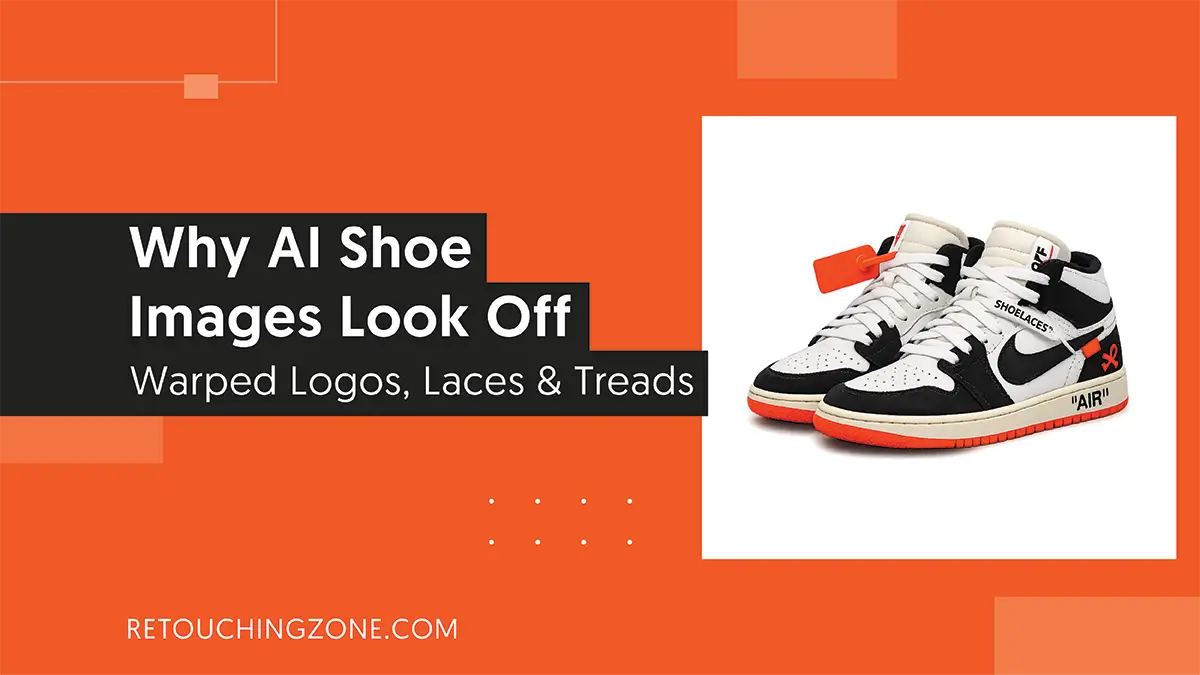
How quickly AI is giving images these days! Sounds quite hopeful, doesn’t it? But with this comes the claim that I don’t get exactly what I want from AI.
Footwear businessmen, like many other eCommerce product sellers, can relate to this. Right before the product listing, they all stop at the dead end question – why do AI shoe images look off?
What’s most intimidating is the sight of the logo letters melting, which screams that your branding is over. And there’s no room for even the slightest distortion in treads and laces.
You need to get to the root of the AI shoe image problems. What in the world are the things that cause these?
Stay with us, because by the time you reach the end of this blog, you will get the significant answer to this very question.
AI Doesn’t Take Shoes as Real Products

AI has actually long been trained on 2D pictures, so when it says pictures, it means colorful dots that are completely flat. It takes into account each of the photos taken from different angles of a shoe, but fails to pick up on the following:
|
Although AI does its best to place the pixel dots side by side, the above lackings lead to the following mistakes:
|
AI Gets Tangled While Keeping Things Up

When it comes to multitasking, AI outperforms any human expert, and this is beyond debate. But the question is how the result of those tasks was.
When the AI goes to generate hundreds of loafers at once, you’ll see that it messes up the mesh fabric in quite a few. You get busy making an effort to fix them up without even knowing why AI shoe images look weird.
| Since AI follows a grid-based approach to image processing, it can work well with a couple of large objects. You can picture it like drawing something on a big ruled canvas, considering each square. |
In this case, the smaller and more in number the objects, the more power-consuming the counting of how many fit in each part of the grid will be. And to avoid this going the extra mile for processing, it breaks the pattern.
One Shoe Each Foot and That’s It

When AI is up to picturing a shoe pair, it assumes there is only one shoe on each foot, not 2 or 3. AI cannot put the human’s left and right sides changing when standing in front of a mirror into any context it knows.
For obvious reasons, the user has to be happy with two left-foot shoes or two right-foot shoes. The most annoying is that when you give further instructions in the prompt to make the sides of the two legs a little bit different, it ruins the whole thing.
You will find something comes to the left part that wasn’t even on either side of the right part. Again, a couple of buttons may have been put in one part of the left side, but it’s missing from both parts of the right side.
Vulnerability of Placing Words and Logos

This is one of the main AI generated shoe image mistakes, a problem that other product sellers also often face. This warping extends from words to even numbers and symbols.
In fact, AI keeps carrying on its own process of placing colored dots side by side, and it doesn’t even care where the result follows.
In the case of 3D text, AI does even worse by bringing shots taken from multiple angles together, only to get messed up.
Laces and Holes Are Broken Lines to AI

The laces of the sneakers go in and out of the holes, and that’s why their numbers stay the same accordingly. From a distance, it looks like a crisscross pattern. But to AI, the entire scene looks like a bunch of broken lines, one on top of the other.
What’s more, while machines are far ahead of humans in counting, they still fail to balance the number of laces and holes in the sneaker case.
And that’s why the following types of AI shoe image problems often cause eCommerce store listing rejections:
|
It Messes Up the Shoe Materials

Even though it’s extremely smooth, you can’t avoid the texture shifting from the top half of the shoe to the bottom. This will compromise your shoe photo asset to the point where it will be questionable whether it is real or fake.
But why AI shoe images look fake at this level?

When AI works with pixels in a picture, it sees visual edges as boundaries, and therefore it makes changes to the area beyond them. The result? Texture and color fall victim to these messes.
This is why:
- Rubber soles look like they’re made of fabric to you.
- The texture of soft mesh toe-box spills across the border when meeting the hard rubber bumper.
Frequently Asked Questions About Reasons Why AI Shoe Images Look Off
1. 3/4 angle or side-profile; which view makes AI shoes look worse when rendered?
It’s the side-profile view. This view does not show the depth of the shoe, which is a necessary cue for AI models to grasp the overall structure of the shoe. As a result, what you get in rendering is nothing more than an abrupt guess from AI.
2. Why do shoe lace and hole counts not match in ultra-high resolution images?
The AI is basically trained to create images at the base resolution (for say, 1024×1024). Even when going to a custom resolution, the AI follows the patterns of the resolution it learned. And through this, it continues to fill the extra space with duplicate eyelets and lace.
3. Can I get distortionless shoe images if I instruct not to do ‘warped laces’ in the prompt?
No, only doing that is not really enough. Because this instruction will only move AI away from a certain number of pixels. Here, AI doesn’t get that you are telling it to keep away from making any distortion on the shoe.
4. Why do AI shoe images look off when created as floating in mid-air?
Because AI can’t create images with shadows in mind from the very beginning. Even when you tell it to do so next in the prompt, it still can’t cast the shadow right under the shoe because it can’t grasp the context of the contact shadow.
5. Can AI create photos of a pair of shoes with its right and left sides properly aligned?
You might get it if you’re lucky, but AI is not at all reliable for such results. The AI actually takes each piece of the pair separately, which results in you getting different shoe photos (Not opposite mirrored) for different feet.
Closure
You can boldly say that writing prompts in poor ways is why AI shoe images look off. But the bigger scenario is not like that. Rather, it has also happened that AI flaws have followed even after clear instructions.
Of course, comprehension of the prompt cuts down the mistakes in the image, but doesn’t take them to zero. The question is-
Can you risk it that 3-5% gap won’t get noticed by your shoe store visitors?
So the easy way is to manually edit the AI flaws. But the thing is, you’re not just going to clean up 1 or 2 photos, your photo assets are quite thick, right? And this is where the need to seek professional shoe image editing services comes in.
Get introduced to Retouching Zone, who have successfully honed their editing expertise in the eCommerce industry for the past decade. Check out their services for free now. You’ll know in no time whether their skills meet your expectations.