Hoping for some Amazon photo editing tips that work effectively? The struggle with image optimization isn’t getting any easier, is it? Especially when the ecommerce platform is the world-famous one!
Actually, when it narrows down to Amazon sellers in USA & Australia, it is quite natural that they face stiff competition from long-established ecommerce businesses in the market.
If you are one of them, then today’s blog is for you. Here are the top 10 tips for Amazon image editing that will help you know where to focus and what you are missing.
TL;DR:
- Resolution on the longest side: at least 1,000 pixels at a minimum of 72 dpi. Maximum 10,000 pixels
- Image color RGB, no background; no watermark or logo, product 85% of the image
- Realistic, high-quality photo, clearly understood by customers
Quick Overview: Amazon Photo Editing Tips for Sellers in USA & Australia
| Metrics for Amazon Product Image | Minimum Requirements |
| Image Size | At least 1000 pixels on the longest side (minimum 72 dpi) Maximum: 10,000 pixels |
| Image Number for Listing | Minimum 6 images per listing |
| Product Number per Image | Depends on how many items are being listed or sold |
| Image Color | RGB color mode (not CMYK) |
| Image Content | Only the product on a clean white background (no logos or watermarks) |
| Product Coverage | Product should occupy at least 85% of the image For multiple items, all pieces should be proportionally sized |
| File Format | JPEG (recommended), also TIFF, PNG, and non-animated GIF |
| File Name | Use product identifier, variant code, and extension separated by periods only |
| Match Image with Title | Ensure the image clearly represents what the customer will receive |
| Product Photography | Clothing should be shown without models unless it is adult apparel |
The table above is more than clear enough to help you with your correct Amazon listing. Consequently, you don’t have to wonder whether the problem is in the photography for Amazon products or in the post-production!
Following these 10 tips will mean that your check and balance will show up with findings exactly what really sells fastest on Amazon? Let’s expand on these strategies.
Give your image a proper size before uploading
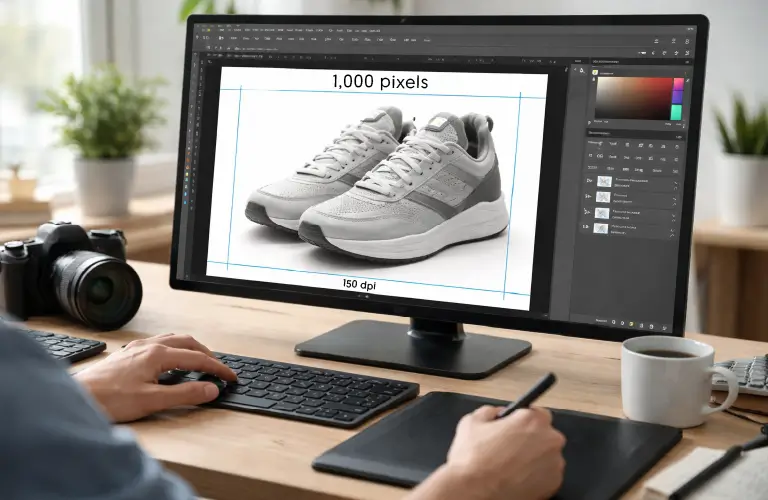
With clear Amazon image requirements, you can’t go wrong here. The image resolution must be at least 1,000 pixels on the longest side at at least 72 dpi. You can’t go over 10,000 pixels on the top.
The traditional and best software for image editing is Adobe Photoshop, with which you can easily achieve this requirement.
However, keep in mind that the quality results are achieved with little or no compression. Again, if you try to enlarge small images to the above dimensions, you will get low-quality images.
Maintain a minimum number of images per product
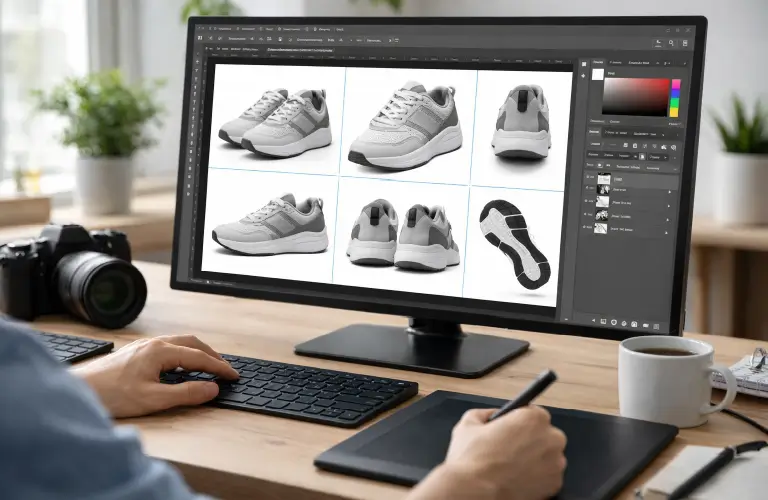
Have a minimum of six images ready for each product’s main image. Each image should have a clear imprint of the Amazon photo editing service (e.g., background removal, color correction, clipping paths, ghost mannequin effect).
You definitely don’t want your listing to get disqualified for a defective image, right?
Clarify the product count in the image
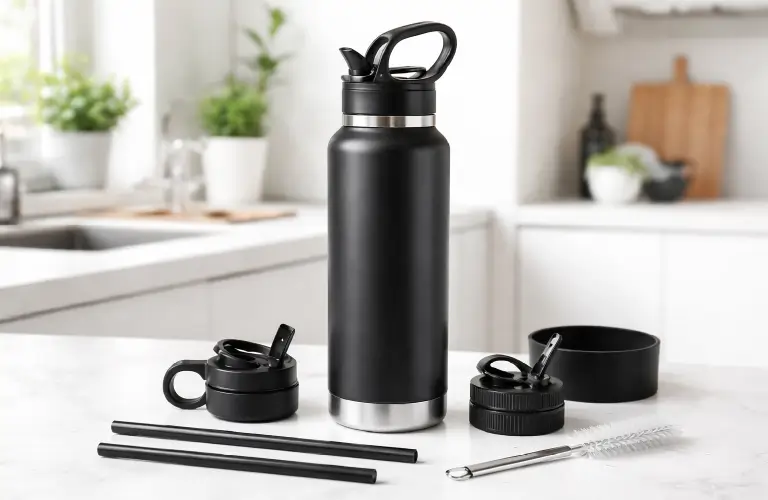
Amazon’s image guidelines allow for lifestyle images in the main image for certain product types. Include a single unit of the product being sold in the image; you can include a few accessories as well, but those should be super relevant.
For multipacks, include as many products in the main image as will be sold to the customer in one go; no more, no less.
Use digital screen-friendly colors in your images
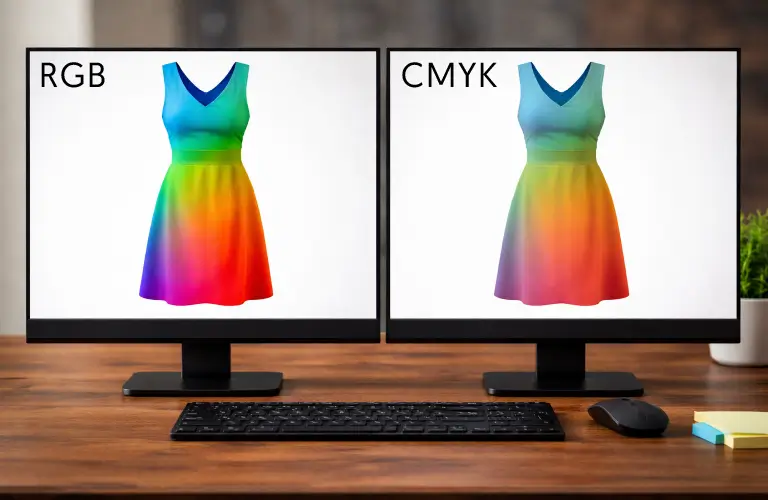
Set colors in RGB mode, as this preserves the color accuracy in the image. On the other hand, CMYK colors sometimes give off color-tonal variations on websites.
This color correction is essential, and something you can achieve with Photoshop.
Keep the image content clean
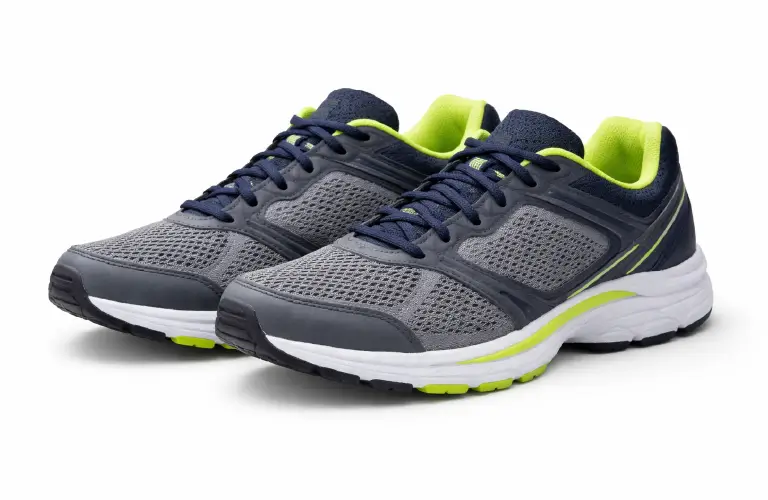
This is an important area that determines what are the best practices for Amazon images. That is:
Don’t use any placeholders: Don’t replace the actual product with mockups, temporary images, coming soon, blank boxes, etc.
Use clean white backgrounds: Place the product on a pure white background (RGB color values: 255, 255, 255) on product detail pages, including search pages.
The following textual or graphics items can not be used around or in the background of a product:
- Overlay text
- Logos (including Amazon and its associated logos or trademarks, or variations thereof)
- Any Amazon badge, or any variation thereof, such as “Amazon’s Choice”, “Amazon Alexa”, “Works with Amazon Alexa”.
- Borders around the product
- Color blocks
- Watermarks
- Packaging, unless it is a significant product feature (e.g., a carrying case or gift basket)
- Customer reviews
- Five-star symbols
- Claims (e.g., free shipping, discount)
- Sales partner-specific information
- Pricing details
Give maximum highlight to the product
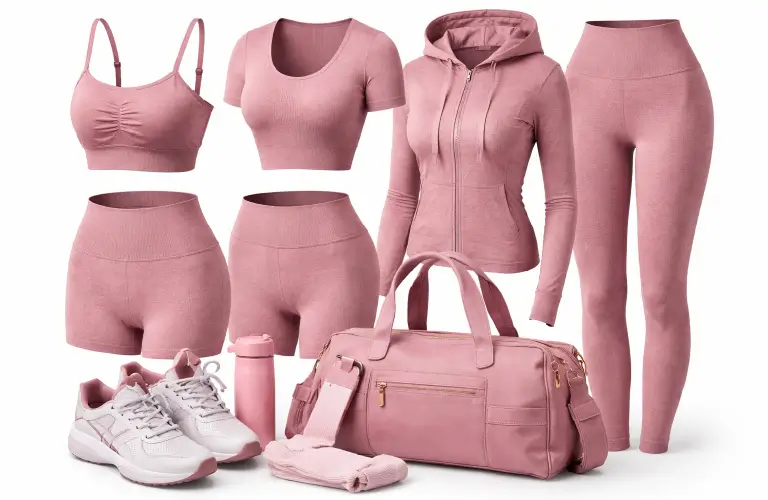
It’s not just real, professional quality product photos Amazon only wants. They should also show the actual scale. To do this, make the product take up 85% of the space in the image.
For products with multiple pieces, make all the pieces the same size; none are too big or too small.
If there is a mannequin in the photo taken during the photoshoot, remove it, regardless of its type (framework or hanger).
Choose the file format that supports the best image quality

One of the most important Amazon photo editing tips is the image file format. You can use JPEG, TIFF, PNG, or non-animated GIF for this. However, JPEG is recommended because it preserves the highest possible level of image quality.
Name the file properly
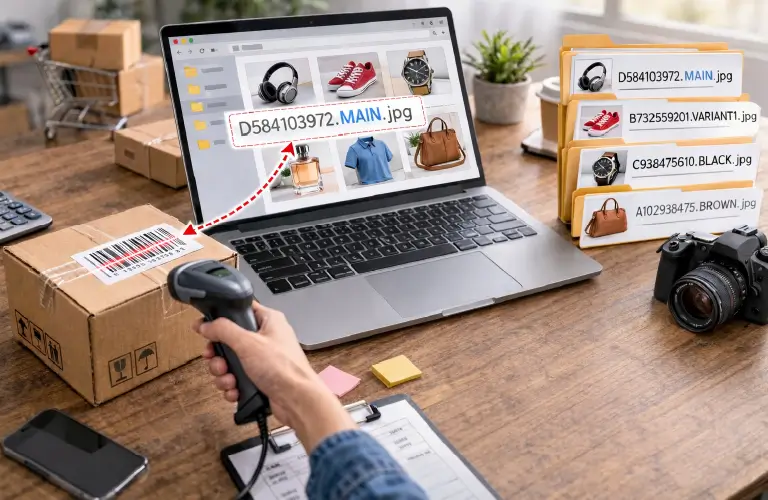
When naming your image file, there are three things to keep in mind: the product identifier, the variant code, and the file extension. When renaming the file, you should include these three items, separated by a period; no spaces or other characters.
For example, the name might look like this: D584103972.MAIN.jpg.
Product identifiers are usually barcode numbers, ASIN, JAN, UPC, GTIN, EAN, or the 10- or 13-digit ISBN number that you can find on the product.
Ensure consistency between the image and its title
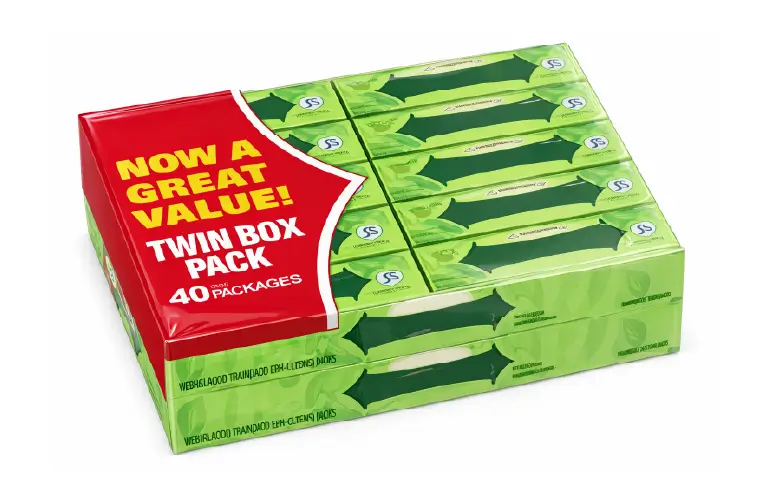
The image title should be such that the customer can understand without any confusion what they are actually getting. In this case, you will get what are common Amazon seller mistakes?
Title: Chewing Gum 5-count (40 packs)
For example, notice in the image and its title that the numbers 5-count and 40 packs can create confusion in the minds of customers. From the search page, visitors will have to go to the product details page, and then they may understand how many they are actually getting.
It would be easier to understand if you remove the “5-count” from the title and just put “40 packs”.
Photoshoot with the product in focus
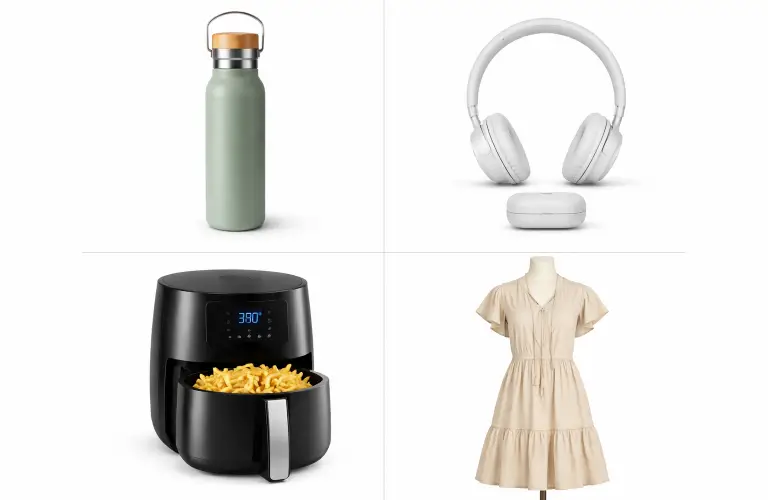
These tips about product photography for Amazon will give you a head start on final image editing.
- Focus center: Place the entire product in the center of the photo frame, without cropping any part.
- One view per shot: Show only one view (such as the front view) rather than showing all of the views of the product at once in one shot.
- Mannequin-free picture: Show all clothing photos without the model unless they are adult-sized. In this case, the mannequin must be standing, not sitting, kneeling, leaning, or lying down. Wheelchairs or prosthetics can be used.
Frequently Asked Questions about Amazon Photo Editing Tips for US and Australian Sellers
1. What are the Amazon photo editing tips for sellers in USA & Australia to ensure color accuracy?
To do this, set the color mode to RGB, for which you will need image-editing software (such as Photoshop) that has this capability.
2. What are the Amazon photo editing services?
Such services refer to various types of image editing techniques, including background removal, clipping paths, color correction, retouching, ghost mannequin effects, etc.
3. What is the best size for Amazon Photos?
The image can range from a minimum of 1,000 pixels on the longest side to a maximum of 10,000 pixels at a minimum of 72 dpi. The total image file size cannot exceed 10 MB.
4. Which file format should I choose to do the best practices for Amazon listing images?
Amazon supports JPEG, TIFF, PNG, or non-animated GIF formats for product listing images. However, it is best practice to use JPEG, as it preserves the highest quality of the picture.
5. Should I use watermarks when editing Amazon product photos?
No, absolutely not. Not only watermarks or trademarks, but Amazon also prohibits the use of any overlay text, logos, borders, or color blocks around or in the background of product photos. The prohibition even includes the Amazon logo and badge, and other branding words associated with the company.
Wrapping Up
These Amazon photo editing tips for sellers in the USA & Australia set the stage for completing a proper product image listing. During the photoshoot, focus on the frame and avoid mannequins for all clothing except adult sizes.
This will greatly reduce the amount of deep retouching in post-production, where you need to ensure –
-
- Minimum 1000 pixels resolution on the longest side of the image at 72 DPI
- RGB mode Image color
-
- Pure white background
- Place the product in 85% of the image
- No overlay text, marks, or graphical items
You can use Amazon photo editing services through Photoshop to complete these processes. This way, your quality product photo will be ready at the final stage.