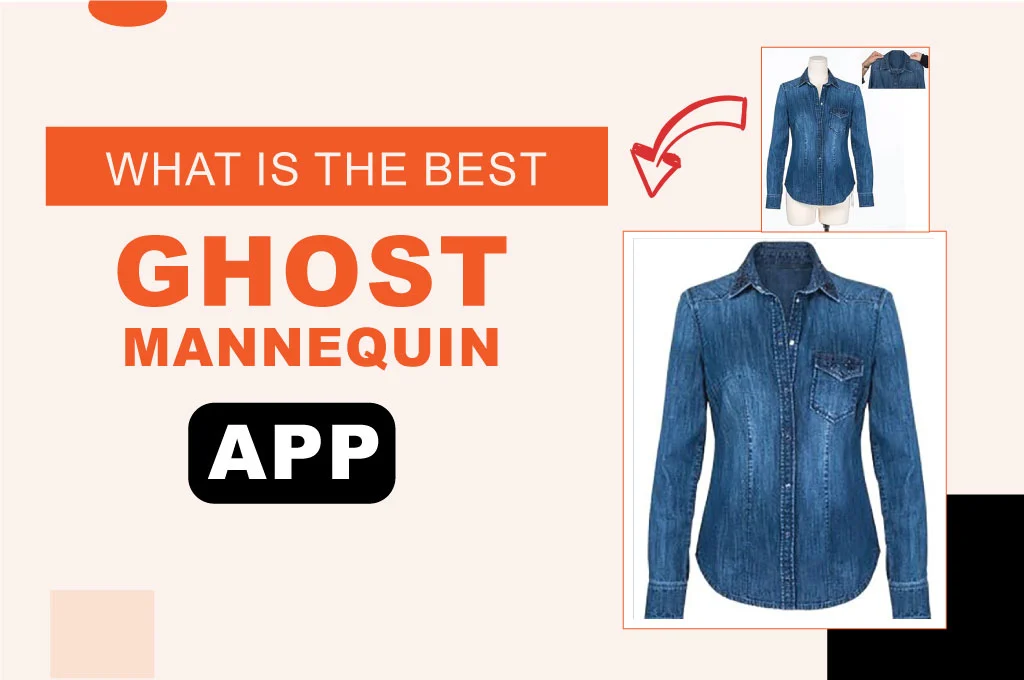
When there are so many options out there, it’s not that difficult to find the best ghost mannequin app among them. You find it quite obvious because the ghost mannequin is one of the most popular image-editing techniques to give clothing items a professional, realistic, and lively look. The three-dimensional view attracts customers to see and buy the products. However, adding ghost mannequin effects to product images is time-consuming and costly. The best alternative solution is using a free ghost mannequin app. This blog will help you find some top-rated applications. This blog will help you find some top-rated applications, along with their benefits and how to use them.
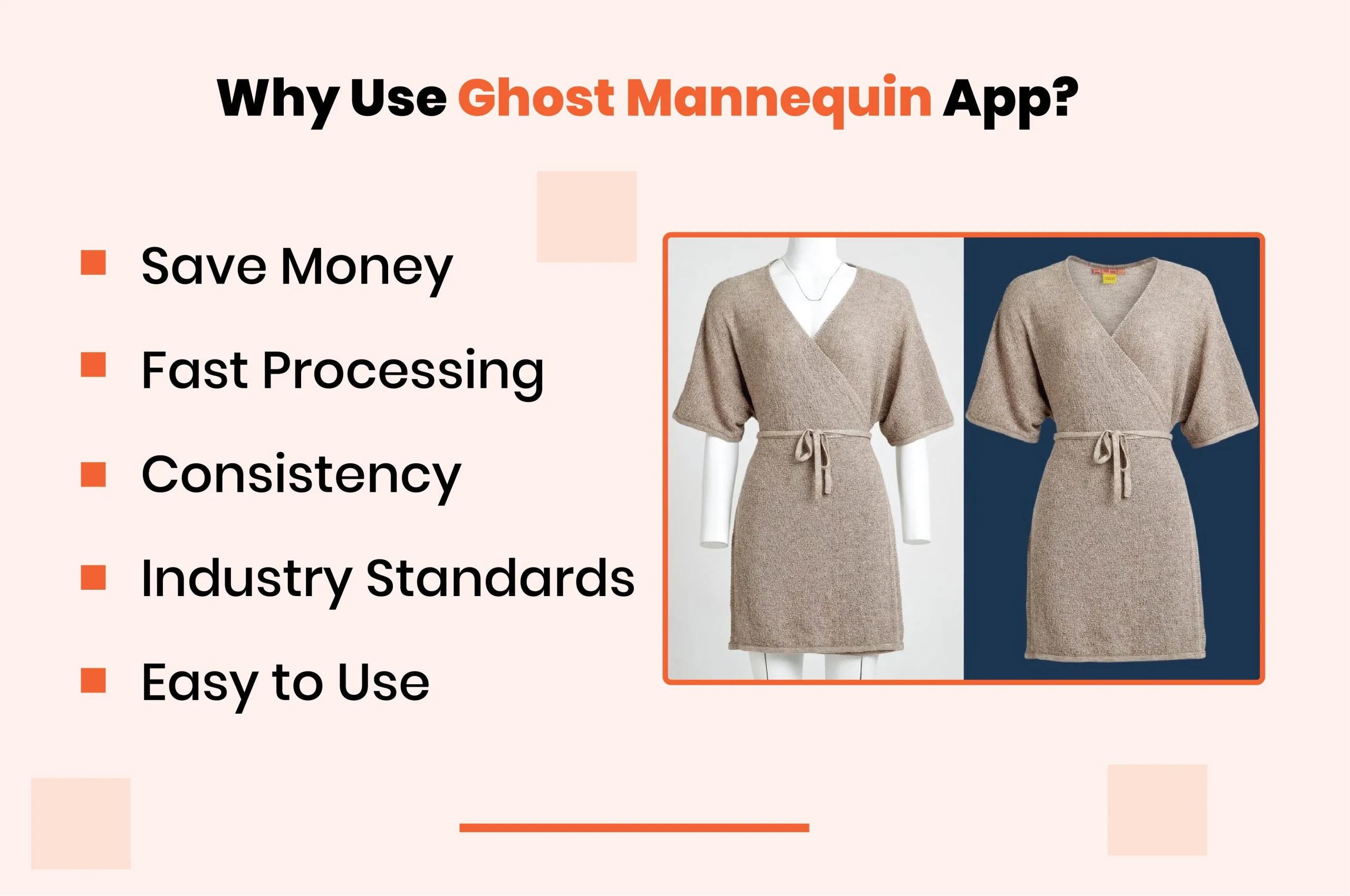
Why Should You Use the Ghost Mannequin App?
Photo editors in the apparel industry highly rely on this image editing process. And with the advent of apps, the results have become more intuitive. The following benefits will tell you why these apps are so effective:
- Save Money: Adding ghost mannequins in product images saves you from investing in physical mannequins and real professional models.
- Fast Processing: It is automated when a ghost mannequin app is used to edit the image. You can work on a huge number of product photos within a short period.
- Consistency: A good ghost mannequin app allows you to maintain consistency in product images, setting clear expectations and making your brand recognizable.
- Industry Standard: The e-commerce clothing industry has a standard for uploading product images. This user-friendly app can help you create high-quality and professional photos.
- Easy to Use: Ghost mannequin applications have a simple interface, allowing users to easily navigate various options and add effects within a few seconds.
Get Your Ghost mannequin service 100% Free Trial
How to Use Ghost Mannequin Apps?
App developers used various advanced photo-editing technologies to create ghost mannequin apps. The following are the step-by-step guidelines for using ghost mannequin software.
Step_01: Take Mannequin Photos
- Capture your clothing photos on mannequins or models. Take at least three to four shots for each product.
- Click pictures of its front side, backside, inner fabric, necklines, waistbands, etc.
Step_02: Import the Images
- Once you take perfect shots, import them onto your ghost mannequin application.
- Make sure to choose high-quality photos for better results. They generally have a higher resolution to provide better output.
Step_03: Add Ghost Mannequin Effects
- Select what type of ghost mannequin effect you want to add from the menu bar.
- Before finally deciding on an option, cross-check the preview to understand better what the final result will look like.
- These options will analyze color contrasts and edges of the clothing pictures and identify the mannequin’s shape and position.
- Then, it will separate the mannequin from the garment and fill in any missing parts of the clothing using content-aware fill or similar tools.
Step_04: Apply Final Retouching
- Use the hollow mannequin app for further editing, like background removal or replacement, color correction, resizing, cropping, shadow or reflection adjustments, etc.
- Make sure to avoid over-editing, as it can completely alter the product’s true appearance.
- Preserve the fine details, such as textures and stitching, to maintain consistency in the image.
Step_05: Save the Edited Image
- Once you are done with the editing task, save the image file to a standard format that works well with your e-commerce site.
- Now, use these clothing pictures on your online stores for fashion, apparel, and accessories, particularly in clothing, shoes, and jewelry categories.
Best Ghost Mannequin Apps
Hundreds of ghost mannequin applications are available online. But not all of them are reliable. The following are the most widely used options.
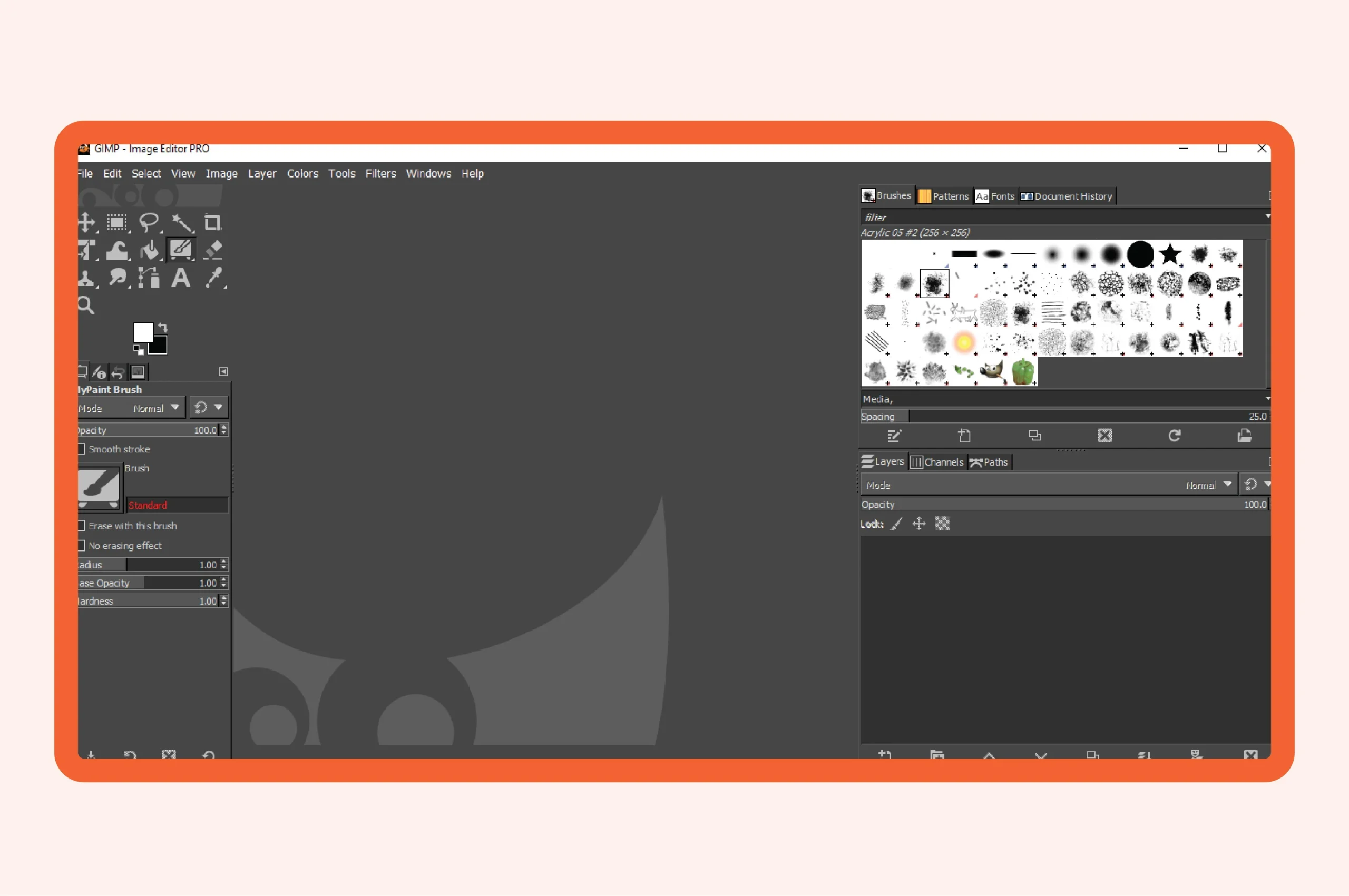
GIMP
- This open-source photo editing software has many impressive features, including layers, color adjustments, editing tools, customization options, etc.
- It is an excellent choice for Ghost Mannequin Photography editing. The application enables you to easily request various angles or views of the apparel products.
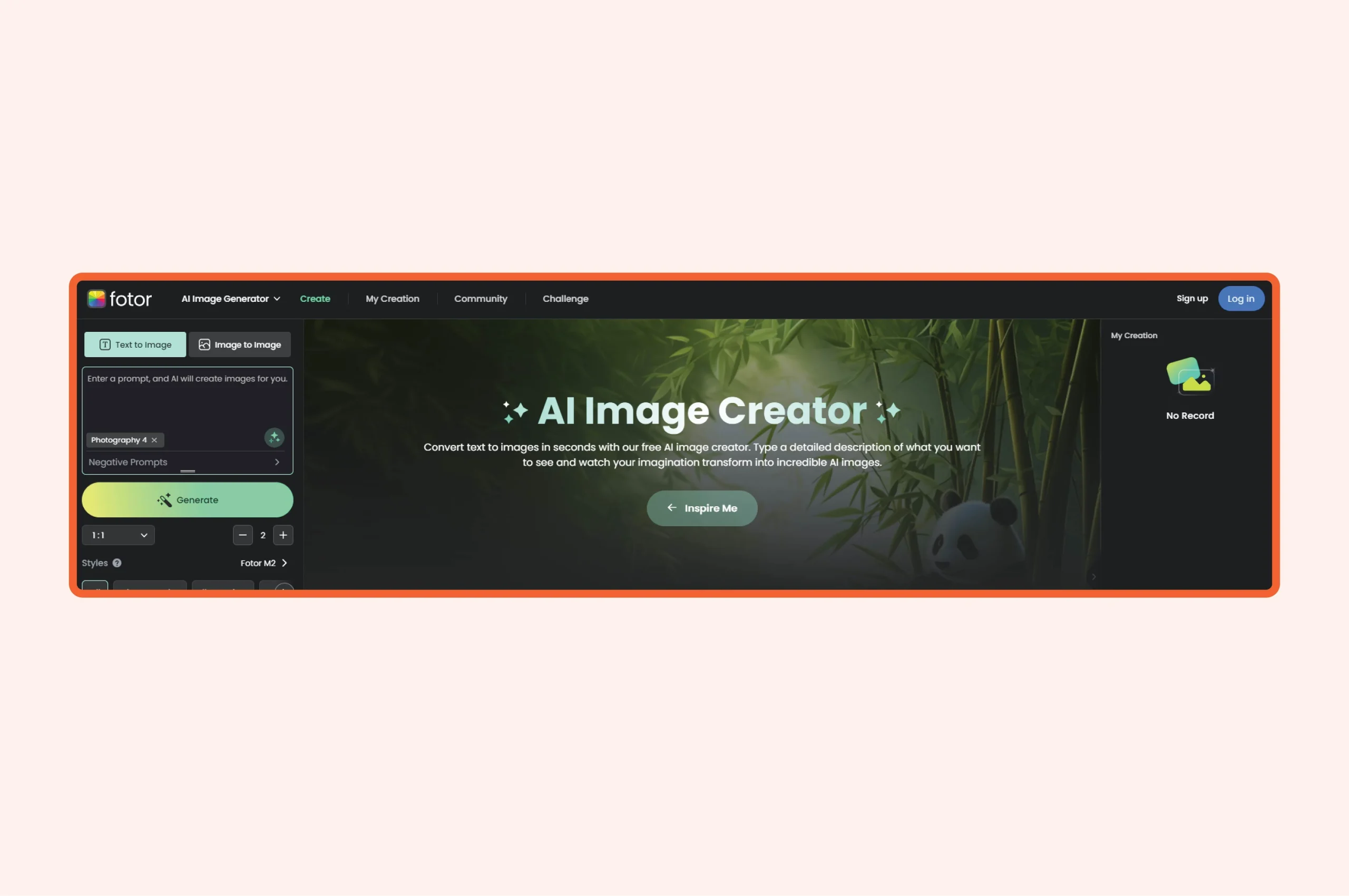
Fotor
- This free online photo editor allows you to edit, design, and generate stunning images.
- It is equipped with all-in-one AI photo editing options to add hollow mannequin effects.
- The multi-platform photo editing software has excellent editing tools and lots of templates.
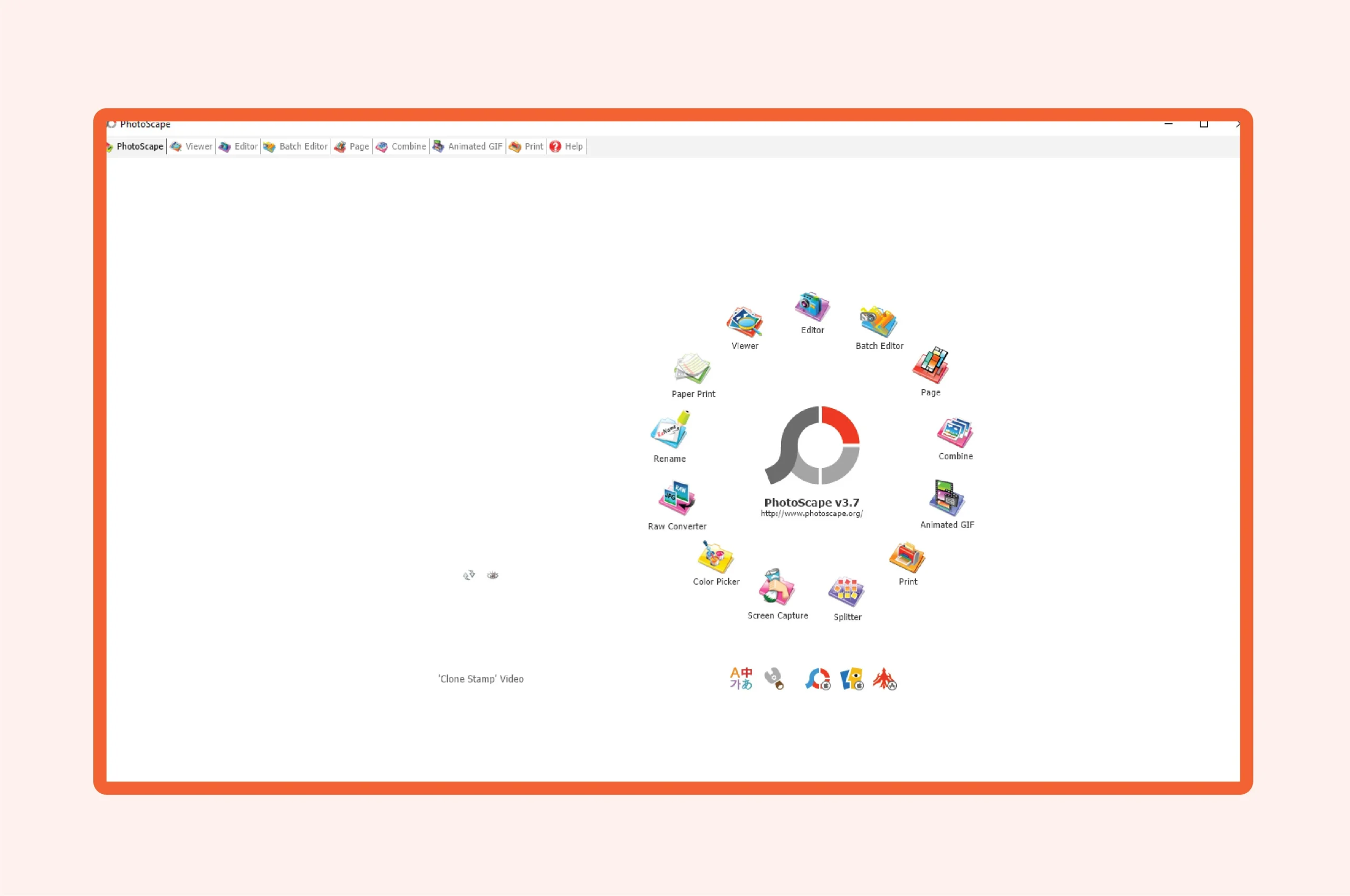
PhotoScape X
- This amazingly powerful app has an easy-to-use interface and simple tools. Photographers, graphic designers, and artists can use it for various purposes.
- It also has a wider range of filters and effects. You can use this software to add a basic invisible ghost mannequin effect.
Pixlr
- This free web photo editing tool comes with a clean and intuitive interface for quick touch-ups.
- Its AI integration system removes mannequins and adds a hollow mannequin effect in clothing images.
Remove.bg
- Remove.bg is a good option to consider adding ghost mannequin effects if your clothing image has a simple shape with easily detectable edges.
- However, this application is mainly used to remove photo backgrounds. It takes 5-10 seconds to get rid of any backdrop.
Get Your Ghost mannequin service 100% Free Trial
Final Words
Any of these best ghost mannequin apps is good enough to achieve your goal of removing the mannequin and adding a new hollow effect. These image-retouching software are both simple and free to use.
This means that the days of downloading heavy software are over; now, you can proceed with your photo editing online on web apps. Best of luck with experiencing the invisible mannequin in action and witnessing some quality work.