When it comes to editing 3D-effect clothing photos, there are some dos and don’ts in ghost mannequin photography that you simply can’t ignore. Especially as fashion photographers, particularly those who work with clothing images, highly rely on photo editing.
It’s important to know what kind of model you need for a ghost mannequin photoshoot, what kind of studio setup is best, and what to focus on when using Photoshop in post-production. Because, as a beginner, you can be vulnerable to common mistakes like everyone else.
So let’s take a look at what you should and shouldn’t do as an invisible mannequin photographer, from taking the shot to giving it the final retouch.
Ghost Mannequin Photography Process
Before discussing dos and don’ts, let’s briefly talk about ghost mannequin techniques. Below are the steps to follow during the photoshoot:
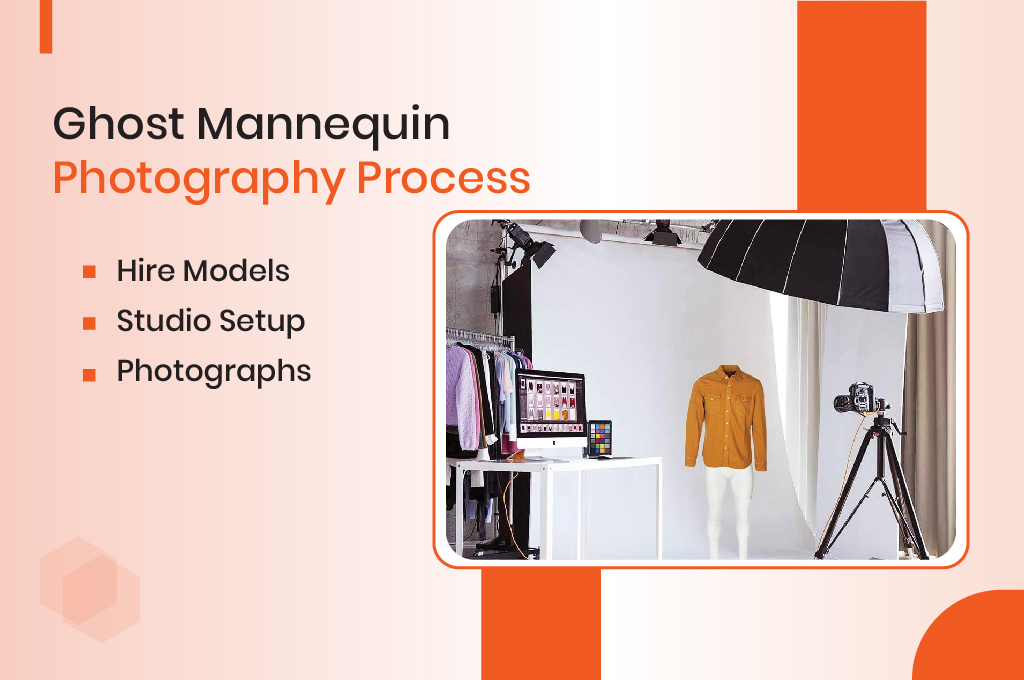
Hire Models: Statically position your models. Now, capture your shot.
Studio Setup: Ensure the studio looks professional and is equipped with high-quality gear, including proper lighting, camera setup, and positioning.
Photographs: Shoot your apparel products from multiple angles at a consistent height to ensure correct positioning. Capture front, back, inner, and upper views at the same level. Lastly, make sure your studio has ample space, an appropriate backdrop, and optimal lighting.
Applying the Professional Ghost Mannequin Effect in Photoshop
For a 3D ghost mannequin effect in Photoshop, open your image and create a white background layer. Organize all layers clearly to avoid confusion during the editing process. Select your product image using the pen tool for precise selection or use other selection tools like the marquee, lasso, magic wand, or magnetic lasso tool. Apply the mask to your image for the ghost mannequin effect with a white background.
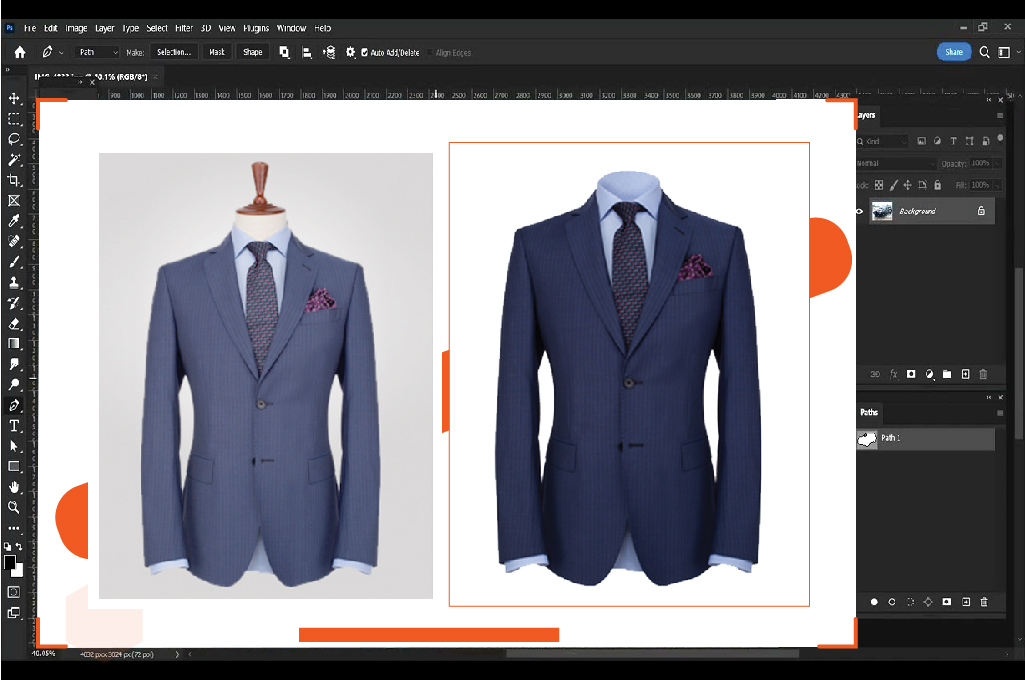
Next, open the back part of the image and align it with the front. For a realistic effect, add depth by adjusting shadows and merging the layers. Once done, save your file in the desired Photoshop format and crop all images uniformly, ensuring consistency across your product photos.
You may also like to read… How can create ghost mannequin effect in Photoshop
Dos and Don’ts in Ghost Mannequin Photography
Below are a few must-follow dos and don’ts if you want the best results during and after your ghost mannequin photoshoot:
Dos
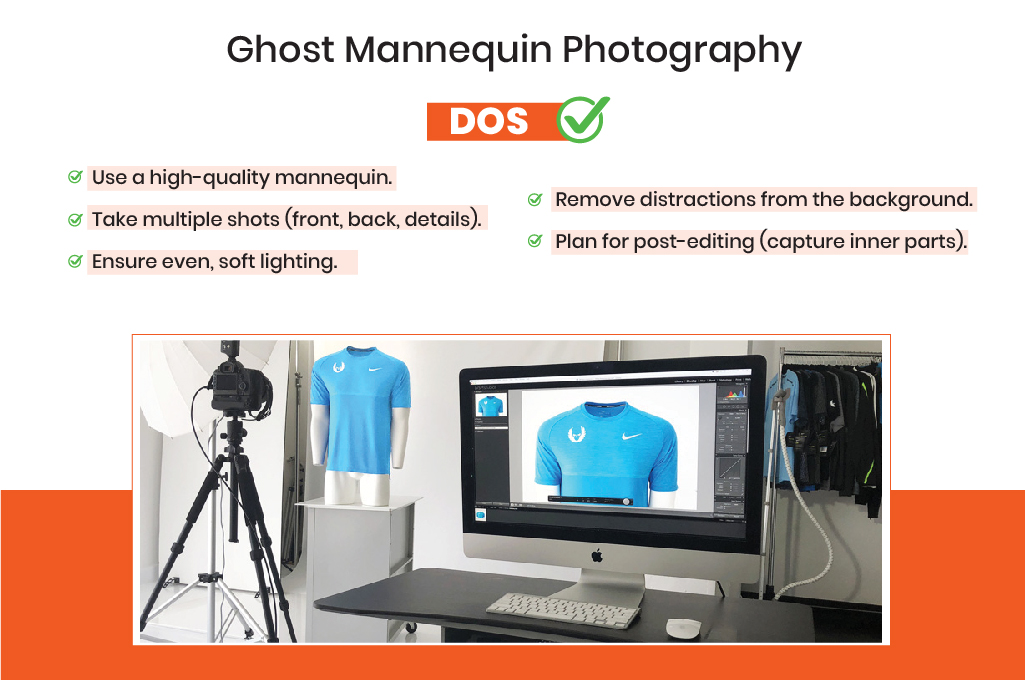
- Use a high-quality mannequin.
- Take multiple shots (front, back, details).
- Ensure even, soft lighting.
- Remove distractions from the background.
- Plan for post-editing (capture inner parts).
Don’ts
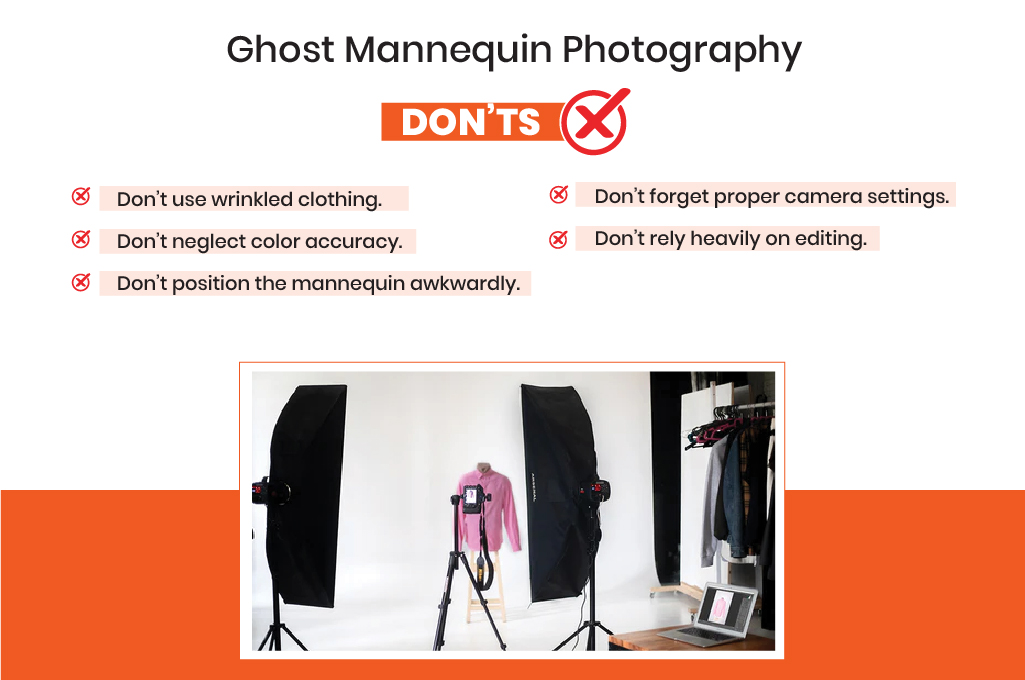
- Don’t use wrinkled clothing for photography.
- Don’t neglect color accuracy.
- Don’t position the mannequin awkwardly.
- Don’t forget the proper camera settings.
- Don’t rely heavily on editing.
Frequently Asked Questions for Ghost Mannequin Photography
1. What are the essential dos and don’ts in ghost mannequin photography for beginners?
The biggest “do” is using a steamer to remove wrinkles before shooting, while the biggest “don’t” is moving the tripod between the outer and inner garment shots, which ruins the alignment for editing.
2. How do you apply the ghost mannequin effect in Photoshop?
Open the image and create a white background layer. Organize layers clearly. Select the product with the pen tool or others like marquee, lasso, or magic wand, then apply a mask. Align the back image with the front, adjust shadows for realistic depth, merge layers, crop uniformly for consistency, and save in Photoshop format.
3. What type of mannequin is best for the ghost effect?
A static, matte white mannequin is best. It should have removable chest and arm pieces to allow the camera to see more of the garment’s interior.
4. Why is lighting so important in apparel photography style?
Even soft lighting ensures that the fabric texture is visible and that there are no deep shadows, which makes it easier to “cut out” the mannequin during the Photoshop phase.
5. What studio setup do I need for ghost mannequin photoshoot?
Use professional gear with proper lighting, camera setup, and positioning. Ensure ample space, an appropriate backdrop, and optimal lighting. Shoot from multiple angles at a consistent height for front, back, inner, and upper views.
Conclusion
Following these dos and don’ts in ghost mannequin photography will take your skills to the pro level. Any time you take a picture or edit a photo in post-production, your careful eye will catch any subtle errors.
Most importantly, your model selection and positioning during the ghost mannequin photoshoot will be perfect.
However, if you want to devote yourself to apparel photography without the hassle of editing, then leave it to the experienced professionals. You definitely don’t want to let your hard-earned photoshoot sessions fail due to wrong editing.
You can get Retouching Zone by your side to solve this very problem. One of their premium services is the ghost mannequin effect, where they are now leading the industry. Apart from this, you will find them as experts in image editing and photo retouching for any e-commerce products as well.