As a Wayfair and Houzz seller, you can implement best practices in your furniture photo editing only when you adapt to the image requirements of both platforms.
Add to this, you need to connect this with the parameters on which visitors engage with the products on both furniture-based ecommerce sites. You are already aware of this condition since you have been working in online stores for a long time.
But you often feel the demand to give the maximum, because that is what determines whether you will be ahead of others in the race, right? And that is why this blog is going to break down for you the latest proven techniques that have worked for successful sellers.
TL;DR:
- Todos for Wayfair-friendly images: 2,000 pixel resolution, pure white background, and 85%+ product coverage of the image.
- Todos for Houzz-friendly photos: 2,400 pixels, vibrant color, warm and welcoming ambience, and anti window box view.
Furniture Photo Editing Practices for Wayfair and Houzz Sellers: Before and After Checklist
| Checklist for Wayfair | Checklist for Houzz | ||
| Before | After | Before | After |
| Color variation visible in 3D view | Color appears accurate and true to life | Image requires upscaling | Image feels warm and visually appealing |
| Image loses quality when zoomed | Details remain sharp when enlarged | Product shape looks inconsistent | Product alignment is straight and balanced |
| Furniture appears to float unnaturally | Placement looks realistic and grounded | Product does not blend with surroundings | Product fits naturally within the scene |
| Visible flaws in product or background | Product stands out cleanly and attracts attention | Window appears overly bright or unnatural | Outdoor view looks natural and visible |
Furniture Image Editing for Wayfair: Recommended Practices
1. Take product colors to the three dimensional level
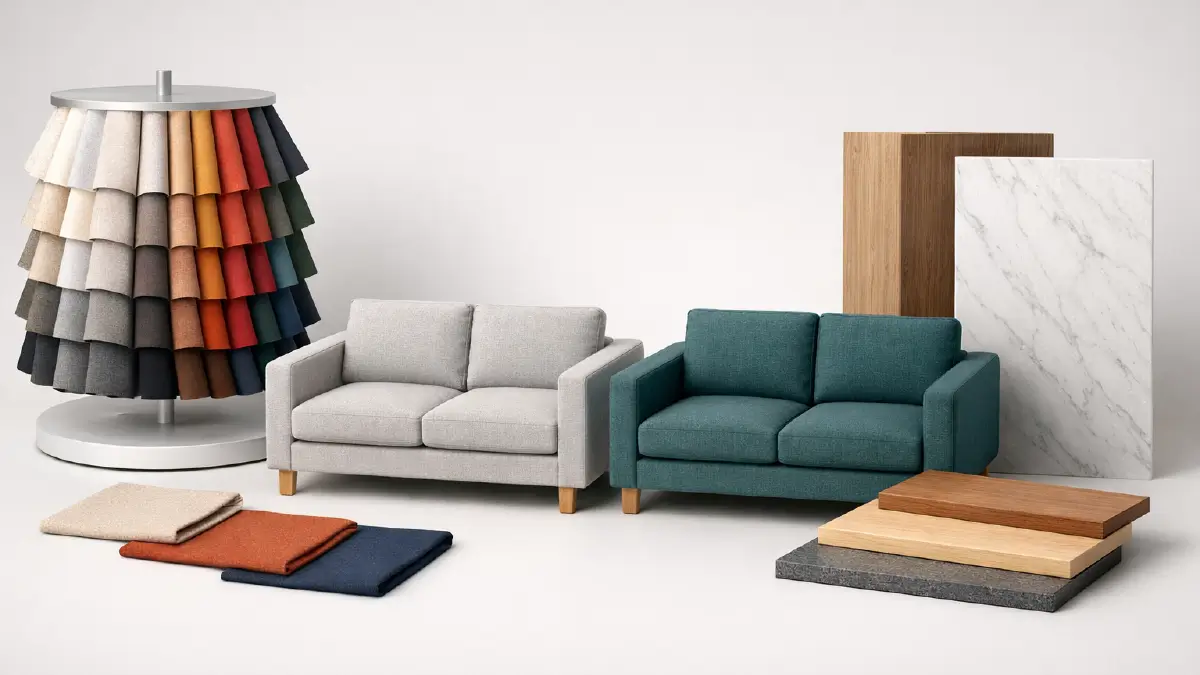
You’ve probably heard of Wayfair’s ability to render your photos in 3D, which is a must-have for home furnishings. But the problem is, even the slightest color variation can be distracting.
So, make sure to get the colors of the fabrics or materials displayed on screen right. You’ll never have a customer say, “I didn’t get what I saw!”
2. Give furniture clarity, even in overly magnified form
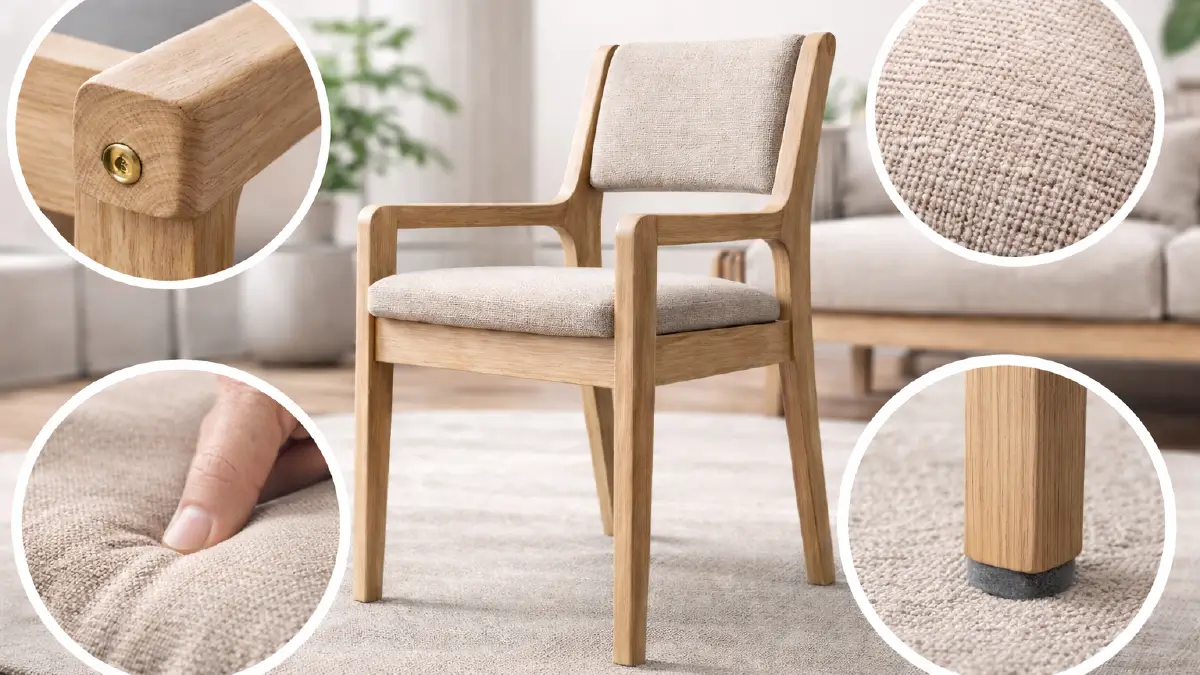
It is now very natural that almost everyone wants to zoom in on the product while browsing the store. In this situation, if the product becomes blurry or its defects come close to the eye, it means that it is giving a red signal in the purchase decision.
Needless to say that, you can’t go around unless you reach the resolution of at least 1,000 pixels, but you have to go beyond 2,000 pixels to allow for deep zoom.
You will be able to compete with the best sellers in the market when you can show the undamaged as well as clear details of the furniture materials and components, even in a completely magnified view.
3. Present the product as if it’s blooming out of the screen
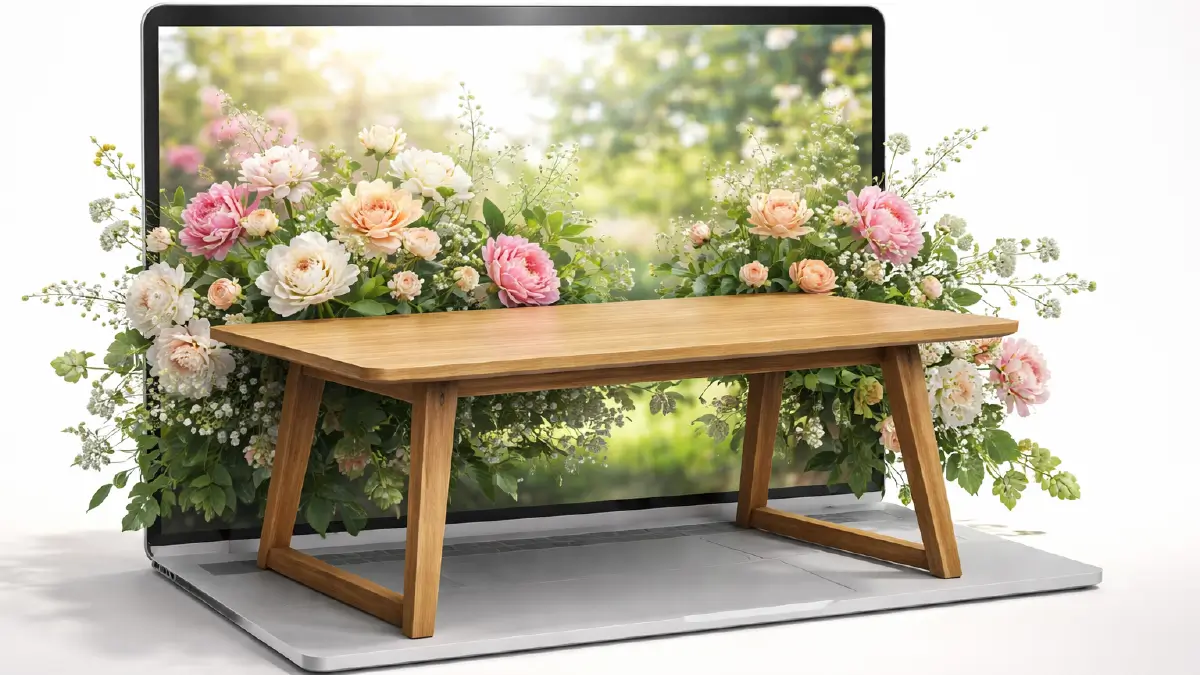
When isolating a table from an image, you often notice that the table is floating in space! This negatively impacts the visitors’ mindset, as it feels far away from being realistic.
Conversely, you can eliminate this disadvantage by simply adding a very light shade to the area where the table touches the floor. What color you will use in the shade depends on the color of the table, where you need to maintain contrast.
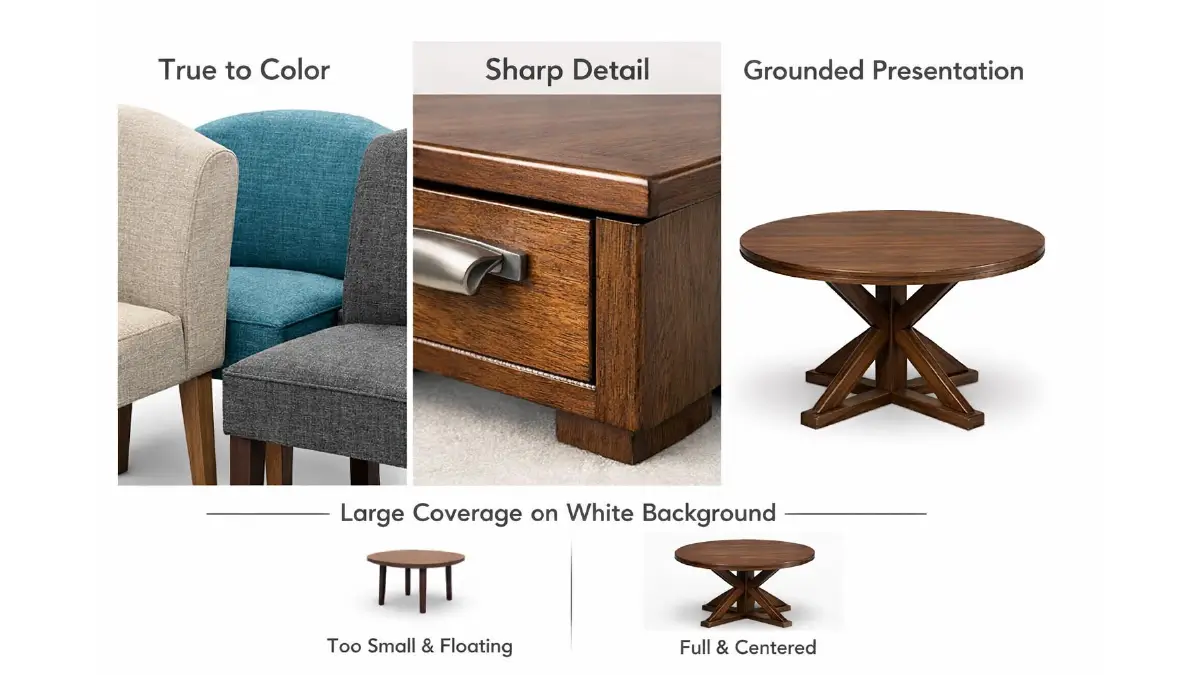
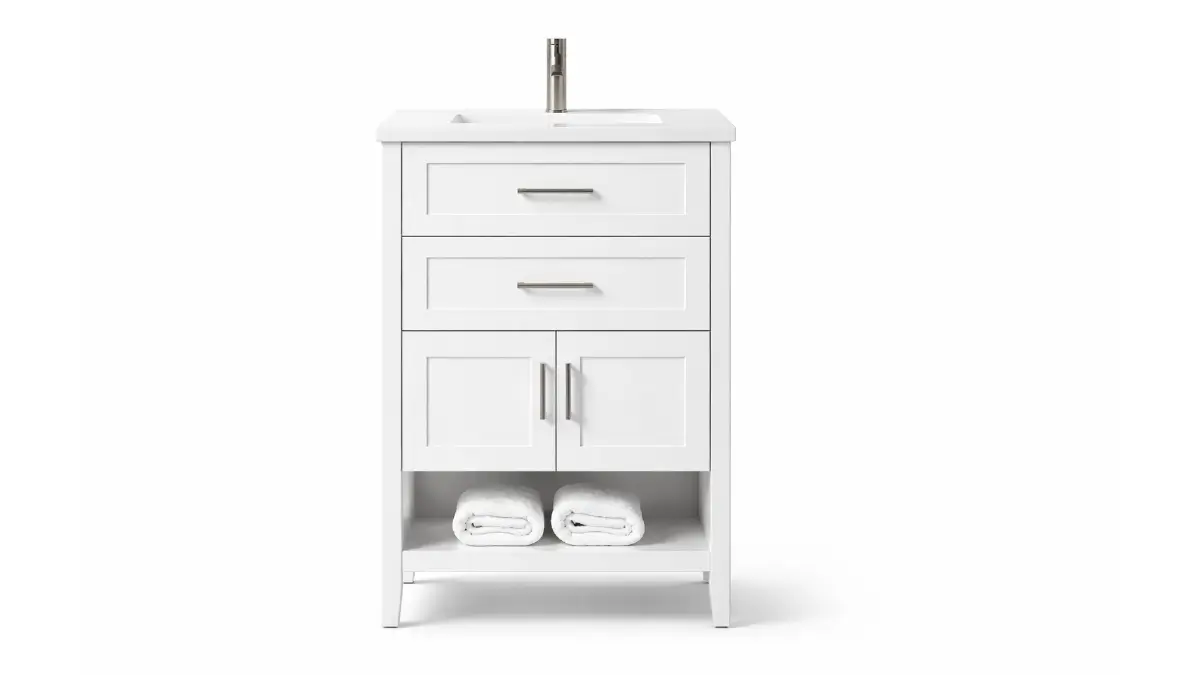
4. 85%+ product coverage on pure white background
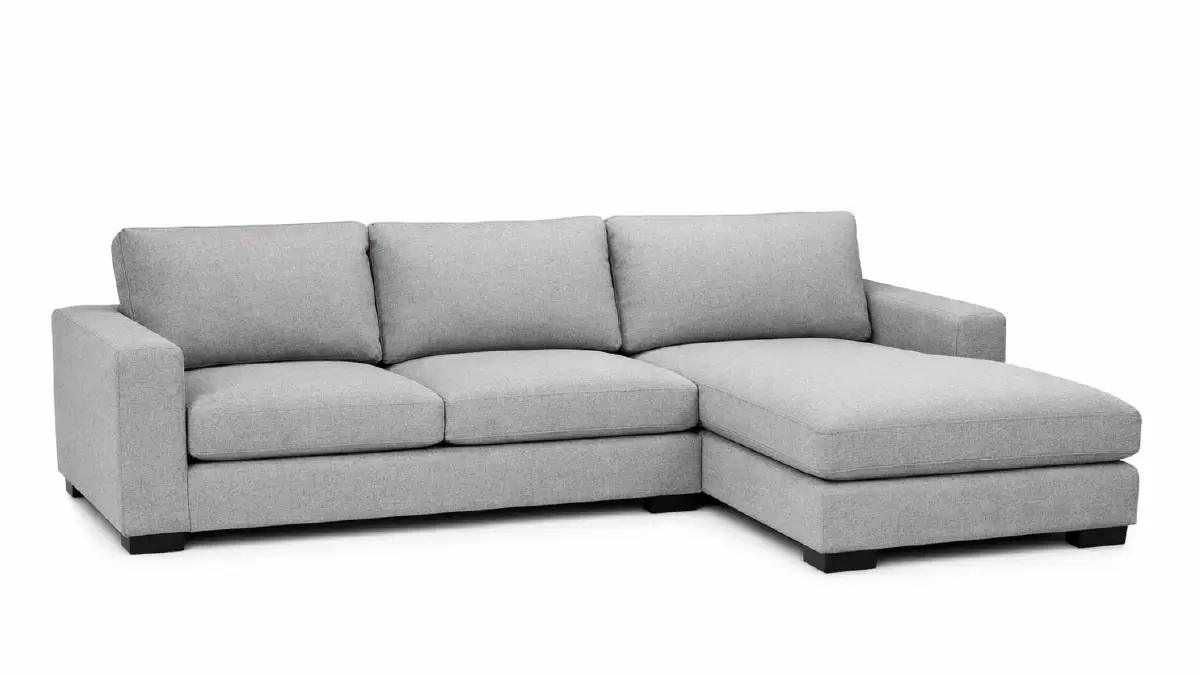
Having a pure white background and product covering almost the entire image is not only a Wayfair guideline, but also helps maximize exposure of your product. A small defect in the surrounding white color distracts the eye from the product.
You need here the distraction removal photo editing right away for both surroundings and on-product flaws. Because small defects are easily visible as well in the large body of the product, when you make it up more than 85% of the image.
Furniture Image Editing for Houzz: Recommended Practices
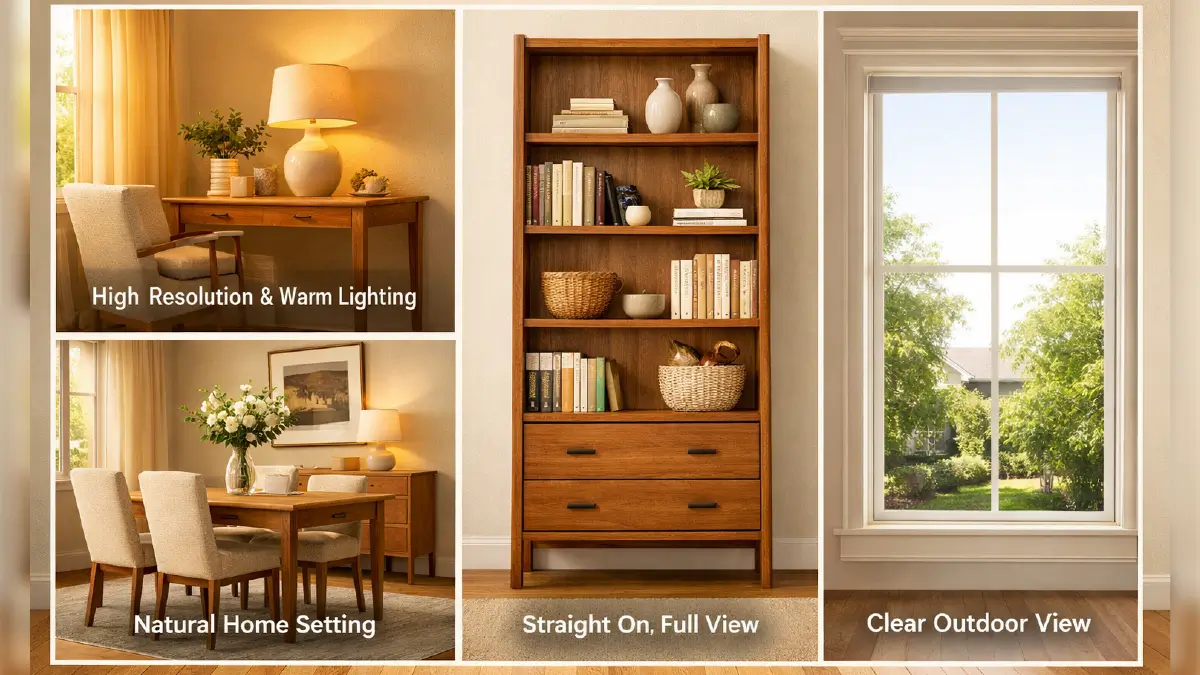
1. High resolution worm images
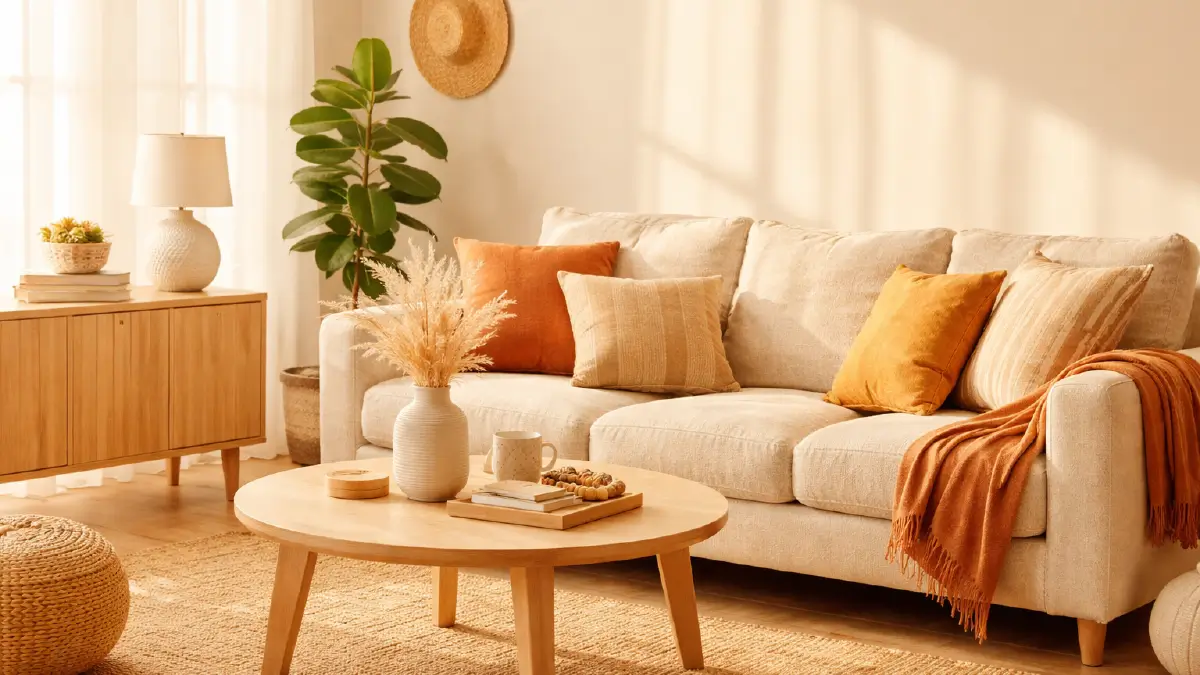
Set your image resolution to 2,400 pixels up ahead to avoid the hassle of upscaling smaller images later. Plus, you can create a welcoming atmosphere with high-quality images that Houzz always supports.
The direct way to exercise this technique is to use warm, sunny colors around the product.
2. Present the product top to bottom in a straight line
Houzz does not intend to allow the product or any part of it to appear tilted or bent. You have to go straight from the top to the bottom of the product; can’t take a turn anywhere.
In many cases there may be some inconsistencies in the edges when going for a shot at a profile angle. For successful sellers, only top-to-bottom images served in a straight line work better.
3. Place the product in its original surroundings
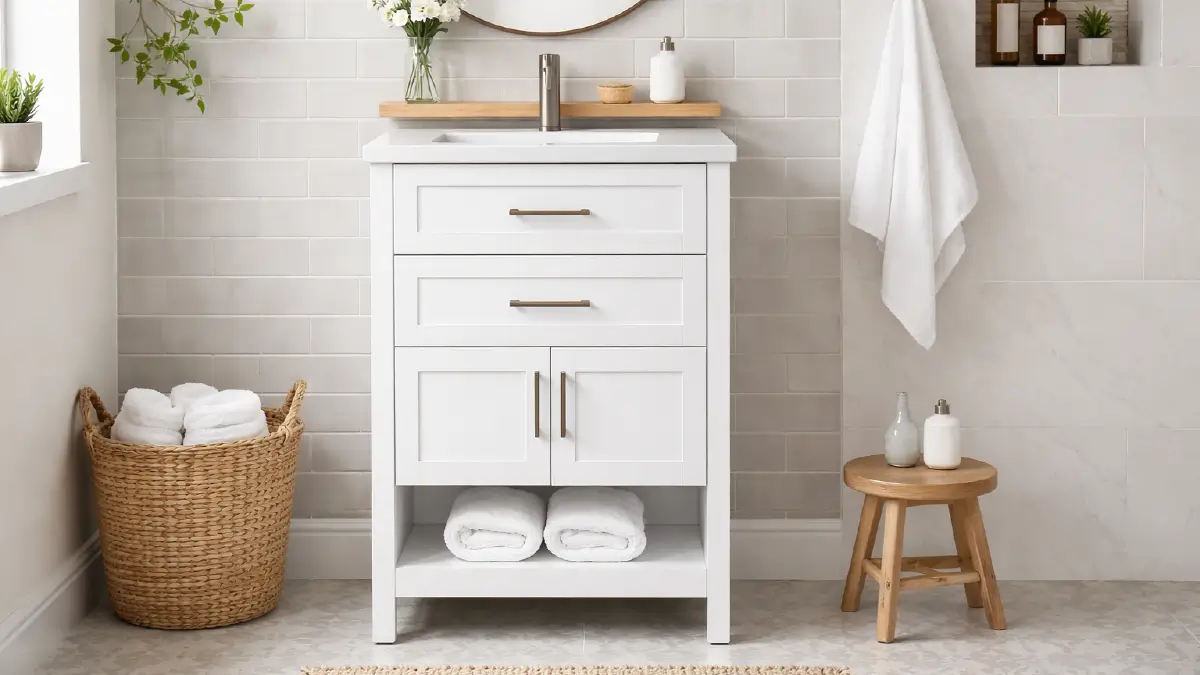
Unlike Wayfair, you can’t blank out product backgrounds here. Instead, place your furniture in its familiar surroundings to evoke reality.
This engagement with the environment, combined with warm colors, adds more to the attraction, and that is the core demand of the Houzz platform.
4. Fixing the window’s bright box view
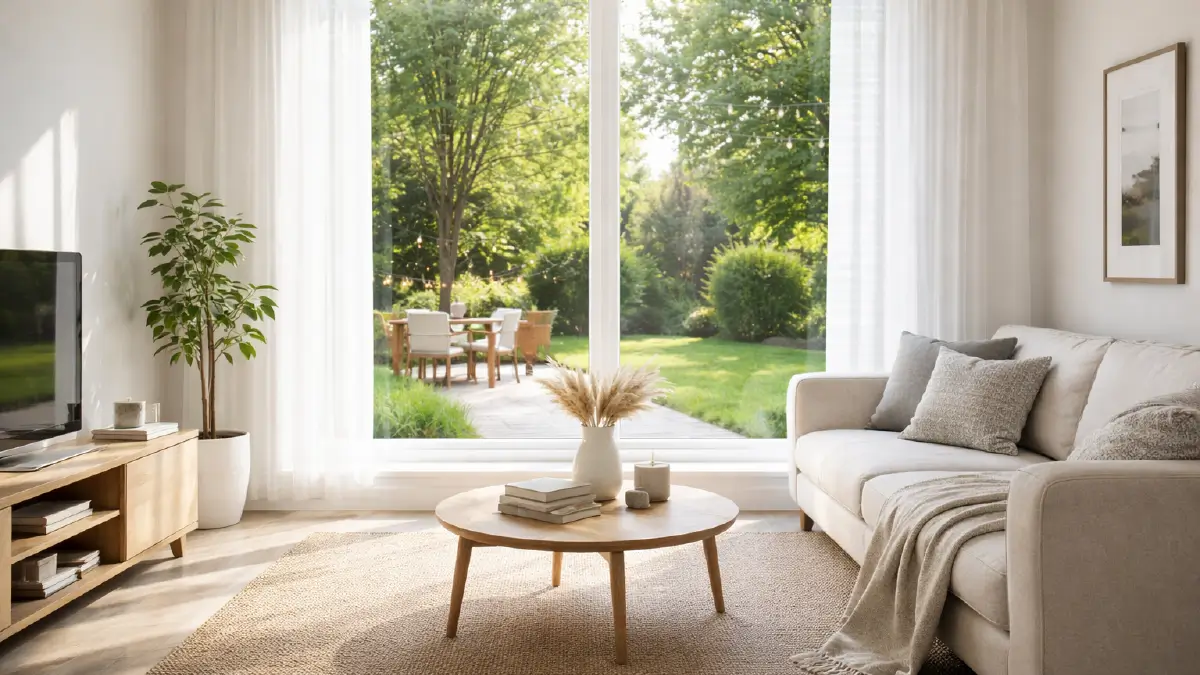
It’s a big trouble when taking pictures in the interior of the house, the whole window becomes like a white box of extra bright light! It happens due to the outdoor sunlight, which is brighter than the indoor light.
You can avoid this problem by blending both outdoor and indoor photos together.
Frequently Asked Questions for Furniture Image Editing for Wayfair and Houzz Sellers
1. What are the best furniture photo editing practices for Wayfair and Houzz sellers in terms of zooming?
Set the resolution to 2,000 pixels for Wayfair and 2,400 pixels for Houzz. Eliminate every single defect on the furniture and in the spaces around it, even if they are small. This allows the visitor to experience the cleanness of the furniture even after zooming freely.
2. What image retouching should I apply to remove the floating look of furniture?
To solve this problem, you can add a very light shade or glow to the area where the furniture touches the floor. You’ll see that it no longer appears to be floating in space but instead has a realistic look that appears to be blooming out of the screen.
3. Do both Wayfair and Houzz require furniture image backgrounds to be pure white?
No, only on Wayfair, the background of your furniture images must be white, as the platform prioritizes product layout. In Houzz, on the other hand, you can’t do this, rather you need to create a warm and welcoming atmosphere around the furniture or in the background, because realism is more important here.
4. How much of the image should your furniture cover?
Your furniture should cover 85% or more of the entire image, because the furniture is able to grab the attention of the visitors as soon as they look at the image.
5. How to fix the window box view covered with too bright light, which happens when taking shots of interiors?
This mainly happens when taking pictures during the day because the brightness of the indoor light is much lower than the sunlight outside. To eliminate this problem, blend both indoor and outdoor pictures, and then you will be able to achieve the condition of showing nature outside through the window in the final result.
Takeaways
These best furniture photo editing practices make your images high quality for both Wayfair and Houzz platforms. Enrich the Wayfair checklist with 2,000 pixels resolution, stark white color background, and more than 85% product coverage.
On contrary, 2,400 pixel image with warm ambience and indoor-outdoor picture blend for anti window box views, make your visuals in line with Houzz requirements.
All in all, these are ways through which your furniture photos will be ready for maximum conversion, whether you are a Wayfair or Houzz seller.