While walking down the street, suddenly a pair of sneakers caught your attention. You didn’t ignore them, thinking you’d Google them later. Instead, you took out your smartphone and snapped it with Google Lens.
Then you started searching for it all over the internet.
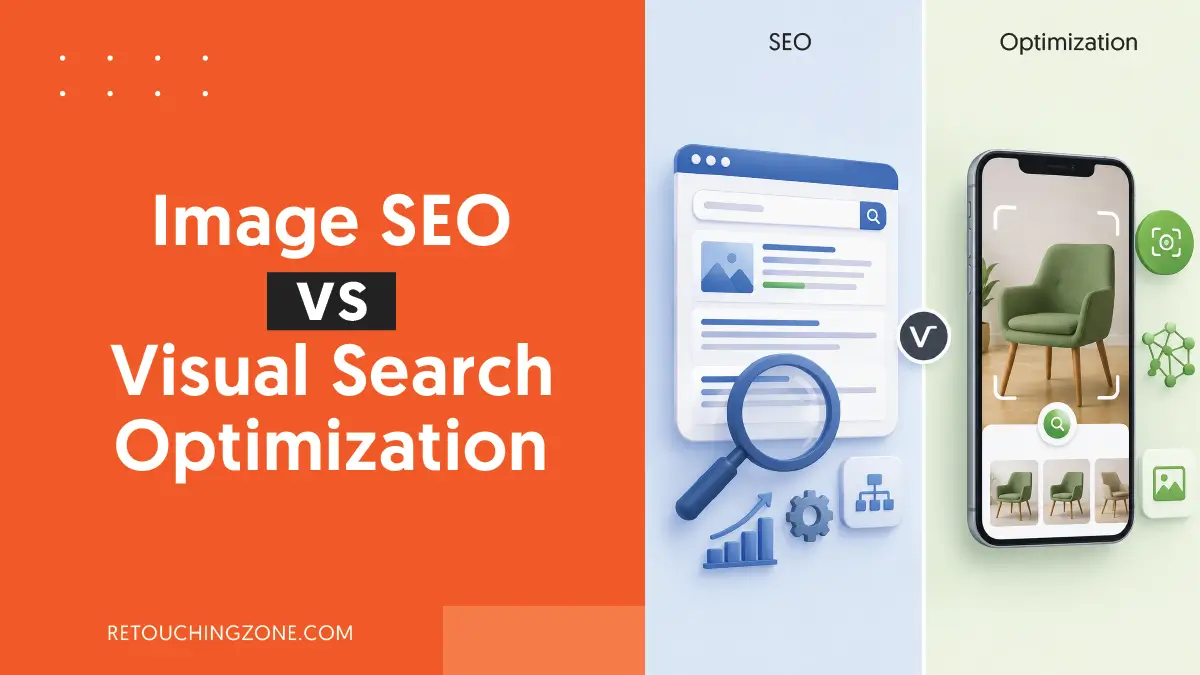
Why did you do this? This is the very question that gives rise to the debate on image SEO vs visual search optimization. That act of yours, taking a picture and searching with it, is currently carrying the flag of an extraordinary change.
Until now, the only way for search engines to look for images was by reading the text you put in their boxes. Now they have managed to learn to search by looking at the pictures you show them.
Then is the conventional keyword based image optimization still relevant in 2026? In this article, we are going to answer that very timely question.
What Image SEO Actually Means

Image search engine optimization, in its full form, which is a process that signals search engines about an image so that they can understand it through keywords.
When you upload your images to the internet, you have to add some relevant text to them correctly, based on which the search engines index the images.
This placement of text is what image optimization is all about. The internet basically takes any picture as a collection of pixels. What you actually do here is turn these pixels into data search engines can read.
The Core Pillars of Text-Based Image Indexing

There are several elements behind an image that settle on what it is really about. The more you can tailor these elements, the better the search engine will be able to recognize that image. What are those, and how can you modify them?
Alternative Text

When a website takes time to load, until the images are visible, this alternative text [widely accepted in short as “alt text”] is what appears in its place. Viewers can read this without seeing the image to know what the image that is about to load is actually about.
You want to make it as descriptive as you can, but definitely not stuff it with keywords that make it meaningless.
For example,
| ❌ Avoid | ✅ Go for |
| Best Ergonomic Chair, Best Revolving Chair by TRALT | TRALT Ergonomic 330 LBS Home Mesh Office Desk Chairs with Wheels (Black) |
File Name

Even though there is a very easy way to rename, many people leave it with a random name, which can kill image indexing. And don’t be stingy when renaming, rather, be generous in filling it with descriptive content.
But don’t do too much. Of course, you know that nothing in excess is good. You can take the following example to get it clearly:
| ❌ No | ✅ Yes |
| coffee-maker-img_38916427.webp | single-k-cup-pod-black-coffee-maker-with-42oz-removable-reservoir.webp |
Structured Data

When you ensure that your image has a title and the necessary description, including alt text, it means that it gets ready as well-structured data.
You must have already worked with Yoast SEO or Rank Math, which are essential WordPress plugins that take full responsibility for this structuring. And this practice has been going on for a long time.
There is a type of coded data format called JSON-LD that you can configure with the title and other key information of the image. You need to find out the HTML code in the content management system you use, but don’t go overboard with it.
Then all you need is to just leave that JSON-LD code here.
Google will get a direct signal to show the image in its image search option, and you find it’s so efficient that you won’t need to turn any other way to show your image in Google’s snippets where browsers first glance.
Image Relevance

When the image is of a product, you discuss its various features on the product page. The price of the product, how you feel about using it yourself, how much rating you give it, all enrich this discussion.
When a random person types a query related to this product into the Google search box, Google finds your content to answer it. Because it understands that the answer the user is looking for directly points to your picture.
And that’s how you get image search traffic from the search result page to your product page with the very image.
What Visual Search Optimization Really Means

Popularly accepted as VSO in short, this optimization process entirely cuts the intermediary stage of converting into readable text and directly focuses on the pixels of the picture.
Instead of typing words, you can now directly input the image in the search box to find your desired image. Whether the image is your own, freshly taken, or found on a visual discovery platform.
This is the benefit you get, all the credit goes to AI. You’ve already gotten used to Google Lens, but you should also know that Pinterest Camera is also in this row.
Even going to eCommerce stores can give you a big boost because there are some eye-popping AI-powered shopping apps, with Amazon’s StyleSnap at its peak.
Driving Visual Discovery and Visual Commerce

If you haven’t heard of neural networks, know that this is what visual search engines work around. You can call it, in simple terms, a digital form of the human brain that can learn on its own.
When you give a picture input in the Google search, it starts examining the various elements in the picture, including color and shape. Then, it begins searching the entire internet for similar images with the findings it got from the experiment.
AI search stays as a continuous booster for search engines to keep going along with this task.
Key Differences That Matter: Image SEO vs Visual Search Optimization
To cope with this new search feature, you need to know exactly where it outperforms the previous method. The table below gives you a clear scenario that defines both in various perspectives.
| Perspective | Conventional Image SEO | Visual Search Optimization |
| What you input | Keywords | Images |
| Key tech behind the optimization | Scanning metadata | Image matching by neural networks with AI assistance |
| Where exactly you find it | Images tab in SERPs | Google Lens, Pinterest Camera, StyleSnap in Amazon |
| What it takes to rank | Metadata including alt text, file names, description | Unique images with quality and proper angles |
| What it results in | Bringing traffic to the webpage | Matching photos as fast as possible |
Where They Overlap
If you dig deeper, you’ll see that both of these are actually image optimization, one with keywords and the other with the image itself.
These are not substitutes for each other, rather, together they are a powerful tool, like never before, for finding your image accurately.
In both cases, what you will essentially need is photography and subsequent image editing to produce a photo asset with uncompromising quality.
When indexing images that are difficult to understand, search engines turn back on these and go for alternatives. And the AI’s search system fails to properly detect the things such images try to show that hamper its photo matching.
Another thing that goes hand in hand with both image SEO and VSO is setting up metadata correctly.
A wealth of information about images is essential, but SERPs don’t like it if you arrange it in a messy way.
Similarly, place reviews, user ratings, and various ways of how to use the product where they’re needed. You’ll see how swiftly Google Lens finds the image you want it to.
Frequently Asked Questions
1. If there is a problem with the alt text, will it somehow undermine my visual search optimization?
Yes, it can. Throughout the process, VSO attempts to do photo matching. But it looks at the alt text of your image to see if there is any source for that specific product photo on your website. So, any wrong placement of this alt text means that VSO is walking a misleading path.
2. How do I know if traffic to my page is coming from Google Lens?
For this, you need to go to GSC (Google Search Console), where you click on the ‘Performance’ menu in the left sidebar. Then, under the Performance heading at the top, find ‘Search Type’ among the various filters.
If you click on the down arrow there, a small pop-up box will appear with four types of content. From here, select ‘Image’ and click ‘Apply’, that’s it.
3. Does how big the image file is have any impact on visual search engine ranking?
Yes, it does. If your image is so large that it takes a long time to load, search engines will have trouble indexing the image. The problem with this is that even after AI search finds your image, visitors turn away from your site before it fully appears.
4. Does image seo vs visual search optimization have to do anything with local businesses?
Yes, of course. For example, a boutique house would upload high-quality images of its signature designs and optimize them properly. Then Google Maps and Google Lens come into action and easily present the clothing photos to the interested locals.
5. How do stock images work for visual discovery platforms?
Not very good. There are countless websites out there that mostly use the exact same photos. What this does is that the AI search system cannot separate one specific image of your store from the ones of others. Consequently, the chances of your target audience finding your images drop to almost zero.
Verdict
All you are up to is get your images to your customers in the face of thousands of competitors, right? Then move beyond this image seo vs visual search optimization debate, and apply both together.
To get your desired results from Google Lens, you’ll want to take the camera lens into account. This is essential, but don’t consider the editing phase as optional at all.
If you find all these optimization techniques tiresome, you have to seek the help of pro editors. Retouching Zone is just the partner that takes care of your photo editing as well as its metadata.
You will find their decades-long experience right in their work, where you can rest assured about getting ready assets for your ecommerce product listings. Just enter their free trial gateway and see the quality results for yourself.