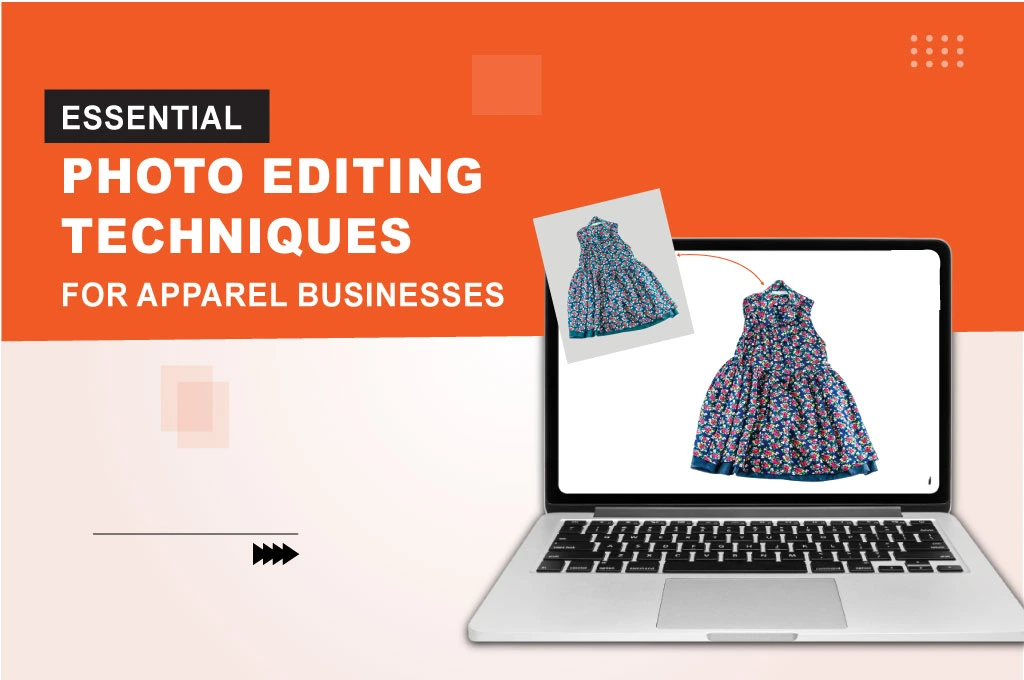
Attracting customers to your business doesn’t just revolve around product image editing techniques, but also depends on them. High-end product images are at the heart of every e-commerce store’s content globally.
Even after taking great pictures of the product, they have various types of imperfections, and that’s why editing them is essential. For good reason, you can’t keep photo editing and e-commerce product photography completely separate.
Let’s find out what types of photo editing are there for the apparel business and how they contribute to making pixel-perfect images.
Essential Image Editing Techniques at a Glance
| Photo Editing Technique | Key Benefit |
| Remove Background | Eliminates distractions and highlights the main product |
| Neck Joint | Removes the mannequin neck to create a natural 3D look for clothing |
| Photo Retouching | Improves image quality by cleaning imperfections and enhancing details |
| Shadow Making | Adds depth to the product, making it look more natural and appealing |
| Color Correction | Restores accurate product colors to maintain authenticity |
| Clipping Paths and Masking | Hides or reveals specific areas to enhance the overall visual quality |
| Cropping / Resize | Focuses attention on the product and optimizes the image for web use |
Apparel Image Editing Techniques Include:
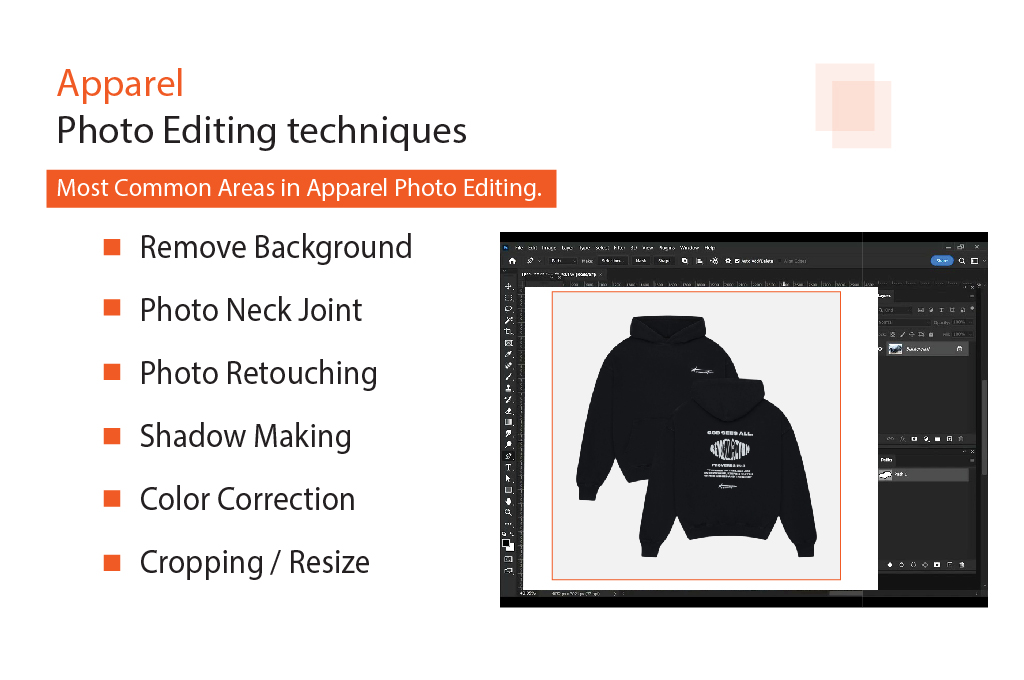
E-commerce photo editing has a broad scope. Let’s discuss some of the most common areas in retail photo editing.
-
Remove Background
-
Photo Neck Joint
-
Photo Retouching
-
Shadow Making
-
Color Correction
-
Cropping / Resize
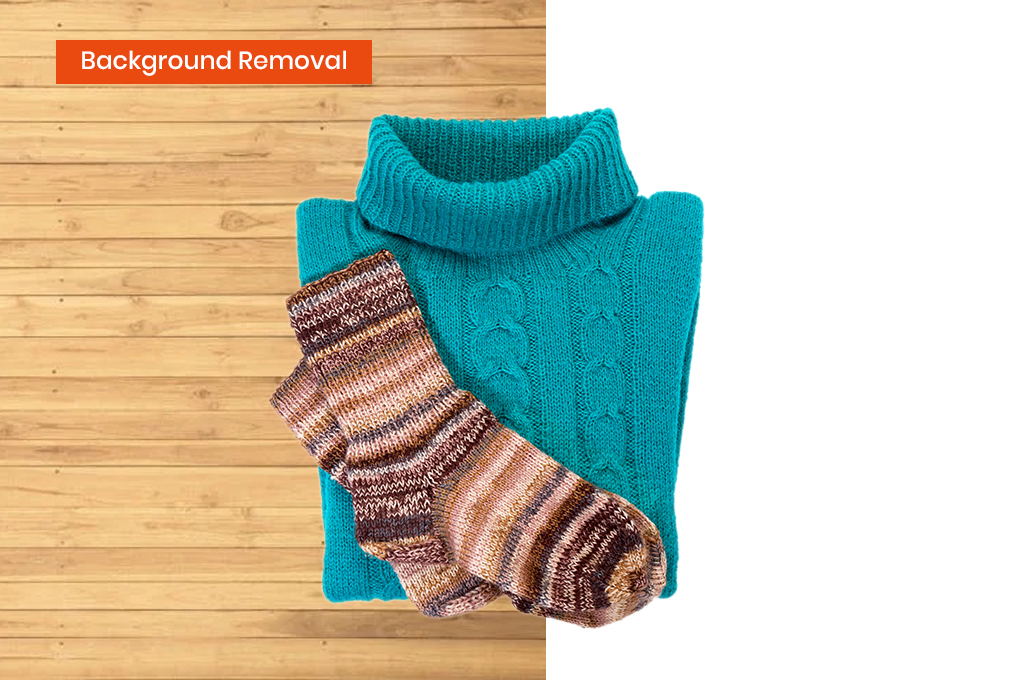
Background Removal:
Photo background removal may seem simple, but it can sometimes be quite challenging. Professional image editors can assist you with this. They can remove any unwanted object that detracts from the overall impression of an image. They can offer background removal techniques for simple, compound, complex, and even super-complex images.
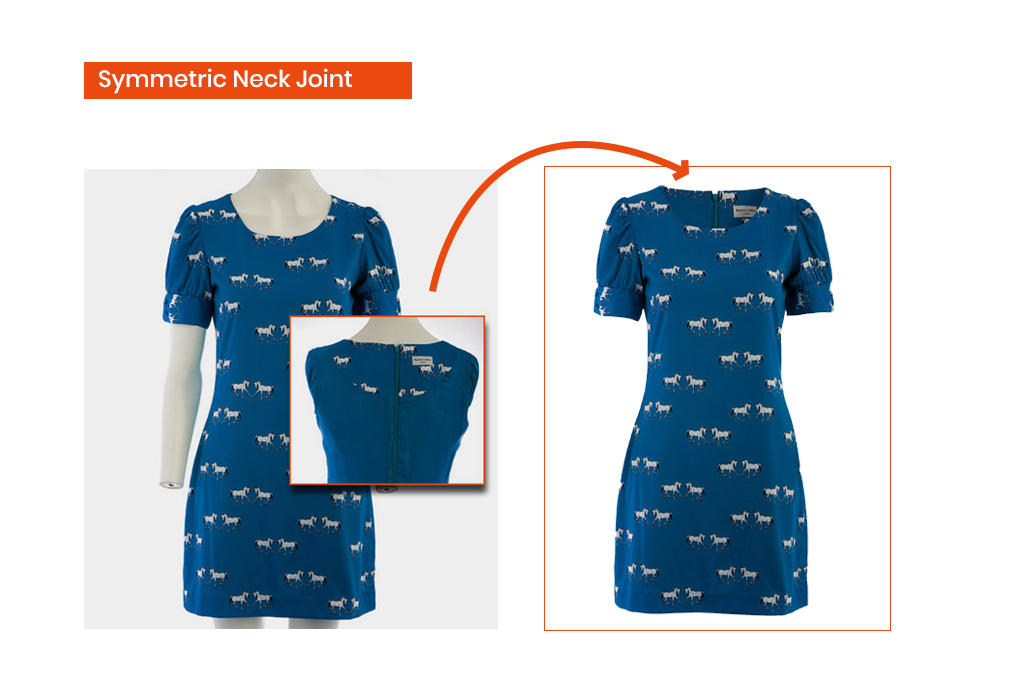
Symmetric Neck Joint Photo Editing:
If you took a great photo of a shirt and wanted to upload it to your site, you would need to cut out the neck from the shirt. This is where neck joint photo editing comes in. It’s a process of image manipulation where the neck is cut out from the image using Photoshop and then displayed on an e-commerce site or online store. Achieving 100% accuracy is essential for this transformation.
You may also like to read… Benefits of Ghost Mannequin Effect Editing for Stunning Product Displays.
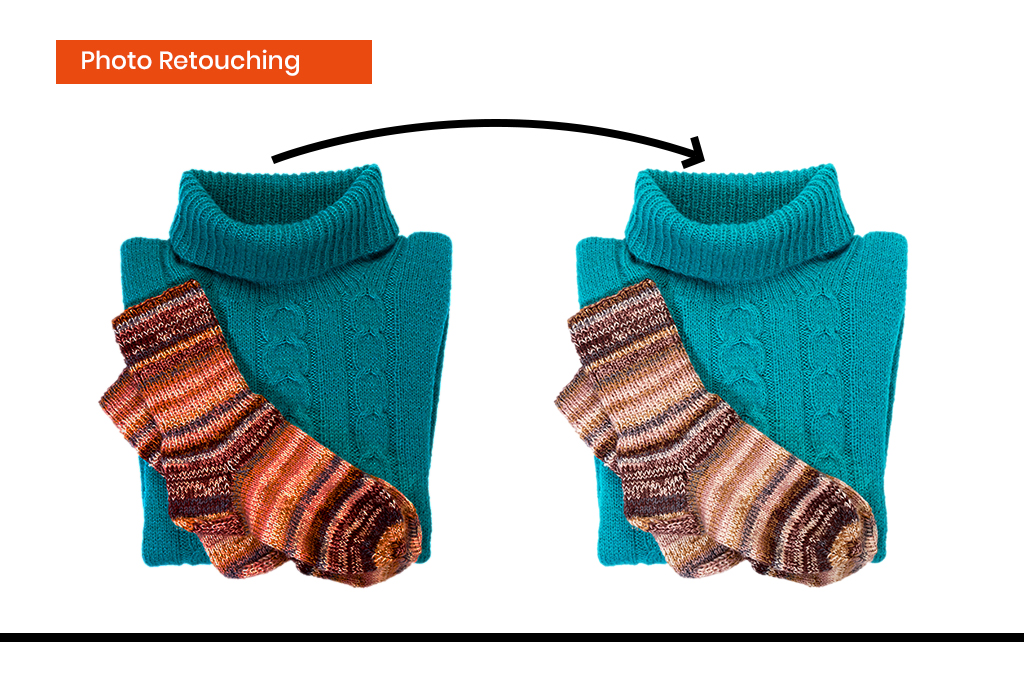
Apparel Photo Retouching:
Apparel product photo retouching makes images stand out by removing reflections and other imperfections. Dust or other unwanted elements may be present in a photo but go unnoticed during the shoot. Image editors remove these imperfections and enhance the images through retouching.
You may also like to read… Understanding Professional Photo Retouching and its Importance!
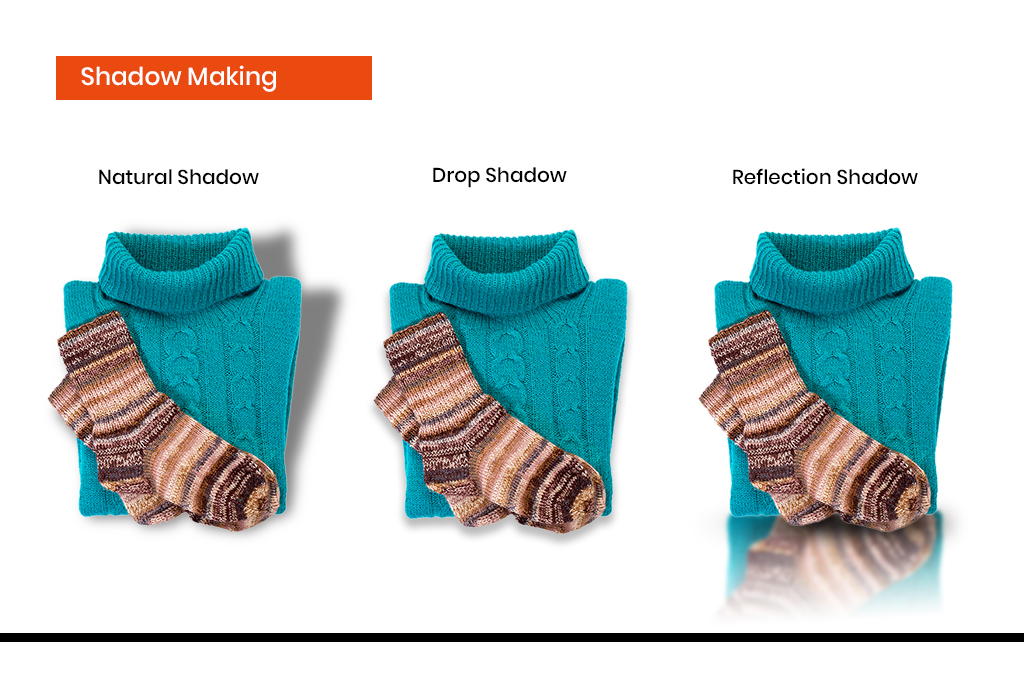
Shadow Making Photo Editing:
Shadow editing is essential for all e-commerce sites. When capturing product images, shadows are inevitable.
- Natural Shadow: This involves removing the background while preserving the product’s natural shadow. This editing technique maintains the original shadow and places it on a new background.
- Drop Shadow: This shadow is a natural part of a photo, but it can distract visitors on an e-commerce site. Expert designers remove or adjust the drop shadow to a standard level, enhancing the overall appeal of the product image.
- Reflection Shadow: Also known as mirror shadow, this effect creates the look of a product reflected in a mirror.
You may also like to read… Different Types Of Shadows In Photoshop
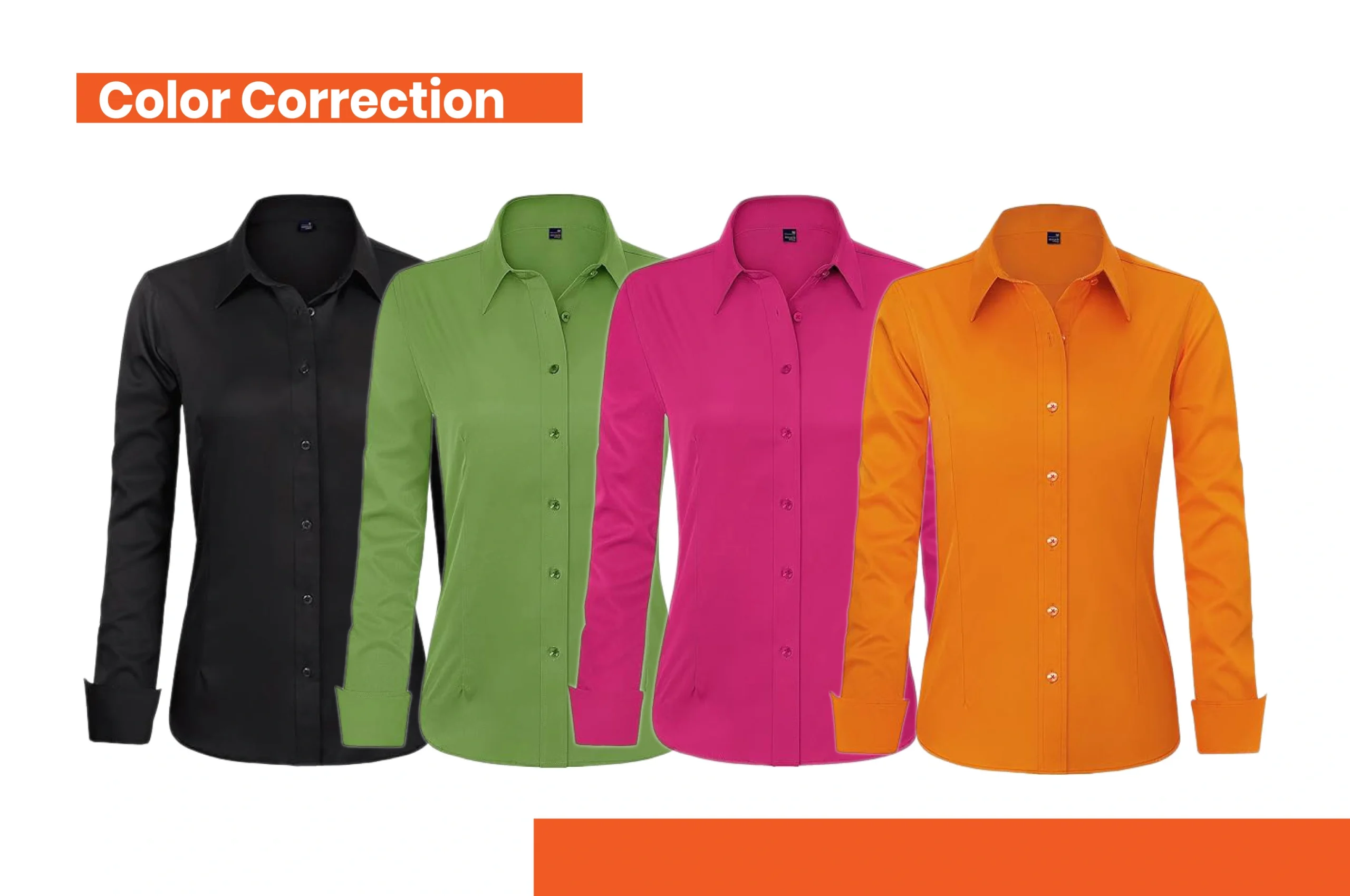
Color Correction Photo Editing:
Color correction is a common technique for e-commerce sites. Sometimes, the colors in a photo do not appear correctly when taken. Photoshop apparel photo editing techniques can correct this and restore the image to its desired color.
What if you discarded that incorrect photo? You’d need to take another picture. But with color correction image editing techniques, image editors can transform the photo into the desired version without needing a reshoot.
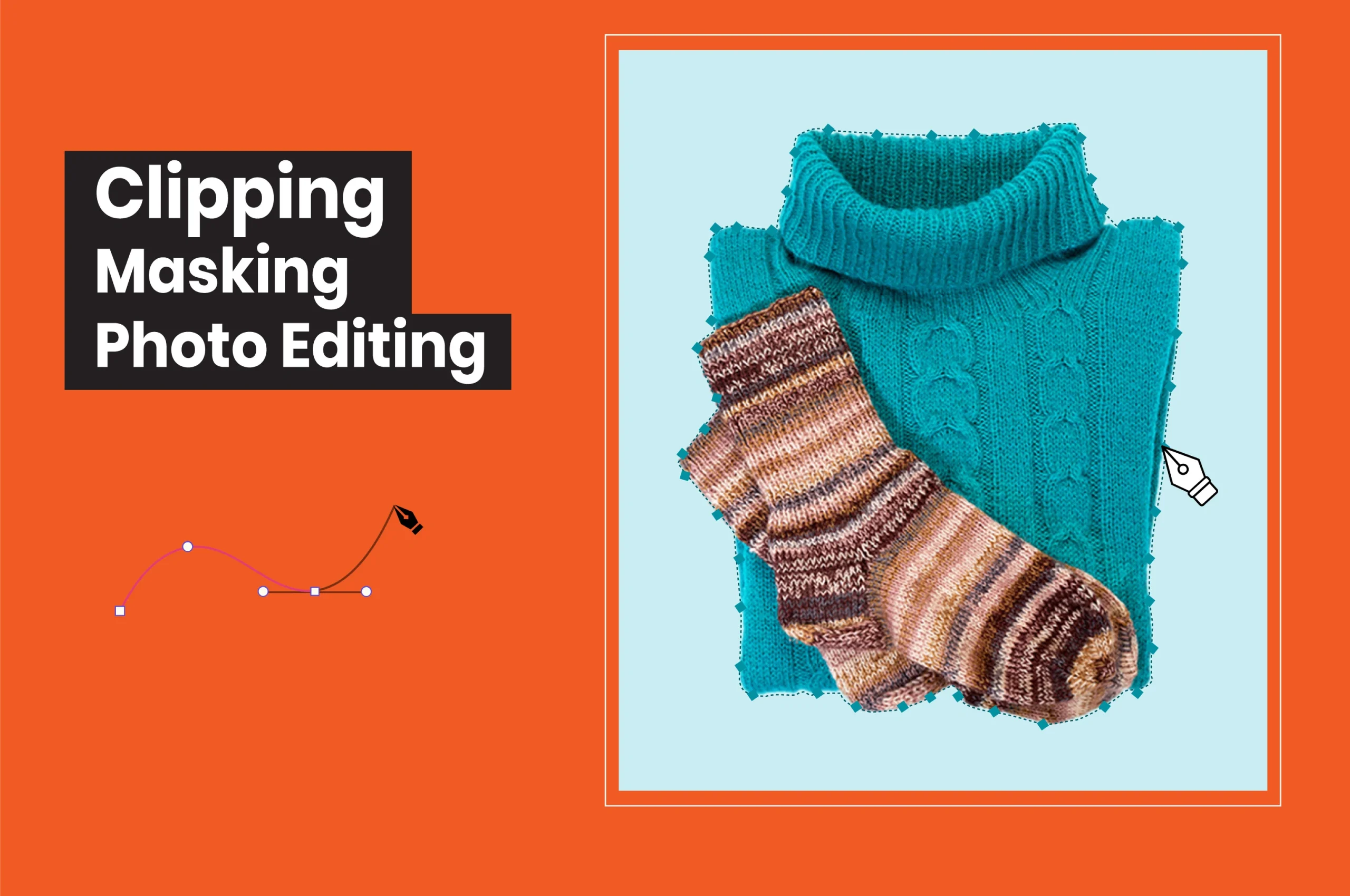
Clipping Masking Photo Editing:
Clipping paths and masking techniques are used to either hide certain parts of an image or cut out specific elements to place them on another layer. This allows for adjusting visibility or transparency. For instance, when two images are layered on top of one another, you can set the transparency level to 60%, making the bottom image partially visible.
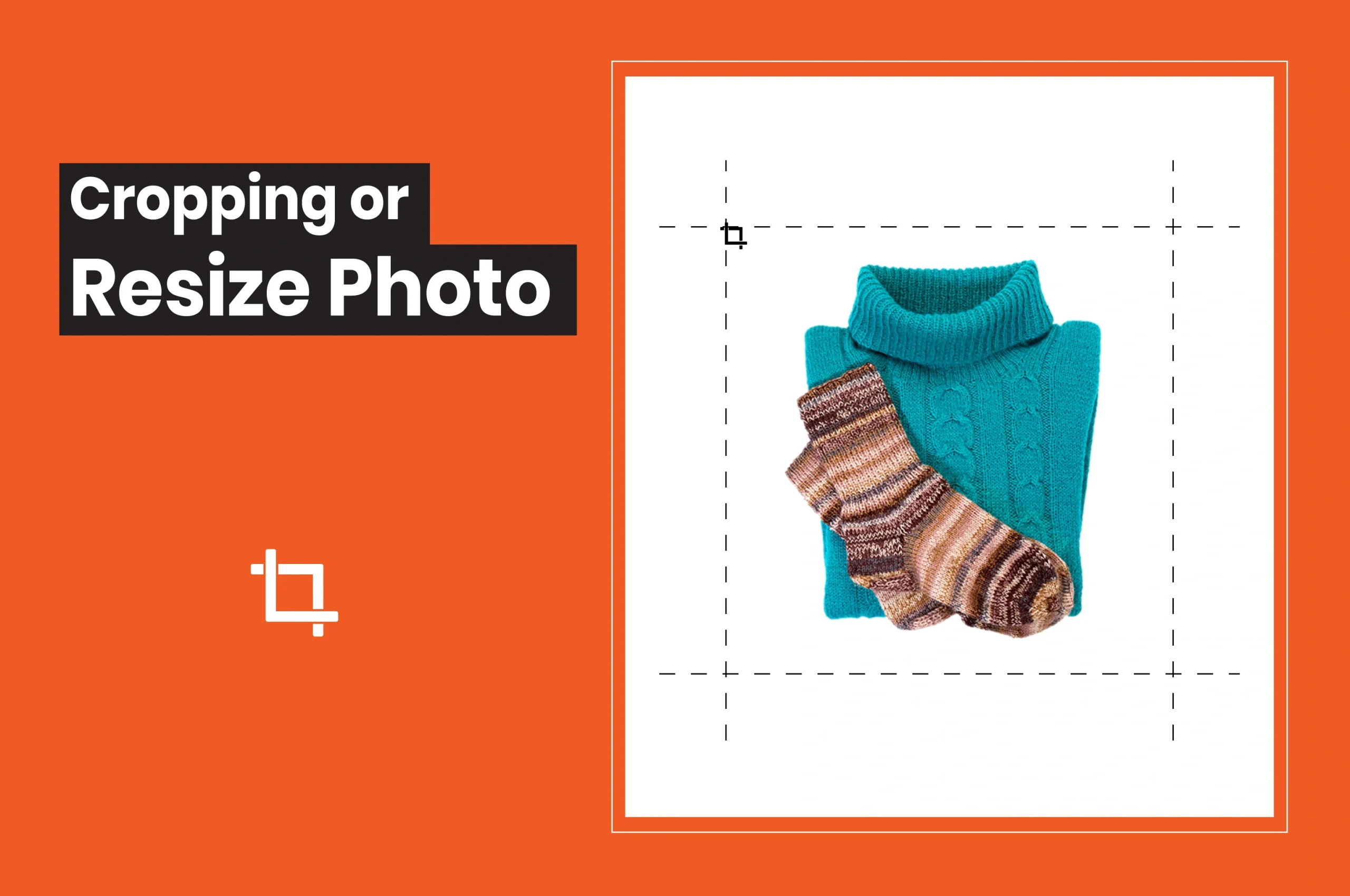
Cropping / Resize Photo:
Image editors can resize photos to 1000 pixels or larger to meet Amazon’s Zoom function requirements. Cropping the image ensures the product fills at least 85% or more of the frame, enhancing its visibility on the platform.
Conclusion
Each of these image editing techniques plays a significant role in making your clothing images appealing to store visitors. From background removal to cropping/resizing, the proper application of these editing processes puts the focus on the product within the image.
At no cost should you auction off this lack of expertise; even if necessary, you should resort to a professional photo editing service provider. It can be a worthwhile investment to increase the sales of your e-commerce business.